
Landscape work ticket software is a mobile and office tool that tells crews what to do at each property and records what actually happened. For a growing landscape company, the ticket is where estimates, schedules, labor and invoices meet. When it lives on paper, that link breaks.
Quick answer: Choose software that puts instructions, checklists, photos and time on one digital ticket. It should also feed scheduling, invoicing and job costing without re-entry.
What Is Landscape Work Ticket Software?
It is a digital replacement for the paper job sheet. Each ticket holds the property address, scope of work, materials, crew notes and sign-off. As a result, the office sees progress the same day instead of at the end of the week.
A work ticket is simply the instruction and record for one visit or job. Therefore, the quality of your tickets shapes the quality of your billing and your profit data.
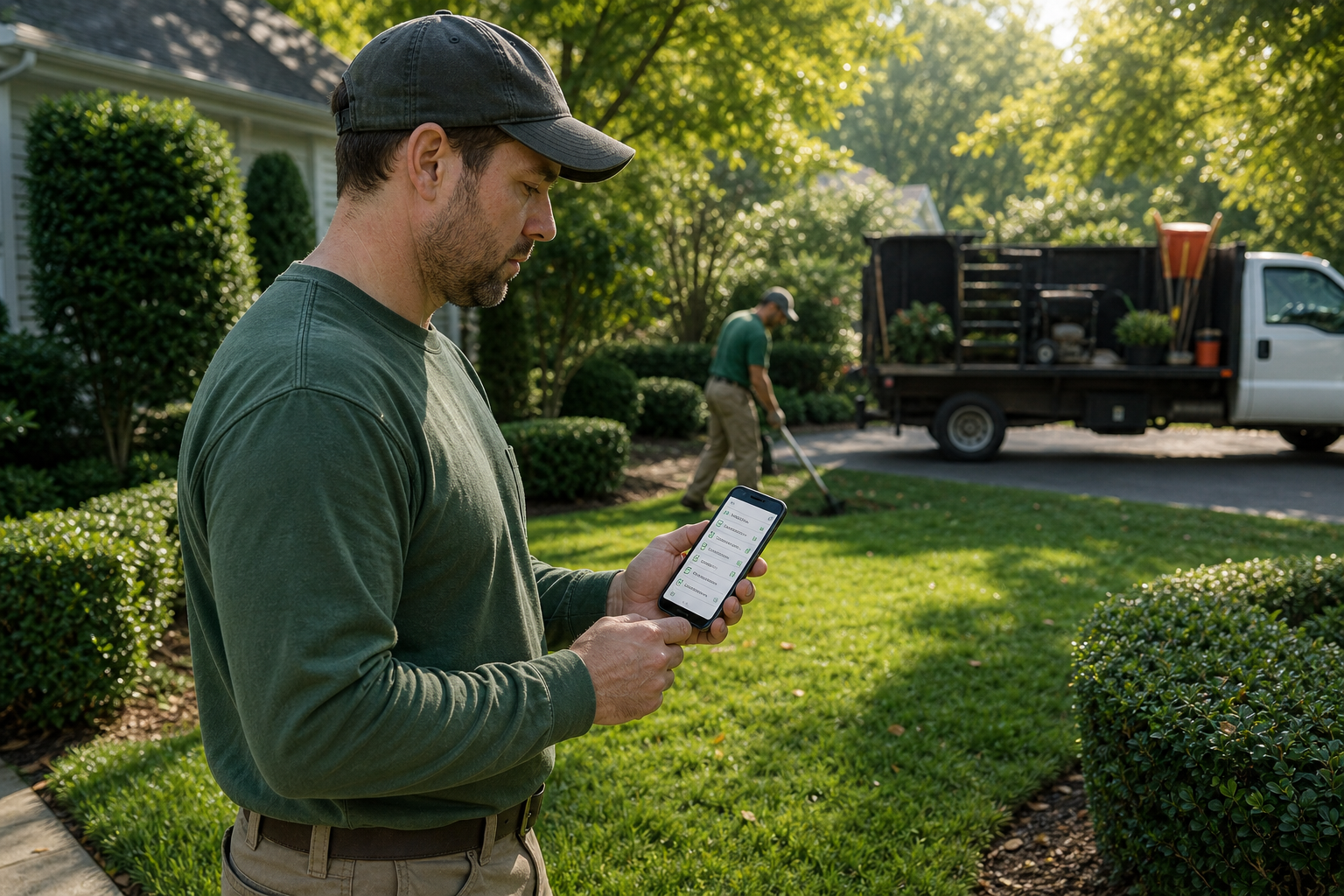
A crew leader reviews a digital job ticket before starting work.
Why Paper Tickets Cost Landscape Companies Money
Paper tickets get wet, lost and misread. In addition, someone must type the details into another system later. That delay slows invoices and hides labor overruns until it is too late to fix them.
Digital tickets solve the timing problem. For example, a manager can see that a mulch job ran four hours over while the crew is still nearby, not weeks later in a report.
Key Features of a Digital Job Ticket System
- Checklists: Standard steps for each service so quality stays consistent.
- Photos: Before and after images tied to the property record.
- Time tracking: Hours logged by job, not only by day. See this guide to landscape time tracking software.
- Issue reporting: A way to flag damage, access problems or upsell chances.
- Scheduling link: Tickets that follow crew assignments and routes.
- Billing link: Completed work that flows into invoices. Compare options in this landscape billing software guide.
How Work Tickets Support Job Costing
Job costing compares what a job cost with what you estimated. Tickets supply the actual numbers: hours, materials and notes. Consequently, estimates built from proposal software can be checked against real results.
The U.S. Small Business Administration notes that tracking costs closely is basic to managing a business. Ticket data makes that practical for field teams.
How to Roll Out Digital Work Tickets
- Map your current ticket. List every field your paper form carries today.
- Build standard templates. Start with your most common recurring and seasonal jobs.
- Connect tickets to the schedule. Link tickets to crews and routes so changes reach phones automatically.
- Train one pilot crew. Run it for two weeks and gather feedback.
- Review completed tickets. Compare hours and materials with the estimate each week.

Same-day ticket data lets the office catch problems early.
What to Ask Before You Choose a Field Ticket App
| Question | Why it matters |
|---|---|
| Does it work offline? | Many properties have weak signal. |
| Is it built for landscaping? | Recurring routes and seasons need special handling. |
| Does it connect to accounting? | Less double entry, fewer errors. |
| Is onboarding included? | Crew adoption decides success. |
One option is True Pro, a platform built by a landscape contractor for landscape companies. Its field app covers work tickets, checklists, photos, issues and time tracking, and it connects to scheduling, invoicing, job costing and QuickBooks. Specialty teams, such as irrigation and lighting companies, can use the same workflow.
Common Mistakes to Avoid
First, do not copy a cluttered paper form into an app. Second, do not skip training. Finally, avoid requiring every field on every ticket. Crews will rush through them. Start with the essentials and add detail later.
Frequently Asked Questions
What is landscape work ticket software?
Landscape work ticket software is a digital tool that gives crews job instructions and captures their time, photos, materials and notes. It replaces paper tickets with records the office can review immediately.
What is a work ticket in landscaping?
A work ticket is the document that tells a crew what to do at a property. It usually lists the address, scope, materials, special instructions and completion notes.
Why switch from paper to digital work tickets?
Digital tickets reduce lost paperwork, speed up billing and give the office same-day visibility. They also create a searchable record if a customer disputes the work.
What features should work ticket software include?
Look for checklists, photo capture, time tracking, issue reporting, offline use and a link to scheduling and invoicing. Job costing support is also important.
Does work ticket software help with job costing?
Yes. When crews log time and materials on each ticket, you can compare actual costs with the estimate. That shows which jobs make money.
Can crews use work tickets without cell service?
Some mobile apps work offline and sync later, but not all do. Confirm this before you buy, since many properties have weak coverage.
How do work tickets connect to invoicing?
In an integrated platform, a completed ticket can trigger an invoice or feed a batch invoice run. This removes re-entry and reduces billing delays.
How long does it take to roll out digital tickets?
A pilot with one crew can start within days, and a full rollout often takes a few weeks. Timing depends on data migration and how many ticket templates you need.
What mistakes do companies make with digital tickets?
Common errors include copying messy paper forms exactly, skipping crew training and requiring too many fields. Start simple and add detail once crews are comfortable.
Is work ticket software different from general field service software?
It can be. Landscape-specific tools handle recurring routes, seasonal work and property-based records, which generic tools often handle poorly.
Can work tickets support quality control?
Yes. Required photos, checklists and issue flags let managers review work and catch problems early. Site audits can build on the same records.
Does True Pro offer landscape work ticket software?
True Pro includes a field operations mobile app with work tickets, checklists, photos, issues and time tracking. It connects to scheduling, invoicing and job costing.
Conclusion
Good landscape work ticket software turns each visit into clean data: what was planned, what was done, how long it took and what to bill. Choose a tool built for landscape workflows, test it with one crew, and make sure tickets feed scheduling, invoicing and job costing. Then your field work and your profit numbers finally tell the same story.