
Landscape time tracking software is a tool that records when crew members start and stop work, usually from a phone, and assigns those hours to specific jobs. For a landscape company, that means payroll is cleaner and every job's labor cost is visible. Below, you will find the features that matter, a rollout process, and answers to common questions.
Short answer: Choose software that lets crews clock in by job on a mobile app, supports approvals, and sends hours to payroll and job costing. Hours that never connect to estimates only tell you half the story.
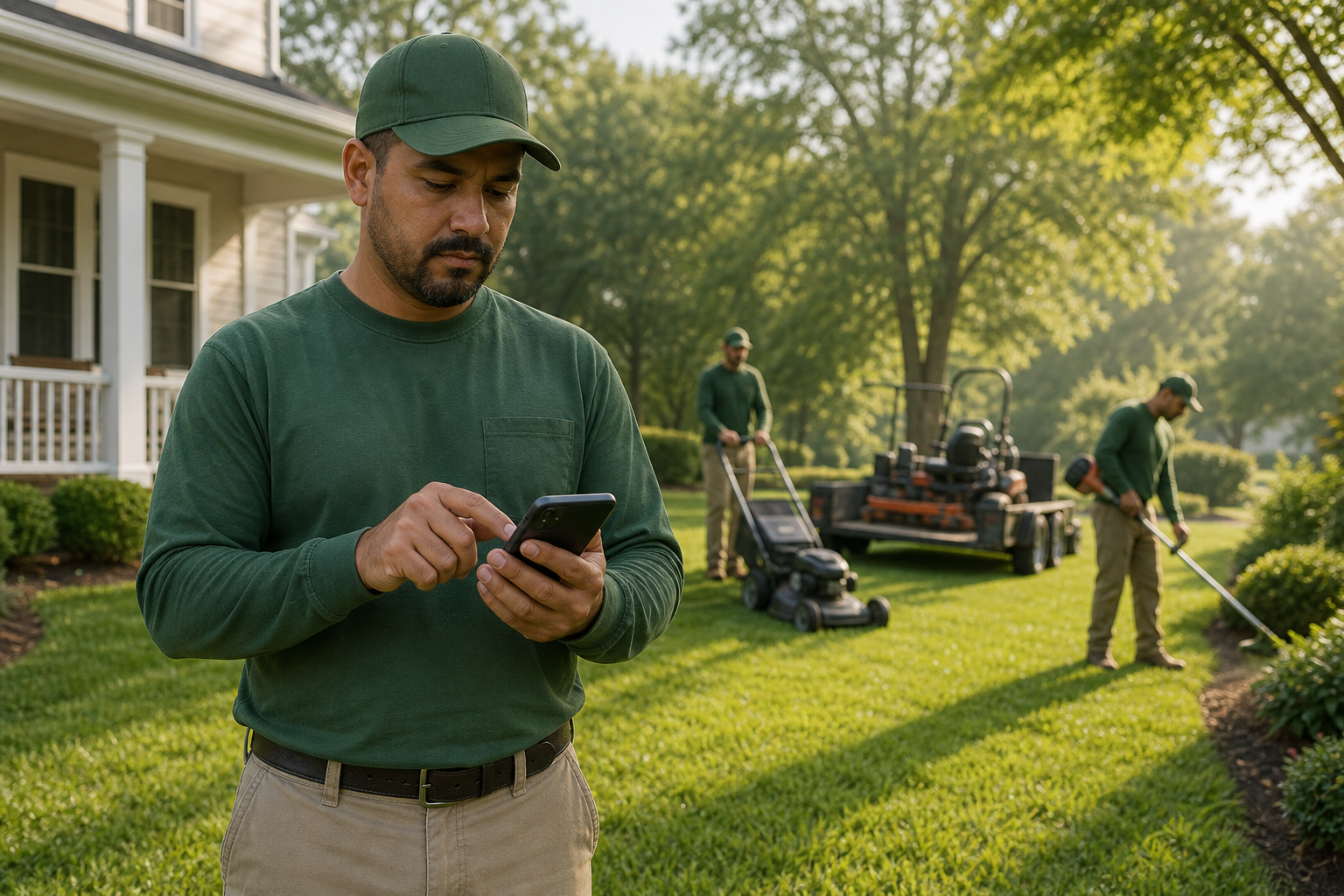
A crew leader logs hours on a phone, the core habit behind landscape time tracking software.
What Is Landscape Time Tracking Software?
It is a mobile and desktop system that captures hours worked by each employee and links them to a job, property or task. In addition, it gives managers a place to review and approve those hours before payroll runs.
Unlike a generic punch clock, it understands that crews move between sites in a single day. As a result, hours land on the right job instead of one daily total.
Why Crew Hours Drive Landscape Profit
Labor is usually the biggest cost on a landscape job. Therefore, a small gap between estimated and actual hours can erase the margin. The U.S. Bureau of Labor Statistics explains the basics of federal wage and hour rules, which also make accurate records a legal need, not just a nice extra.
Paper timesheets often get filled out at the end of the week from memory. Consequently, hours are rounded, missed or shifted between jobs. Digital tracking records time as it happens.
Key Features to Look For
Mobile clock-in tied to work tickets
Crews should clock in against a scheduled job, not a blank screen. For example, a ticket can show the address, checklist and notes. Our guide on software that is easiest for field crews to use covers why simplicity wins adoption.
Job-level hours and cost reporting
Hours should roll into job costing, so you can compare budget with actual labor. In particular, look for reports by crew, property and service type.
Approvals and payroll support
Managers need to review, edit and approve time before pay. Moreover, approved hours should export cleanly to payroll or accounting. True Pro describes this on its time tracking and payroll page.
GPS, alerts and automation
Location data can confirm that work happened on site. Meanwhile, automated alerts can flag missed clock-outs or overtime risk. See how automated workflow notifications reduce manual follow-up.

Weekly approvals catch errors before they reach payroll.
Standalone App or All-in-One Platform?
A standalone app is quick to start. However, hours stay separate from estimates, schedules and invoices, so someone must reconcile them.
| Factor | Standalone | All-in-one |
|---|---|---|
| Setup speed | Fast | Moderate |
| Link to estimates | Manual | Built in |
| Job profitability | Needs exports | Real-time reports |
True Pro takes the all-in-one route. It is business software built by a landscape contractor, covering leads, estimates, scheduling, crew work, time tracking, invoicing and job profit reports, with QuickBooks integration. It suits growing landscape and outdoor service companies that have outgrown their current systems. Teams in trades such as hardscaping and masonry benefit from job-level labor data.
How to Roll Out Time Tracking With Your Crews
- Define your pay and job rules, including overtime, breaks and job codes.
- Load employees, crews and scheduled work tickets into the system.
- Train crew leaders first, then let them coach their crews.
- Run a one-week pilot and compare results with paper records.
- Approve timesheets weekly and check hours against estimates.
Common Mistakes to Avoid
First, skipping training leaves crews guessing. Second, too many job codes slow clock-ins. Finally, many owners collect hours but never compare them with estimates, which wastes the main benefit.
Frequently Asked Questions
What is landscape time tracking software?
It is software that records when crews start and stop work, usually from a phone, and assigns those hours to specific jobs. The data feeds payroll and job costing.
Why do landscaping companies need it?
Labor is typically the largest cost on a landscape job. Without accurate hours by job, you cannot tell which work earns a profit.
How does time tracking work in the field?
Crew members clock in from a mobile app, often against a scheduled work ticket. They can switch jobs during the day and the app logs each segment.
Can it track time by job instead of by day?
Yes. Good systems split hours across jobs, properties or tasks so you can compare actual labor with the estimate.
Does it replace paper timesheets?
In most cases, yes. Digital entries remove handwriting errors and the re-typing that paper timesheets require.
Does GPS time tracking raise privacy concerns?
It can, so be clear about when location is recorded. Tell crews that location is used for job verification during work hours, and check your state's rules.
How does it connect to payroll?
Approved hours export or sync to payroll or accounting tools. This cuts manual entry and reduces pay errors.
Is standalone time tracking better than an all-in-one platform?
A standalone app is simpler to start, but hours then live apart from schedules and estimates. An all-in-one platform links time to jobs and profit without re-entering data.
How long does it take to roll out?
A small pilot can start within days. Most companies need a few weeks to train every crew and settle approval habits.
What are common mistakes when adopting it?
Typical mistakes include skipping crew training, using too many job codes, and never reviewing approved hours against estimates.
What should I look for when comparing tools?
Prioritize ease of use for crews, job-level tracking, approvals, payroll or accounting export, and reporting. Ask for a demo using your own crew structure.
Does True Pro include time tracking?
Yes. True Pro offers time tracking and payroll support alongside scheduling, a field mobile app, job costing and QuickBooks integration for landscape and outdoor service companies.
Conclusion
Landscape time tracking software gives you accurate crew hours, faster payroll and a clear view of job profit. Look for simple mobile clock-in, job-level tracking, approvals and links to payroll and costing. Start with a small pilot, review hours against estimates weekly, and let the data guide your pricing.