
Landscape billing software is the system that growing landscaping, lawn care, hardscaping, irrigation, and pest control companies use to turn finished work into paid invoices without re-entering data by hand. For many outdoor service businesses, billing is still stitched together from spreadsheets, paper tickets, and an accounting tool that never quite matches the schedule. As a result, invoices go out late, crews get paid for jobs nobody billed, and owners lose track of which properties are actually profitable. In contrast, landscape billing software connects scheduling, field work, and invoicing in one place, so every completed job turns into an accurate bill automatically. This guide explains what to look for, how it works day to day, and how True Pro approaches billing specifically for landscape companies.
Quick answer: Landscape billing software automates invoicing, online payments, and job-level profit tracking for landscaping and outdoor service companies by pulling data directly from scheduling and field work, instead of requiring office staff to rebuild each invoice from scratch.
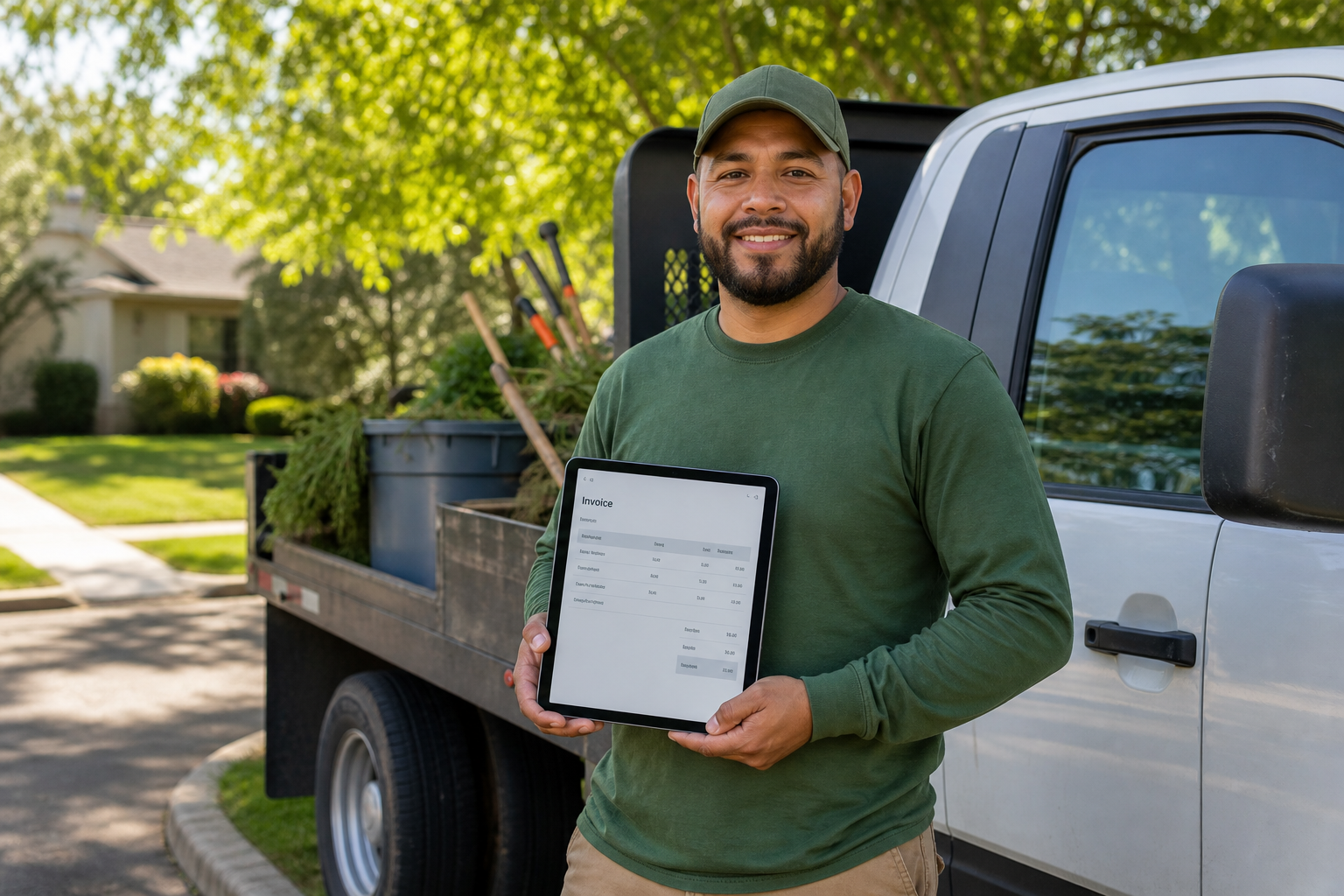
Landscape billing software turns a finished job into a ready-to-send invoice before the crew leaves the property.
What Is Landscape Billing Software?
Landscape billing software is a dedicated system that automates invoicing, payment collection, and billing records for landscaping, lawn care, and outdoor service businesses. Unlike generic accounting tools, it starts from the work order rather than a blank invoice form.
Specifically, it links the original estimate, the scheduled visit, and the completed work ticket to a single invoice. As a result, the amount billed reflects the labor, materials, and time actually recorded in the field, not a rough guess from memory. Most platforms also store customer and property history, so repeat billing for recurring maintenance routes does not require starting over each month. For companies managing dozens or hundreds of properties, this connection between fieldwork and billing is often the difference between a profitable season and one spent chasing payments.
Why Growing Landscape Companies Need Dedicated Billing Software
As a landscape company adds crews and properties, manual invoicing stops scaling. Office staff spend hours matching time cards, material receipts, and job notes to a single bill, and mistakes slip through during busy seasons.
The U.S. landscaping services industry generates well over $100 billion in annual revenue, according to industry research firm IBISWorld, which means competition for skilled office staff and efficient back-office systems is intense across the sector. Meanwhile, the U.S. Small Business Administration regularly highlights cash flow management as one of the top operational challenges for small service businesses. In contrast to a spreadsheet-based process, dedicated billing software closes the gap between finishing a job and getting paid for it.
Furthermore, dedicated software reduces the risk of billing a customer for the wrong service tier, missing a one-time add-on like irrigation repair, or forgetting to invoice a seasonal contract renewal altogether. Because every piece of billing-relevant information lives in one system, owners gain a clearer, faster view of what has actually been collected versus what is still outstanding.
Key Features to Look for in Landscape Billing Software
Not every billing tool is built with outdoor service work in mind. Therefore, it helps to evaluate options against the specific demands of recurring routes, seasonal contracts, and crews working off-site.
- Automated and batch invoicing for recurring maintenance routes, so bills go out on schedule without manual triggering.
- Online payment processing that lets customers pay by card or bank transfer directly from the invoice.
- Job costing integration that compares budgeted versus actual labor, material, and equipment costs per job.
- Mobile field access so crews can log time, materials, and photos that feed directly into the final bill.
- Accounting integration, particularly with QuickBooks, to keep the general ledger and financial reports current.
In addition, reporting dashboards that show collections, outstanding balances, and job profitability in one view help owners make faster decisions instead of waiting for month-end reports.
How Landscape Billing Software Connects to Job Costing and Profitability
Billing and job costing are closely related, yet many systems treat them separately. Specifically, an invoice only tells part of the story unless it is compared against what the job actually cost to deliver.
When billing software shares data with a job costing system, owners can see real-time profit and loss for each property, not just a lump total at the end of the season. Consequently, a crew that consistently runs over budget on a specific route becomes visible immediately, rather than showing up as a vague dip in year-end margins. This connection also supports better pricing decisions on future estimates, since historical job costs inform what a similar property should actually be quoted next time.

Connecting billing data to job costing gives owners a real-time view of profit, not just revenue.
Landscape Invoicing Software vs. Generic Accounting Tools
General accounting platforms are excellent at bookkeeping, tax reporting, and financial statements. However, they were not built to understand a mowing route, a seasonal irrigation startup, or a crew's daily work ticket.
| Capability | Generic Accounting Software | Landscape Invoicing Software |
|---|---|---|
| Ties billing to field work | No | Yes |
| Recurring route billing | Limited | Built in |
| Job-level profit tracking | Manual | Automated |
As the table shows, the gap is not about which tool is "better" in general. Rather, it is about which tool was designed around how landscape companies actually price and deliver work. Platforms like QuickBooks remain valuable for core accounting, but they typically work best when paired with a billing system built specifically for field service operations.
How True Pro Supports Billing for Landscape and Outdoor Service Companies
True Pro was built by a landscape contractor for landscape contractors, which shapes how its billing tools work in practice. Rather than bending a generic field service platform to fit landscaping, the system follows how landscape companies actually estimate, schedule, and get paid for work.
Specifically, estimates created with reusable templates and branded proposals, signed digitally through True Pro Signature, flow directly into scheduling and then into customer and property records managed in the CRM. Once a crew completes a job through the mobile field app, that work ticket feeds automated or batch invoicing, and customers can pay online through True Pay. For companies handling specialty work such as irrigation and lighting installs alongside regular maintenance routes, billing stays consistent whether the job is a one-time install or a recurring contract. You can review the full platform at truepro.com or start from the True Pro homepage to see how the pieces connect.
Step-by-Step: Setting Up Landscape Billing Software
Switching billing systems can feel disruptive mid-season, so a structured rollout reduces risk. The following sequence reflects how most landscape companies move from manual invoicing to a dedicated platform.
- Audit your current billing workflow. Map out how invoices currently move from a finished job to a paid bill, including every manual step, spreadsheet, and approval along the way.
- Choose software built for outdoor service work. Select a platform designed around recurring routes, property-based pricing, and crew scheduling instead of adapting a generic tool.
- Import customers, properties, and price lists. Migrate existing records and pricing templates so estimates and invoices start from accurate, ready-to-use data.
- Connect accounting and payment tools. Link the billing software to QuickBooks and enable online payments so data syncs automatically.
- Train crews and office staff. Walk both groups through how work tickets and approvals flow into a finished invoice.
- Run a parallel billing cycle. Process one full cycle in both systems side by side to confirm totals match before retiring the old process.

Online payment options shorten the gap between finished work and collected revenue.
Frequently Asked Questions About Landscape Billing Software
What is landscape billing software?
Landscape billing software is a tool that automates invoicing, payment collection, and billing records for landscaping, lawn care, and outdoor service companies. It typically connects to scheduling and job data, so invoices reflect the work crews actually completed.
How is landscape billing software different from general accounting software?
General accounting software handles bookkeeping but rarely tracks crew schedules, property details, or job-level costs. Landscape billing software ties invoicing directly to the work order, so billing matches what happened in the field.
How much does landscape billing software typically cost?
Pricing varies by provider and usually depends on the number of users, crews, or properties managed. Most platforms charge a monthly subscription, and companies should weigh that cost against time saved on manual invoicing.
How long does it take to set up landscape billing software?
Basic setup can take one to two weeks for a small company, while larger operations with historical data migration may need four to six weeks. Guided onboarding and data migration support can shorten that timeline considerably.
Can landscape billing software integrate with QuickBooks?
Yes, many landscape billing platforms sync with QuickBooks to keep the chart of accounts, general ledger, and financial reports aligned. This reduces duplicate data entry between the field team and the back office.
What features should I look for in landscape billing software?
Look for automated and batch invoicing, online payment processing, job costing, recurring billing for maintenance contracts, and mobile access for crews. Dashboards showing profit by job or property are also valuable.
Does landscape billing software support online payments?
Most modern landscape billing platforms include an online payment option so customers can pay invoices by card or bank transfer. True Pro, for example, processes payments through its built-in True Pay feature.
What common mistakes do landscaping companies make when choosing billing software?
A common mistake is choosing a generic field service tool not designed around recurring mowing routes or seasonal contracts. Another mistake is skipping data migration, which leaves historical records stranded in the old system.
Can landscape billing software handle recurring maintenance contracts?
Yes, dedicated landscape billing software supports recurring billing cycles for mowing, irrigation checks, and seasonal maintenance work. It can generate invoices automatically on a set schedule instead of requiring manual entry each visit.
How does landscape billing software improve job costing?
By linking invoices to the original estimate and actual labor, material, and equipment costs, it gives owners a real-time view of budget versus actual spend per job. This makes unprofitable jobs easier to spot before they repeat.
Is landscape billing software suitable for small landscaping companies?
Yes, small and growing landscaping companies often benefit the most, since manual invoicing becomes harder to manage as crew count and route volume increase. Adopting billing software early helps a company scale without adding administrative staff at the same rate.
How does landscape billing software help with cash flow?
It shortens the time between finished work and paid invoices by automating billing and offering online payment options, which reduces the days an invoice sits unpaid. Faster collections give owners a clearer, more current picture of available cash.
Final Thoughts on Choosing Landscape Billing Software
Ultimately, landscape billing software works best when it is built around how landscape companies actually price, schedule, and complete work, rather than forced to fit a generic field service mold. As this guide has shown, the strongest systems connect estimating, scheduling, field tickets, and job costing into one billing flow, so invoices go out accurately and get paid faster. For companies that have outgrown spreadsheets or a mismatched accounting tool, moving to dedicated landscape billing software is often one of the most direct ways to improve both cash flow and job profitability. You can learn more about how this approach works in practice by visiting truepro.com.