
Landscape purchasing software is a system that manages vendors, purchase orders, material requests and receiving for landscape companies, and ties every purchase to a specific job. Without it, material costs scatter across receipts, texts and spreadsheets. As a result, profit leaks out before anyone notices.
Quick answer: Look for software that creates purchase orders, stores vendor and product data, tracks material use by job, and syncs with your accounting. If purchases do not reach your job costing, the tool only solves half the problem.
What Is Landscape Purchasing Software?
It is a tool built to control how a landscape business buys materials. That includes plants, stone, mulch, soil, irrigation parts and fertilizer. It records who ordered what, from which vendor, at what price, and for which job.
In contrast to a general accounting tool, it works before the bill arrives. Therefore, you see commitments early, not after the invoice lands.
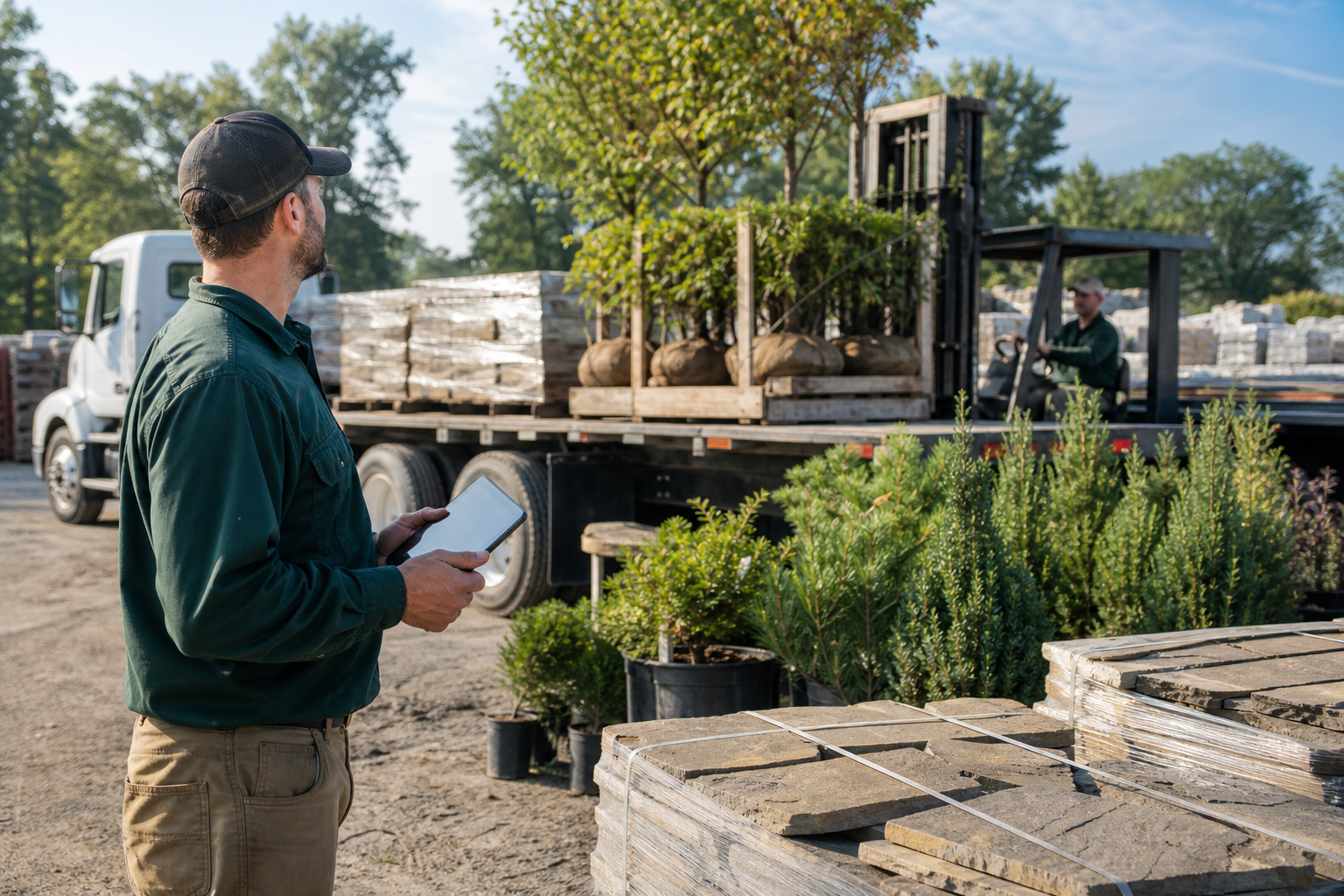
Receiving materials against an order is where landscape purchasing software proves its value.
Why Material Buying Needs Its Own Controls
Materials are often one of the largest job costs after labor. However, many companies still buy on personal cards or phone calls. For example, a foreman picks up extra pavers, and the office never links them to the job.
Consequently, the estimate looks fine while the real margin shrinks. A purchasing workflow makes each buy visible, approved and assigned.
Key Features of Landscape Purchasing Software
Purchase orders and approvals
A purchase order lists items, quantities and agreed prices. Good software lets you create one in a few clicks and route it for approval.
Vendor and product records
Central vendor lists and product catalogs keep prices consistent. Moreover, they save time when estimating, since the same items feed your landscape estimating software workflow.
Material usage tracking
Crews log what they use on a work ticket. Then you can compare planned material to actual material on each job.
Accounting sync
Purchases should flow into your books without retyping. For instance, QuickBooks integration reduces double entry and coding errors.
How Purchasing Connects to Job Costing
Purchasing data matters most when it reaches your profit report. When a purchase posts to a job, you can compare budget against actual cost in real time. Likewise, you can spot a bad price or heavy waste while the job is still open.
For a wider view, see this landscape job management software buyer guide.
How to Choose a Landscape Purchasing Tool
Follow this process to compare options fairly.
- Map your buying process from request to payment, and note where errors occur.
- List must-have features, such as purchase orders, vendor records and accounting sync.
- Confirm purchases and usage post to specific jobs.
- Test a demo purchase with office and field staff.
- Ask how data migration, onboarding and training will work.
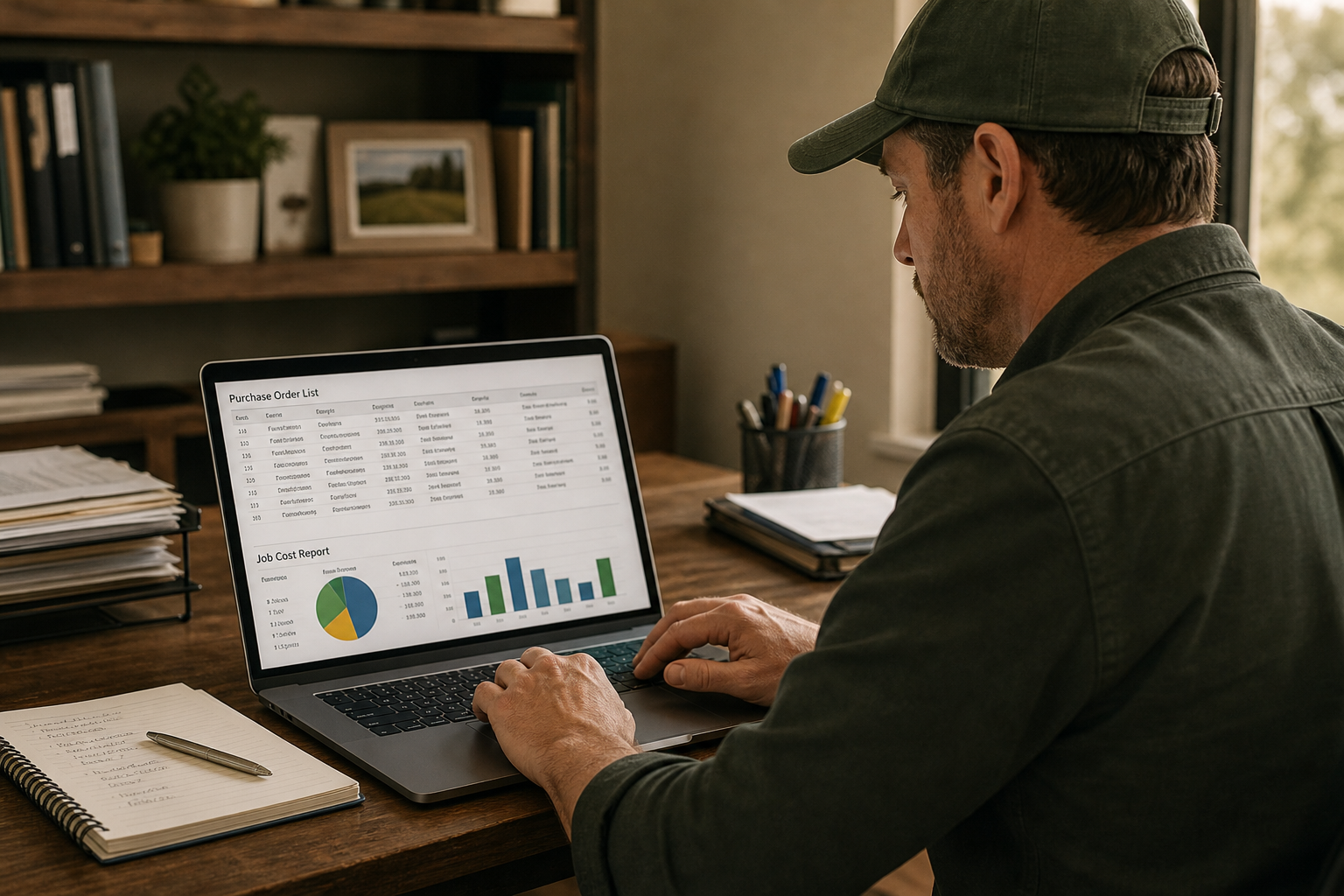
Owners who review purchases against job budgets catch cost overruns earlier.
Standalone Tool or All-in-One Platform?
A standalone tool can work for simple needs. Yet it often forces double entry between estimates, schedules and invoices. An all-in-one platform shares data across those steps.
True Pro is business management software built for landscape and outdoor service companies. It includes inventory and purchasing with products, vendors and material usage. It also covers estimating, scheduling, a field app, invoicing, job costing and a QuickBooks integration, so purchasing sits next to the rest of the job. Because it supports guided onboarding and data migration, teams moving off older systems get help with setup.
Crew adoption matters too. This guide on software that field crews find easy to use covers what to test. For broader context, read the landscaping software guide.
Common Mistakes to Avoid
- Skipping vendor and product cleanup before import.
- Not training crew leaders on logging materials.
- Allowing purchases with no job assigned.
- Ignoring partial deliveries and price changes.
Frequently Asked Questions
What is landscape purchasing software?
Landscape purchasing software is a tool that manages vendors, purchase orders, material orders and receiving for landscape companies. It ties each purchase to a job so costs are visible.
Who needs landscape purchasing software?
Companies that buy plants, stone, mulch, irrigation parts or other materials regularly benefit most. It helps when several people place orders or when spreadsheets stop keeping up.
How does it differ from general inventory software?
General inventory tools count stock. Landscape-focused tools link purchases and material use to estimates, jobs and profit reports.
Does it connect to QuickBooks?
Many platforms do. True Pro lists a QuickBooks integration, but you should confirm exactly which records sync with any vendor you consider.
Can it help control material costs?
Yes. Comparing budgeted materials to purchased and used materials shows overruns early. That lets you fix pricing or waste problems sooner.
What is a purchase order?
A purchase order is a document sent to a vendor that lists items, quantities and agreed prices. It creates a record you can match against the delivery and the invoice.
Can crews request materials from the field?
With a mobile field app, crews can log material needs and usage on work tickets. Office staff then approve and order.
How long does implementation take?
It varies with data size and team count. Ask each vendor for a timeline that covers data migration, training and go-live support.
How much does landscape purchasing software cost?
Pricing differs by vendor, plan and user count, so request a written quote. Compare it with what material waste and missed billing cost you today.
What are common mistakes when adopting it?
Common mistakes include skipping vendor cleanup, not training crew leaders and failing to link purchases to jobs. Each one weakens cost data.
Is it better as a standalone tool or part of a full platform?
A full platform avoids double entry because purchasing shares data with estimates, scheduling and invoices. Standalone tools can work for very simple needs.
What should I ask in a demo?
Ask the vendor to walk a purchase from request through receipt to job cost report. Also ask how pricing changes and partial deliveries are handled.
Conclusion
Good landscape purchasing software gives you control over vendors, orders and material use, and it feeds that data into job costing and accounting. Start by mapping your current process, then test candidates on a real purchase. Finally, favor tools that connect buying to estimates and profit reports, so every material dollar is accounted for.