
Landscape estimating software is the tool that turns a site walk and a stack of notes into a fast, accurate, branded proposal a client can sign on the spot. For growing landscaping, hardscaping, irrigation, and lawn care companies, the right system replaces spreadsheets and paper takeoffs with repeatable templates, built-in pricing, and digital signatures. In this guide, we will look at what landscape estimating software actually does, which features matter most, and how a purpose-built platform like True Pro compares to generic field service tools.
Direct answer: Landscape estimating software lets crews and office staff build, price, and send professional proposals in minutes instead of hours, then push the approved estimate straight into scheduling, invoicing, and job costing without re-entering data.
What Is Landscape Estimating Software?
Landscape estimating software is a digital system that helps landscaping, hardscaping, irrigation, and outdoor service companies calculate job costs, build proposals, and send them for client approval. Rather than building each bid from scratch, crews pull from reusable templates and pricing libraries, so similar jobs take minutes instead of hours.
Most platforms also connect the estimate to the rest of the job lifecycle. For example, once a client approves a proposal, the numbers flow into scheduling, time tracking, and job costing so nothing gets re-typed. As a result, owners get a clearer, faster picture of whether a job is actually profitable before the crew even shows up.
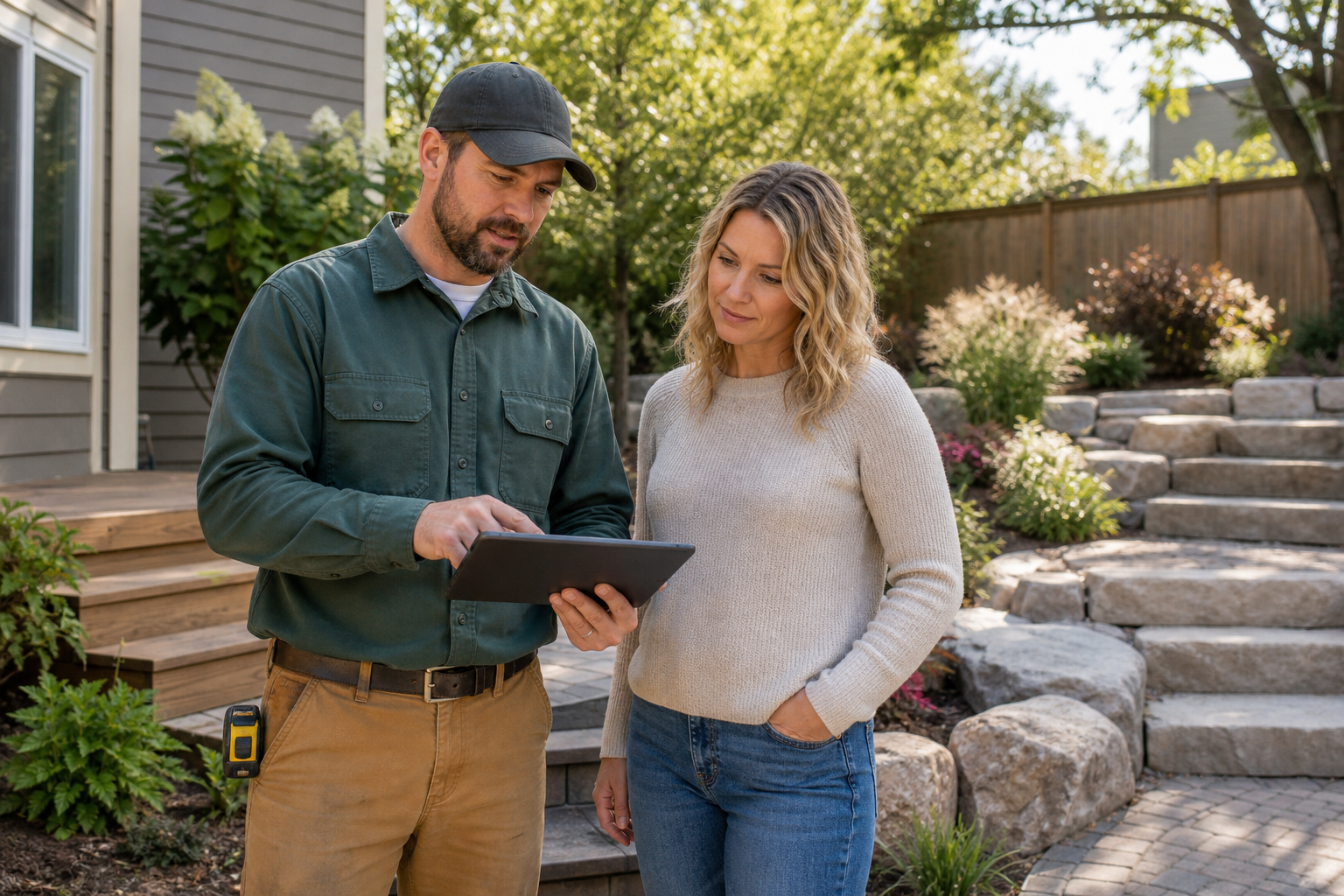
Landscape estimating software lets crew leads review pricing with clients during the same site visit.
Why Growing Landscape Companies Outgrow Spreadsheet Estimating
Many landscape companies start with spreadsheets, handwritten takeoffs, or a generic word processor template. Indeed, that approach works fine at a small scale. However, as crew counts and job volume grow, manual estimating becomes a bottleneck that slows down sales and hides margin problems.
According to the U.S. Bureau of Labor Statistics, the landscaping services industry continues to add jobs faster than many other trades, which means more crews, more estimators, and more room for pricing inconsistency. In contrast, a shared pricing library keeps every estimator working from the same numbers, which reduces costly guesswork.
Furthermore, disconnected spreadsheets make it hard to track which proposals are outstanding, who approved what, and how actual costs compared to the original bid. Consequently, owners often discover underpriced jobs weeks after the crew has already finished the work, when it is too late to adjust.
Key Features to Look for in Landscape Estimating Software
Not every estimating tool is built the same way. Specifically, a few features separate a system that genuinely saves time from one that just moves the spreadsheet online.
- Reusable templates: Standard scopes for mowing, hardscaping, or irrigation that estimators can adjust instead of rebuilding.
- Branded proposals: Professional documents with company logo, photos, and clear pricing that reflect well on the business.
- Digital signature: A way for clients to approve work instantly, such as True Pro Signature, without printing or mailing anything.
- Job costing connection: A direct link between the approved estimate and real-time profit and loss tracking.
- Mobile access: The ability to build or adjust estimates from a phone or tablet during a site visit.
- Accounting integration: A clean connection to QuickBooks so approved estimates and invoices sync without double entry.
How Landscape Estimating Software Connects to Job Costing and Profitability
An estimate is only useful if it reflects what a job actually costs to run. That is why strong landscape estimating software does not stop at the proposal stage; it carries the original budget forward into job costing.
For instance, once a crew logs labor hours, material usage, and time on site, the system compares those actual numbers against the original estimate automatically. This gives owners a real-time, job-by-job profit and loss view instead of waiting for a bookkeeper to reconcile everything weeks later. Similarly, managers can spot a crew running over budget mid-job and step in before the margin disappears entirely.
Step-by-Step: How an Estimate Moves Through the System
Understanding the full path an estimate travels helps explain why connected landscape estimating software saves so much administrative time.
- Capture the property and lead details. Enter the client's contact information, property address, and site photos into the CRM so every future estimate, work ticket, and invoice references the same property record.
- Build the estimate from templates and pricing library. Select a reusable proposal template and pull labor, material, and equipment costs from a shared pricing library instead of calculating each line item from scratch.
- Send the branded proposal for e-signature. Deliver a branded, professional proposal to the client by email or in person and let them review pricing and scope before approving it with a digital signature.
- Convert the approved estimate into a scheduled job. Once the client signs, push the approved estimate directly into the scheduling and dispatch board so the crew receives the correct scope, materials, and job budget.
- Compare actual costs to the estimate for profitability. After the crew logs time, materials, and completed work, compare those actual costs against the original estimate to see real job profitability and adjust future pricing.

Office staff can finish a branded proposal in minutes using saved templates and pricing data.
Landscape Estimating Software vs Generic Field Service Tools
Generic field service platforms try to serve plumbers, HVAC techs, and landscapers all at once. Therefore, landscaping-specific pricing and seasonal scheduling often feel like an afterthought rather than a core design choice.
| Factor | Landscape Estimating Software | Generic Field Service Tools |
|---|---|---|
| Pricing structure | Built around materials, plant costs, and recurring maintenance | Generic line items that need heavy customization |
| Scheduling | Route optimization for recurring seasonal routes | Single-visit job focus, less built for recurring routes |
| Job costing | Direct tie between estimate and real-time profit report | Often limited or handled in a separate accounting tool |
Ultimately, a purpose-built platform understands that landscaping revenue is driven by both one-time installs and recurring contracts, something generic tools were never designed around.
Choosing the Right Landscaping Proposal Software for Your Team
When evaluating landscaping proposal software, start by mapping out your current bottleneck. Is it slow bid turnaround, inconsistent pricing, or a lack of visibility into actual job margins? Above all, the right platform should solve that specific pain point, not just add another login.
True Pro, for example, was built by a landscape contractor for landscape contractors, which is why its estimating tools connect directly to scheduling, field tickets, and job costing rather than sitting apart as a standalone bidding tool. Companies running hardscaping and masonry work alongside irrigation and lighting crews can use the same templates and pricing library across every specialty instead of juggling separate systems. To see the full platform in action, visit the True Pro homepage for an overview of how estimating connects to the rest of the job.
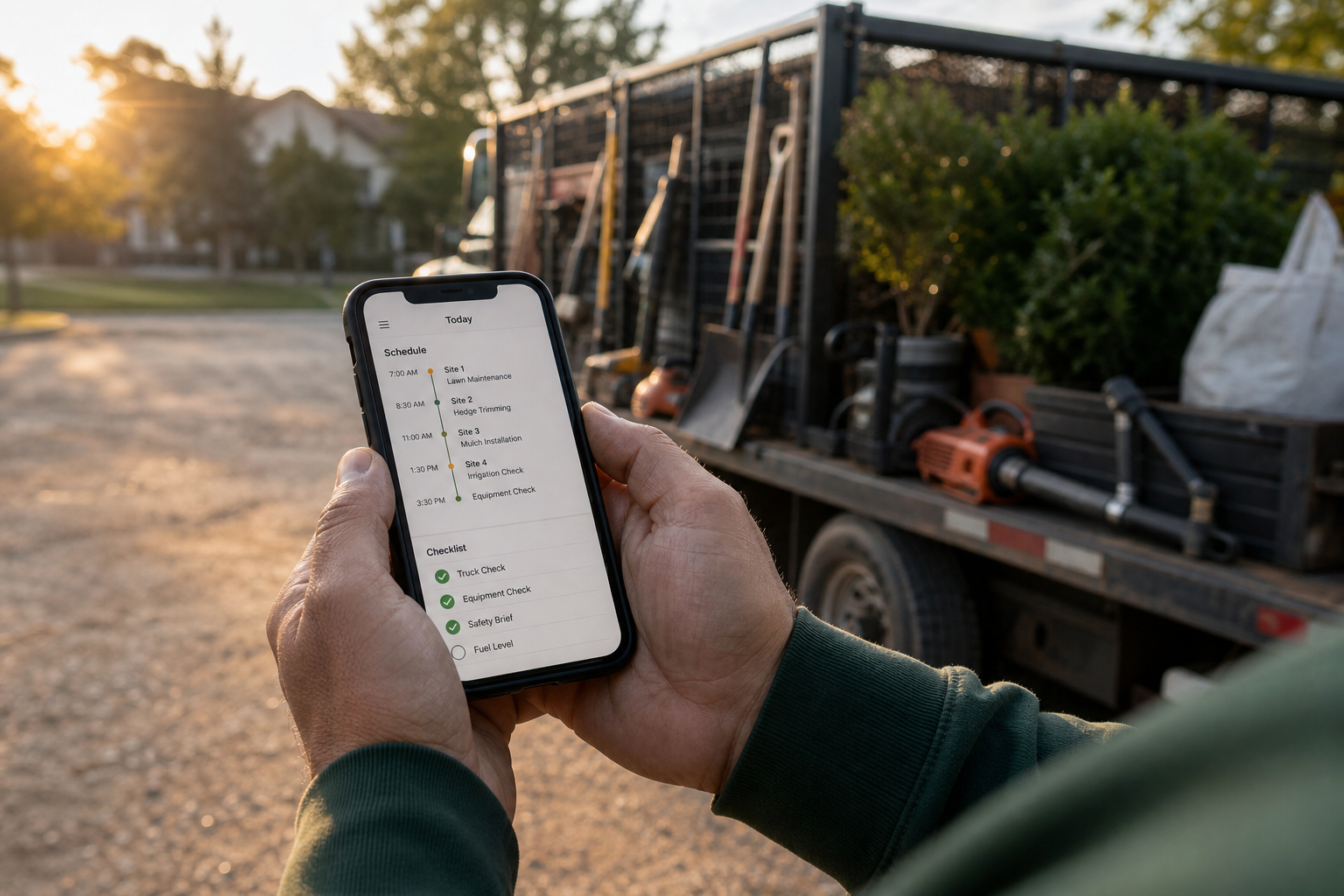
An approved estimate flows straight into the crew's daily schedule and checklist.
Frequently Asked Questions About Landscape Estimating Software
What is landscape estimating software?
Landscape estimating software is a digital platform that helps landscaping and outdoor service companies build, price, and send job proposals faster than manual methods. It typically includes reusable templates, pricing libraries, and digital signature tools so bids go out complete and professional.
How does landscape estimating software speed up the bidding process?
It speeds up bidding by letting estimators pull pricing and scope language from saved templates instead of starting from a blank page each time. As a result, a proposal that once took an hour can often be built and sent in a few minutes.
What is the difference between landscape estimating software and generic field service software?
Generic field service software is built to fit many trades at once, so landscaping-specific pricing, crew routing, and seasonal workflows often feel bolted on. Landscape estimating software, in contrast, is designed around how outdoor service companies actually price plant material, labor, and recurring maintenance.
How much does landscape estimating software typically cost?
Pricing varies by vendor and by the number of users, crews, or modules a company needs, so there is no single industry-wide number. Most platforms charge a monthly subscription per user or per company, and it is best to request a quote based on actual crew size.
How long does it take to build an estimate with landscape estimating software?
With saved templates and a pricing library already in place, many estimators can build a standard landscape proposal in well under fifteen minutes. More complex design-build or hardscaping bids take longer, but still far less time than a spreadsheet takeoff.
What is the biggest mistake landscape companies make when estimating jobs?
The most common mistake is letting every estimator price jobs differently using personal notes or outdated spreadsheets. Consequently, this inconsistency hides true labor and material costs until the job is already finished and it is too late to fix the margin.
What is a best practice for pricing accuracy in landscape estimating software?
A strong best practice is to build a shared pricing library for labor, equipment, and materials so every estimate pulls from the same current numbers. Reviewing actual job costs against estimates regularly also helps teams correct pricing drift before it spreads across future bids.
Does landscape estimating software integrate with QuickBooks?
Many landscape estimating platforms, including True Pro, integrate with QuickBooks so approved estimates and invoices sync with the general ledger. This removes the need to manually re-enter financial data between the field system and the accounting system.
Can crews use landscape estimating software from the field?
Yes, most modern landscape estimating software includes a mobile app so crew leads and sales staff can build or adjust an estimate during a site walk. This lets a client review and sign a proposal on the spot instead of waiting for a follow-up visit.
How does digital signature work inside landscape estimating software?
A digital signature feature lets a client review a branded proposal and approve it electronically, often directly on a phone or tablet. Once signed, the approval timestamp is stored with the proposal record and the job is ready to move into scheduling.
Does landscape estimating software work for hardscaping and irrigation companies, not just lawn care?
Yes, platforms built for the broader landscape industry support hardscaping, irrigation and lighting, tree care, and pest control alongside standard lawn maintenance. The templates and pricing structures simply adjust to match each specialty's scope and material lists.
How does landscape estimating software support job costing and profitability tracking?
Once an estimate is approved, the original budget becomes the baseline that actual labor, material, and time entries are measured against. This gives owners a real-time, job-by-job profit and loss view instead of waiting for month-end reports.
How long does it take to set up landscape estimating software for a growing company?
Setup time depends on how much pricing data and customer history needs to move over, but guided onboarding typically shortens this to a few weeks rather than months. Vendors that offer data migration and training support, such as True Pro, generally get teams live faster.
Final Thoughts
In the end, landscape estimating software is about more than just faster bids. It connects the first client conversation to scheduling, crew work, invoicing, and the profit report that tells an owner whether a job was actually worth taking. According to the landscaping industry's own growth patterns and sources like the National Association of Landscape Professionals, companies that standardize pricing and connect estimating to job costing tend to protect their margins far better than those relying on spreadsheets. Therefore, whether a company runs lawn maintenance, hardscaping, irrigation, or a mix of outdoor services, choosing landscape estimating software built around how the industry actually works, such as True Pro, is one of the more direct ways to protect profit on every job.