
Landscaping software is the digital backbone that growing lawn care, hardscaping, and outdoor service companies use to manage leads, estimates, scheduling, crews, invoicing, and profit in one connected system. Instead of juggling spreadsheets, sticky notes, and three disconnected apps, owners get a single source of truth for every job from the first phone call to the final payment. In particular, this guide walks through what landscaping software actually does, what it costs, and how to choose the right platform for a crew that has outgrown its current setup.
Quick answer: Landscaping software is cloud-based business management software that handles CRM, estimating, scheduling, crew dispatch, invoicing, and job costing for landscaping, lawn care, and outdoor service companies. Platforms like True Pro connect every step of a job so owners can see real profit instead of guessing.
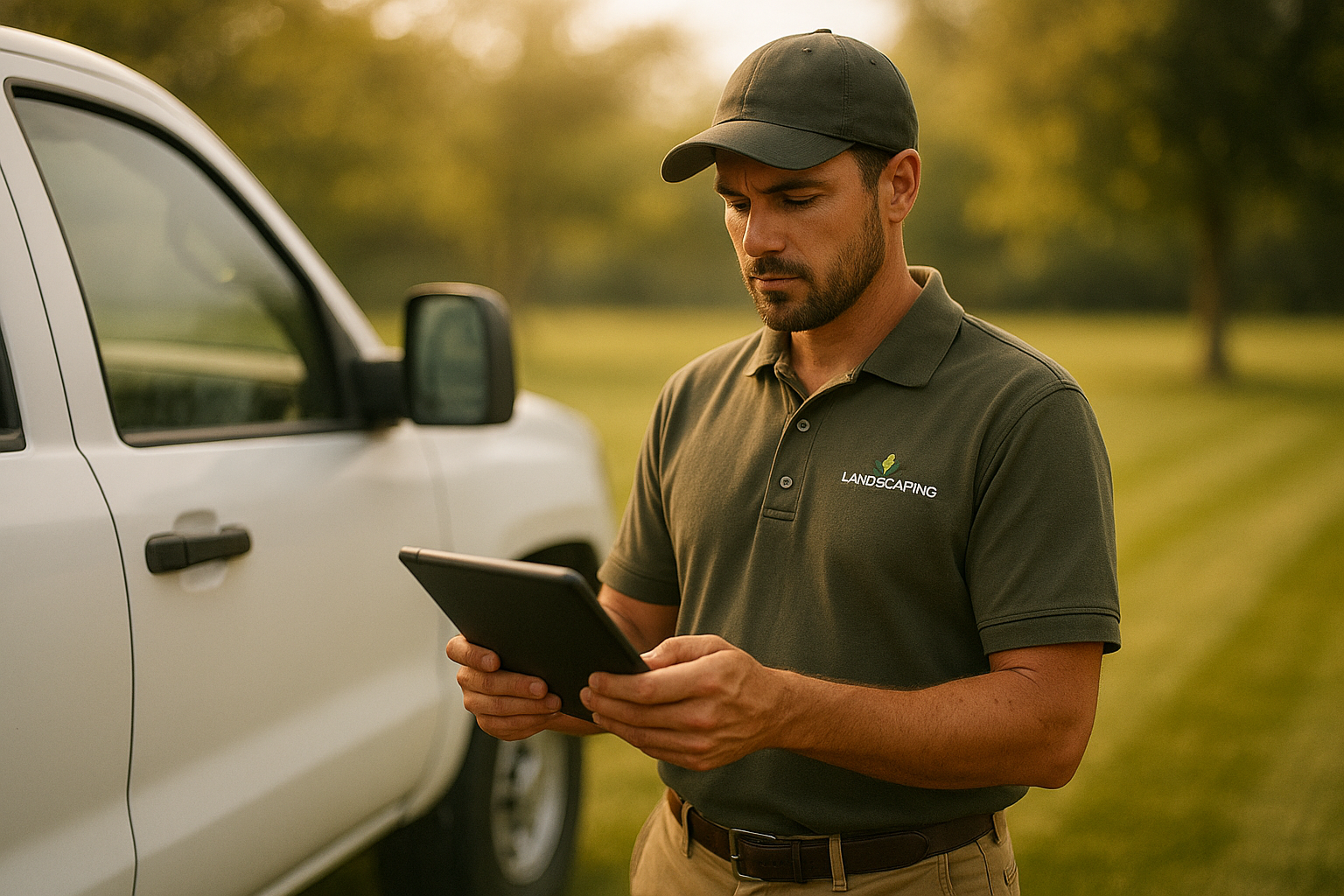
Landscaping software gives owners and crews a shared view of every job, from the first estimate to the final invoice.
What Is Landscaping Software?
Landscaping software is a business management system built specifically for companies that mow, plant, build, and maintain outdoor properties. Rather than forcing a landscape crew to adapt to a generic field service tool, this software follows how landscaping work actually gets priced, scheduled, and paid.
Specifically, it typically combines customer relationship management, or CRM, with scheduling, field data collection, and financial reporting. As a result, an owner can track a lead from the first phone call through the signed proposal, the scheduled visit, the completed work ticket, and the paid invoice without re-entering information in multiple systems. According to the general definition of landscaping, the work itself spans design, installation, and ongoing maintenance of outdoor spaces, which is exactly why generic office software rarely fits the job well.
Why Growing Landscape Companies Need Landscape Business Management Software
Most landscape companies start with a notebook, a shared spreadsheet, and a handful of text message threads. However, that approach breaks down quickly once a business adds more than two or three crews. Scheduling conflicts multiply, estimates get lost, and nobody has a clear answer to a simple question: is this job actually profitable?
In addition, the landscaping industry itself is large and still growing. The U.S. Bureau of Labor Statistics reports that grounds maintenance work employs well over a million workers nationally, and the National Association of Landscape Professionals has tracked steady demand for lawn care, design, and installation services for years. Consequently, companies that still run on paper tickets and manual invoicing are competing against crews that quote faster, dispatch smarter, and collect payment sooner because of landscaping software.
Key Features to Look for in Landscaping Software
Not every platform that claims to serve landscapers actually covers the full job lifecycle. Therefore, it helps to check for a specific set of core features before committing to a system.
- CRM and property management, including contacts, site photos, and communication history
- Estimating and proposals with reusable templates and digital signature capture
- Drag-and-drop scheduling, recurring route management, and GPS-enabled dispatch
- A field operations mobile app for work tickets, checklists, and time tracking
- Invoicing, batch billing, and online payment collection
- Job costing reports that compare budget to actual cost in real time
- QuickBooks or similar accounting integration
Landscaping Software vs. Generic Field Service Software
At first glance, generic field service software and purpose-built landscaping software can look similar; both offer scheduling boards and mobile apps. In contrast, the details reveal a meaningful gap. Generic tools are typically designed for plumbers, electricians, or HVAC technicians, where most jobs are one-time service calls.
Landscaping work, by comparison, mixes one-time installs with recurring maintenance routes, seasonal pricing, and property-specific details like irrigation zones or planting beds. Similarly, job costing in landscaping needs to account for crew-based labor and material usage differently than a single-technician trade. For that reason, software built by people who actually ran landscape companies, rather than adapted from another industry, tends to match daily operations more closely.
How Much Does Landscaping Software Cost?
Pricing for landscaping software varies widely based on company size, number of users, and feature depth. Generally speaking, smaller operations with a few crews can expect monthly costs in the range of $50 to $150 per user, while larger companies needing advanced reporting, API access, or enterprise integrations often pay more.
Above all, cost should be weighed against time saved on manual scheduling, faster invoicing, and fewer underpriced jobs. For example, a company that tightens up job costing and catches even one or two mispriced contracts per season can often recover the software's cost many times over.
How to Choose the Right Landscaping Software
Choosing a platform is easier with a structured process rather than comparing feature lists alone. The following steps outline a practical path for evaluating landscaping software before signing a contract.
- List current workflow gaps. Write down every manual step currently handled by spreadsheets, paper tickets, or text messages, from lead intake through final invoicing, so the team can see exactly where landscaping software needs to close gaps.
- Shortlist industry-specific platforms. Compare two or three landscaping software platforms built specifically for outdoor service companies rather than generic field service tools, since industry-specific systems match how landscape jobs are priced and scheduled.
- Test estimating and scheduling tools. Request a demo focused on estimating templates, digital signatures, and drag-and-drop crew scheduling to confirm the software handles recurring routes and multi-crew dispatch without workarounds.
- Check accounting and payment integrations. Verify that the landscaping software connects with QuickBooks and supports online payments, since manual reconciliation between systems wastes office hours every week and increases the risk of billing errors.
- Plan onboarding and data migration. Confirm what onboarding, training, and data migration support the vendor provides before signing a contract, because a guided rollout plan significantly reduces the time it takes crews to adopt new landscaping software.
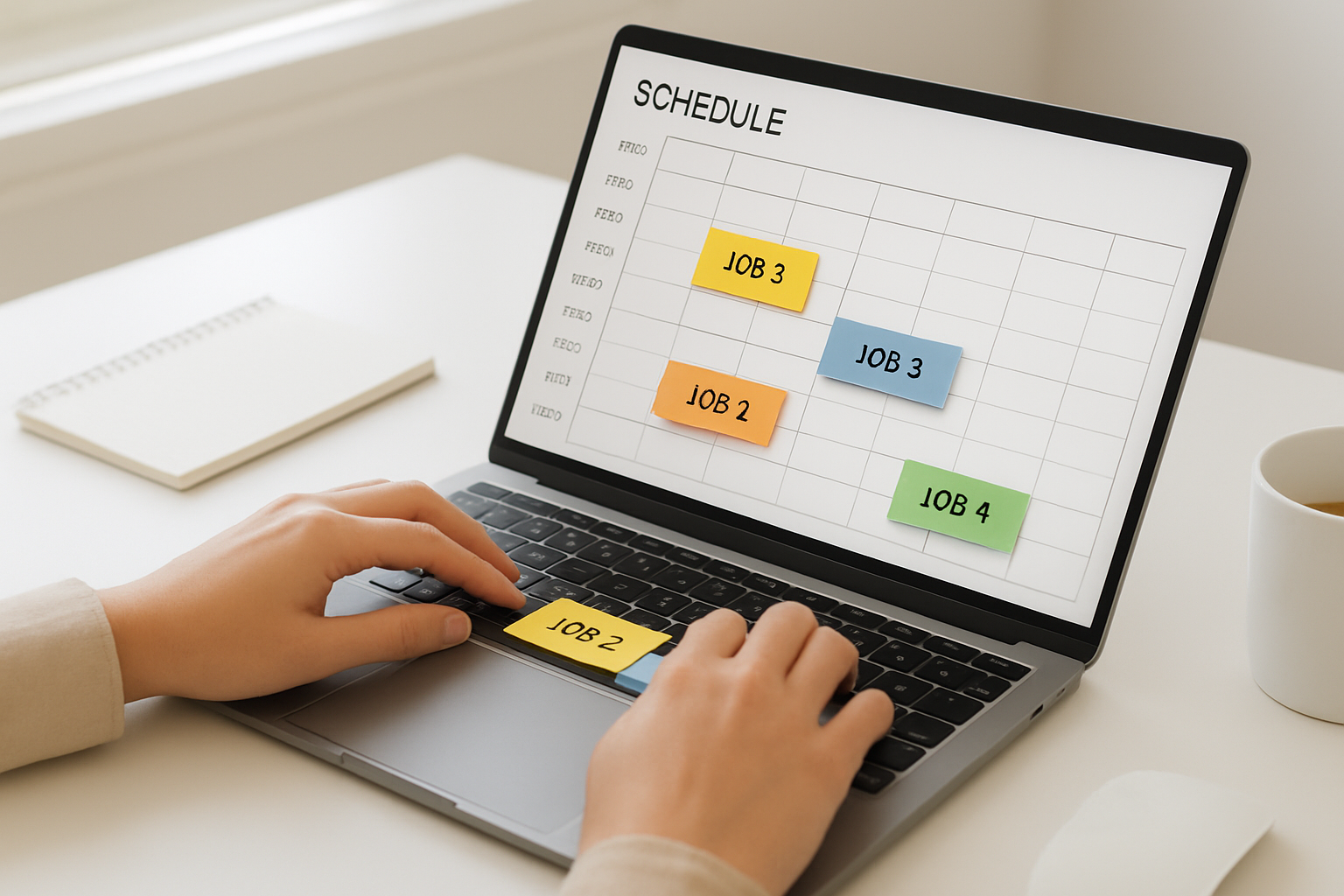
Drag-and-drop scheduling inside landscaping software helps dispatchers adjust crew routes in minutes instead of hours.
Landscaping Software for Specialized Service Lines
Many landscape companies do not stop at mowing and mulch. As a result, software needs to flex across multiple service lines without forcing a second system for each one. For instance, companies offering irrigation and lighting services need to track zone details, timers, and seasonal start-up or shutdown visits alongside standard maintenance routes.
Likewise, crews running hardscaping and masonry projects need estimating tools that handle larger, multi-phase jobs with material-heavy budgets rather than simple recurring visits. Consequently, a single platform that adapts to each division keeps reporting consistent across the whole company, instead of forcing owners to stitch together numbers from separate tools by hand.
Turn Job Costing Into Profit With Landscaping Software
Winning more jobs does not help much if the company cannot tell which jobs actually make money. That is precisely where job costing tools inside landscaping software matter most. Real-time budget versus actual tracking shows labor, material, and equipment costs against the original estimate while the job is still active, not weeks after it wraps up.
Furthermore, owner-ready dashboards can roll this data up across the whole company, highlighting which service lines, crews, or property types deliver the best margins. In turn, that visibility supports smarter pricing on the next bid rather than repeating the same underpriced estimate next season.
Getting Started With Landscaping Software
Switching systems can feel disruptive, especially mid-season. However, a platform with guided onboarding, training, and data migration support makes the transition far smoother than attempting a self-serve setup alone. Companies exploring their options can review how True Pro's platform is organized or start directly from the True Pro homepage to see how the CRM, estimating, scheduling, and job costing tools connect.
In the end, the goal of any landscaping software purchase is simple: fewer disconnected tools, faster office work, and a clear number for profit on every job. Companies that treat the selection process seriously, using the steps above, tend to see a faster return on the switch.

Field crews use the mobile app side of landscaping software to review work tickets, checklists, and job photos before each visit.
Frequently Asked Questions About Landscaping Software
What is landscaping software?
Landscaping software is cloud-based business management software built for lawn care, hardscaping, irrigation, and other outdoor service companies. It handles CRM, estimating, scheduling, crew dispatch, invoicing, and job costing in one connected system instead of separate spreadsheets and apps.
How does landscaping software work?
Landscaping software works by centralizing every stage of a job, from the first lead to the final payment, inside one platform. Crews use a mobile app in the field while office staff manage estimates, routes, and invoicing from a shared dashboard.
How much does landscaping software cost?
Most landscaping software is priced per user or per month, typically ranging from around $50 to several hundred dollars monthly depending on company size and features. Enterprise platforms with API access and advanced reporting usually cost more than basic scheduling tools.
How long does it take to implement landscaping software?
Implementation typically takes two to six weeks, depending on how much historical data needs migrating and how many crews require training. Platforms with guided onboarding and data migration support, like True Pro, generally move faster than self-serve tools.
Is landscaping software different from general field service software?
Yes, landscaping software is built around how landscape companies actually earn money, including recurring maintenance routes, property-specific site photos, and seasonal job costing. Generic field service software often lacks these industry-specific workflows and requires heavy customization.
What features should landscaping software include?
Core features should include CRM and property management, estimating with digital signatures, drag-and-drop scheduling, a mobile field app, invoicing and payments, and job costing reports. Without these pieces, a company usually ends up patching gaps with spreadsheets.
Can landscaping software integrate with QuickBooks?
Many landscaping software platforms, including True Pro, integrate directly with QuickBooks to sync the chart of accounts, invoices, and financial reports. This reduces double entry and keeps the office bookkeeping aligned with field activity.
What mistakes do companies make when switching landscaping software?
The most common mistake is underestimating data migration and crew training time before going live. Companies that skip a structured rollout plan often see adoption stall in the field, which undermines the return on the new system.
Does landscaping software work for hardscaping and irrigation crews too?
Yes, landscaping software built for multiple service lines can handle hardscaping, irrigation and lighting, pest control, and similar crews within one account. This keeps scheduling, estimating, and reporting consistent even as a company adds new service divisions.
What size company needs landscaping software?
Companies running more than a handful of crews, or those managing recurring routes and multiple service lines, typically benefit most from dedicated landscaping software. Smaller operations may start with simpler tools but often outgrow spreadsheets within their first few seasons of growth.
How does landscaping software improve job costing and profitability?
Landscaping software tracks labor, materials, and equipment costs against each job's estimate in real time, so owners see budget versus actual profit instead of waiting until month end. This visibility helps identify underpriced jobs before they repeat.
What is the best way to train a crew on new landscaping software?
Start with a small pilot crew, focus training on daily tasks like work tickets and time tracking, and expand once that group is comfortable. Short, role-specific training sessions tend to work better than one long all-staff meeting.
Conclusion
Choosing the right landscaping software ultimately comes down to matching a platform to how a landscape business actually operates, from estimating and scheduling through invoicing and job costing. As this guide has shown, the strongest systems combine industry-specific features, clear pricing, and real onboarding support rather than a generic patchwork of tools. Therefore, companies ready to move past spreadsheets should start by mapping their current workflow gaps, then test a platform like True Pro against those specific needs before committing. In the end, well-chosen landscaping software pays for itself through faster office work, fewer missed jobs, and a clearer view of profit on every property.