
Landscape estimating tools are software programs that help contractors price jobs from labor, materials, equipment and margin, then turn those numbers into a professional proposal. Good ones make every bid consistent. Better ones also carry the estimate into scheduling, invoicing and profit reporting.
Quick answer: Choose estimating software built for landscape work. It should offer reusable templates, margin controls, digital signatures and a direct link to job costing, so your quoted price matches what you actually earn.
What Are Landscape Estimating Tools?
They are digital systems that replace handwritten bids and scattered spreadsheets. You enter measurements, pick services and materials, and the tool applies your labor rates, overhead and markup. As a result, two estimators pricing the same yard should land close together.
Some tools only calculate prices. Others are part of landscape business management software that runs the whole job from lead to payment.
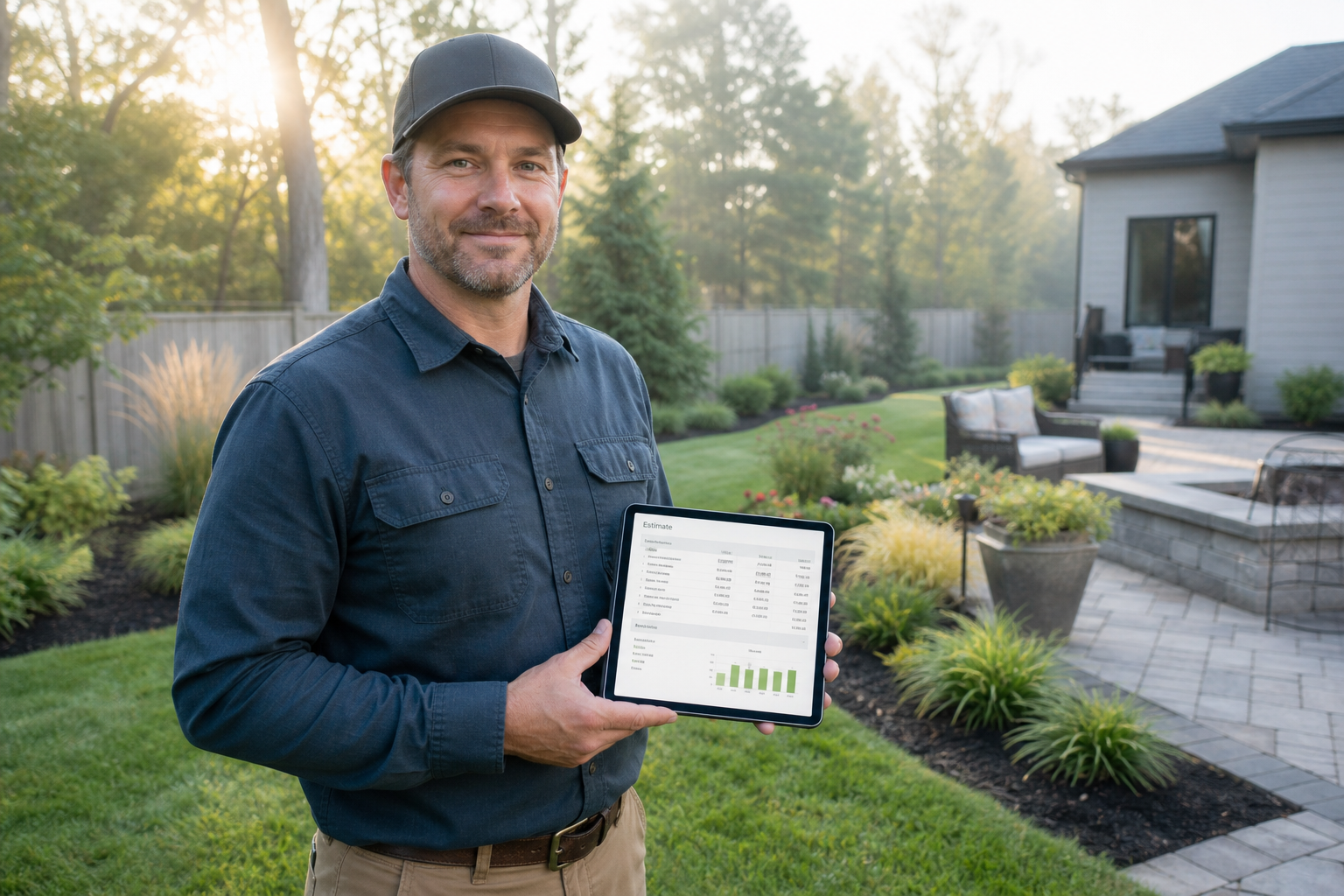
A contractor builds an estimate on site with landscape estimating tools.
Why Landscapers Outgrow Spreadsheets
Spreadsheets are flexible, but they break quietly. A single wrong formula can underprice dozens of bids. Furthermore, every estimator tends to keep a personal copy, so rates drift apart.
Spreadsheets also stop at the proposal. Someone must retype the scope into a schedule and again into an invoice. In contrast, a connected system passes the approved estimate forward automatically.
Key Features of Landscape Estimating Software
- Reusable templates: Standard scopes for mulch, sod, planting or hardscape speed up bids. See this guide to reusable proposal templates.
- Cost and margin controls: Set labor burden, overhead and target margin once, then apply them everywhere.
- Branded proposals: Clean, professional documents help customers trust your price.
- Digital signature: Customers approve online, which shortens the wait.
- Job costing link: Estimates become budgets, so you can compare budget to actual.
- Accounting integration: A QuickBooks connection avoids double entry.
How to Choose Landscape Estimating Software
Follow this process to keep the decision practical.
- Map your current estimating process, including who measures, prices, reviews and sends each bid.
- List must-have features and separate them from nice-to-haves.
- Shortlist two or three vendors built for landscape work.
- Rebuild real past estimates in a demo and compare the totals to your actual costs.
- Plan rollout: load templates and price lists, train estimators, then connect scheduling and invoicing.
For a deeper comparison, read how to pick the best-fit estimating software.

Testing real bids in a demo shows which software fits your pricing.
Generic Field Service Tools vs. Landscape-Specific Options
Generic field service apps handle appointments well. However, landscape work involves production rates, seasonal maintenance contracts and material-heavy installs. A tool that ignores those details forces workarounds.
True Pro is one option in this category. It is business management software for landscape and outdoor service companies, covering estimating and proposals with reusable templates and True Pro Signature, plus scheduling, invoicing and job costing. Its founder, Brandon Conroy, ran landscape companies before building it.
Connect Estimates to the Field and the Books
An estimate only pays off if the crew can deliver it. Therefore, check that approved scopes become work tickets and schedules. Crews should find the details in a simple app, as explained in this look at crew-friendly software.
Afterward, compare estimated hours and materials to actual use. That feedback loop is what improves future bids. For cost expectations and feature checklists, see the landscaping software guide. For background on the cost estimating method itself, see Wikipedia's cost estimate overview, and for bookkeeping basics visit QuickBooks.
Frequently Asked Questions
What are landscape estimating tools?
Landscape estimating tools are software that helps contractors price jobs using labor, material, equipment and margin inputs. Most also produce branded proposals for customers.
Are spreadsheets good enough for estimating?
Spreadsheets work for a handful of simple bids. As volume grows, formula errors, version confusion and missing history make dedicated landscape estimating tools safer.
What features matter most?
Look for reusable templates, accurate cost databases, margin controls, branded proposals and e-signature. Handoff to scheduling and invoicing matters too.
How do estimating tools protect profit?
They apply the same labor rates, markups and overhead to every bid. Comparing estimates to actual job costs then shows where pricing drifts.
Should estimating be separate from business management software?
Not usually. When estimates flow into schedules, work tickets and invoices, you avoid re-entering data and can compare budget to actual.
How long does it take to set up?
Setup time depends on how many services, materials and templates you load. Vendors that offer guided onboarding and data migration usually shorten it.
What does estimating software cost?
Pricing varies by vendor, team size and modules. Request a written quote and confirm what onboarding, support and add-ons cost.
Can estimating tools integrate with QuickBooks?
Many do. Confirm whether the sync covers customers, invoices and payments, and whether it is one-way or two-way.
What is a common mistake when choosing a tool?
A frequent mistake is buying a generic field service tool that does not match landscape pricing, such as production rates and recurring maintenance.
Do digital proposals help close more jobs?
They can speed up responses because customers review and sign online. Faster, cleaner proposals also look more professional.
How do I test landscape estimating tools before buying?
Rebuild two or three past bids in a demo and compare the totals to your real costs. Ask your estimator and crew leads to try it as well.
Conclusion
The right landscape estimating tools make pricing consistent, speed up proposals and tie every bid to real job costs. Start with your own process, test candidates with past estimates, and favor software built for landscape work. To see how one connected platform handles it, explore True Pro.