
Landscape business management software is the backbone that growing landscaping, lawn care, hardscaping, and outdoor service companies use to run leads, estimates, crews, invoices, and profit reports from one connected system. Instead of juggling spreadsheets, sticky notes, and three disconnected apps, owners get a single operating system for the entire job cycle. As a result, crews spend less time hunting for information and more time doing billable work. This guide breaks down what landscape business management software actually does, which features matter most, and how a growing outdoor service company can choose a platform that fits how it really makes money.
Quick answer: Landscape business management software is a cloud-based platform that combines CRM, estimating, scheduling, invoicing, job costing, and reporting into one system built specifically for landscaping and outdoor service companies, rather than forcing a generic field-service tool to fit the job.
What Is Landscape Business Management Software?
Landscape business management software is a purpose-built platform that connects every stage of a landscaping job — the first lead, the estimate, the crew schedule, the field work, the invoice, and the profit report — inside one system. Unlike generic field service software that tries to serve plumbers, electricians, and lawn crews with the same workflow, landscape-specific platforms are modeled around how outdoor service businesses actually operate: seasonal demand, recurring maintenance routes, crew-based labor, and material-heavy jobs like irrigation and hardscaping.
For example, a maintenance account might need weekly mowing visits scheduled automatically, while a design-build crew needs a detailed proposal with photos and a digital signature before work starts. Consequently, a platform built only for landscaping handles both cases without workarounds. In addition, because labor and materials drive most landscaping costs, this software usually includes job costing tools that compare the budgeted cost of a job against what it actually cost to deliver — a feature general-purpose tools often lack. Furthermore, many platforms now use AI, or artificial intelligence, to flag low-margin jobs or suggest follow-up tasks automatically. You can learn more about job costing as a broader accounting concept for additional context.
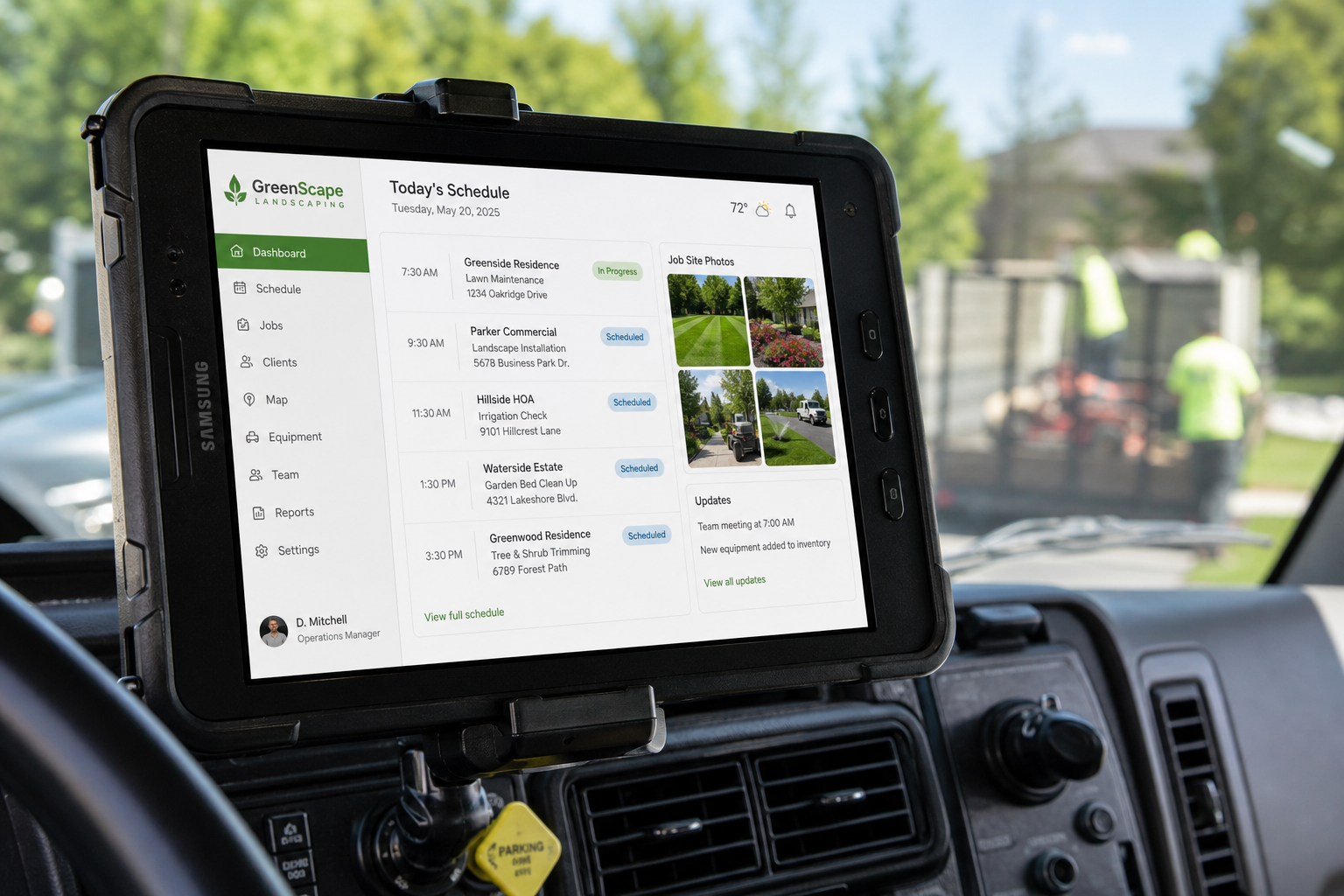
A field-ready view of landscape business management software, keeping crew schedules and job details on hand.
Why Landscaping Companies Outgrow Spreadsheets and Generic Tools
Many landscape companies start with spreadsheets, paper tickets, and a handful of apps that don't talk to each other. However, that setup breaks down quickly once a company adds crews, trucks, and recurring accounts. According to the U.S. Bureau of Labor Statistics, the landscaping services industry has employed well over a million workers across the United States in recent years, reflecting how much the sector has scaled. As crews multiply, so does the risk of double-booked routes, missed invoices, and estimates that underprice the real cost of labor and materials.
In contrast, lawn care business software and outdoor service management platforms centralize that information. Specifically, a dispatcher can see every crew's route on one map instead of texting drivers individually. Similarly, an office manager can batch-invoice dozens of recurring accounts in minutes rather than typing each one by hand. As a result, owners spend less time firefighting administrative problems and more time reviewing which services are actually profitable. For companies managing irrigation and lighting installs alongside routine mowing, this shift matters even more, because those jobs carry tighter margins and more material costs to track.
Core Features of Landscape Management Software That Drive Growth
Not every platform labeled as landscape management software includes the same depth of features. Therefore, it helps to know which core modules actually move the needle on growth and profitability before signing a contract.
CRM and Customer Data
A landscaping CRM, or customer relationship management system, stores every lead, property detail, communication, and site photo in one record. For instance, a sales rep can view a client's entire history — past estimates, site visits, and even photos of a problem irrigation zone — before a follow-up call. Keeping that information connected to scheduling and invoicing means nothing gets lost when a lead becomes a paying customer.
Estimating, Proposals and Digital Signatures
Estimating tools let teams build reusable templates for common services, such as mulch installs or irrigation startups, instead of pricing every job from scratch. Moreover, branded proposals with a digital signature let customers approve work from a phone in seconds. This speeds up the sales cycle and reduces the back-and-forth that often delays a project's start date.
Scheduling, Routing and Crew Dispatch
Scheduling modules handle recurring maintenance routes, one-time jobs, and crew assignments through a drag-and-drop calendar. In addition, GPS-enabled maps and route optimization help dispatchers group nearby jobs together, cutting down windshield time between stops. For companies running specialized crews, this kind of routing keeps technicians focused on billable site work instead of backtracking across town.
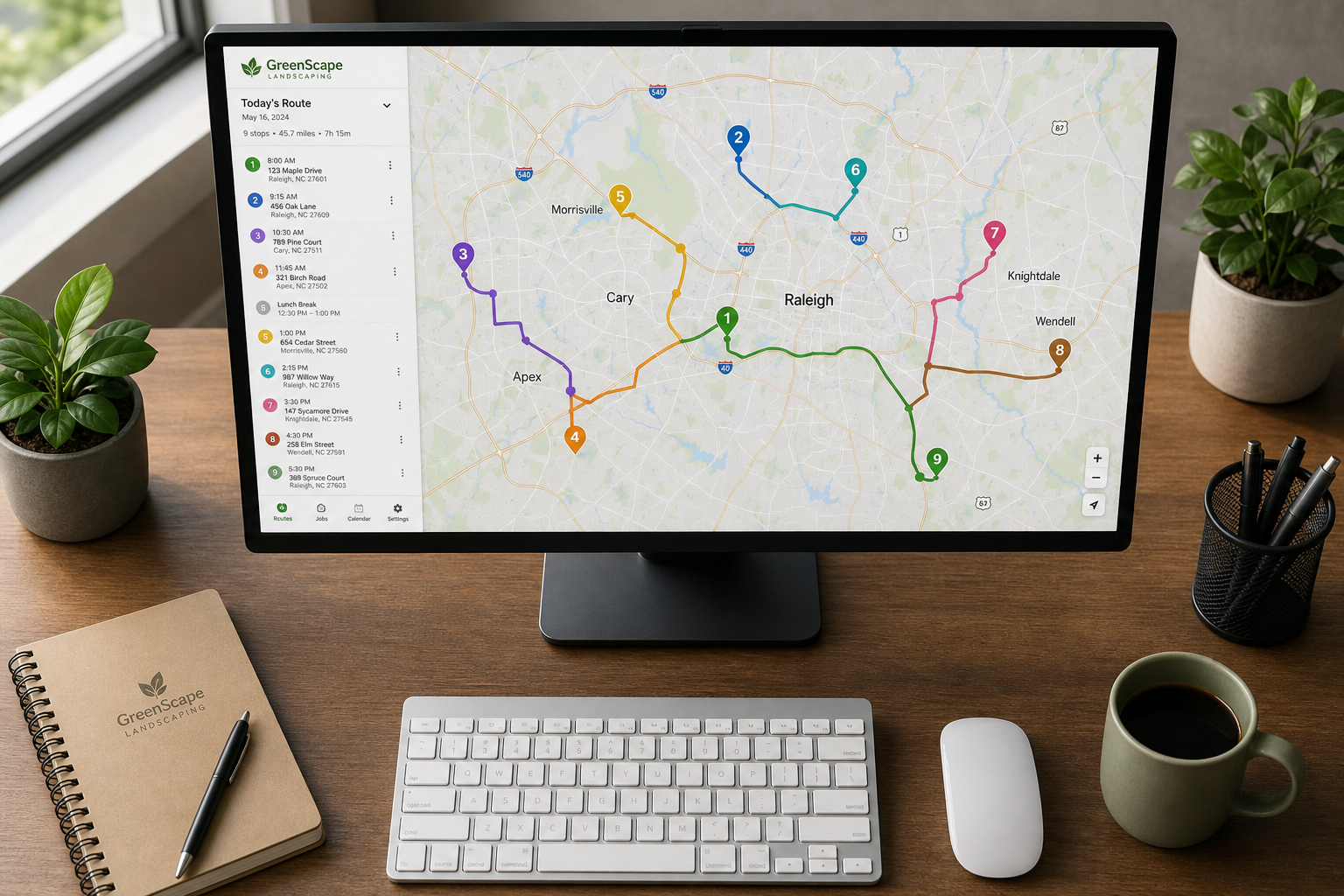
Route optimization inside landscape business management software helps crews reach more stops each day.
Invoicing, Payments and Job Costing
Once work is complete, invoicing and billing tools can generate invoices automatically or in batches for recurring accounts, then accept online payments through built-in tools. Meanwhile, job costing and profitability reporting compares budgeted hours and materials against actual results in real time. As a result, an owner can see which services, crews, or property types generate the strongest margins — and which ones quietly lose money. This kind of real-time profit-and-loss visibility is one of the clearest ways landscape business management software pays for itself.
How to Evaluate Landscape Business Management Software
Choosing the right platform becomes much easier with a structured process. Below is a straightforward way to compare options before committing.
- Map your current workflow. Write out every step a job goes through today, from the first lead to the final invoice, so you can spot where spreadsheets or disconnected apps slow things down.
- List must-have features for your services. Rank priorities such as irrigation job costing, recurring route scheduling, or digital proposal signatures based on your service mix.
- Check integrations. Confirm the platform connects with tools you already use, including accounting software, GPS providers, and customer texting tools.
- Ask about onboarding and data migration. Find out how the vendor moves existing customer records and pricing templates into the new system, and how much training crews will receive.
- Request a demo focused on your busiest season. Walk through a live demo using a real scenario, such as spring cleanup scheduling, to see how the software performs under pressure.
How True Pro Delivers Landscape Business Management Software Built for Contractors
True Pro was built by a landscape contractor for landscape contractors. Founder and CEO Brandon Conroy ran landscape companies before building the platform, so the system follows how a landscape business actually makes money instead of bending a generic field service tool to fit. Rather than stitching together separate apps for CRM, scheduling, and invoicing, True Pro keeps the whole job — from the first lead through the estimate, proposal, schedule, crew work, invoice, payment, and final profit report — inside one connected home base.
For landscaping, lawn care, hardscaping, irrigation and lighting, pest control, pool and spa, and tree care companies that have outgrown their current system, this matters because switching tools rarely solves the underlying problem of disconnected data. In addition, True Pro includes guided onboarding, training, and data migration support, which reduces the friction of moving historical customer and job records into a new system. Companies can review the full platform on the True Pro homepage to see how CRM, job costing, and field operations connect in practice.

Real-time profit reporting is one of the most requested features in landscape business management software.
Common Mistakes When Switching Landscape Management Platforms
Switching software is a big decision, and a few mistakes show up again and again. First, some companies choose a tool based on price alone, without checking whether it handles recurring routes or crew-based job costing. Second, teams sometimes skip proper data migration, which leads to lost customer history and duplicate records. Third, owners occasionally roll out a new system company-wide without training crews first, which causes adoption to stall in the field.
Finally, some businesses pick generic field service software instead of a landscape-specific platform, then spend months customizing workflows that a purpose-built tool would have handled out of the box. Avoiding these pitfalls upfront saves significant time during implementation and keeps crews productive during the transition.
Frequently Asked Questions About Landscape Business Management Software
What is landscape business management software?
Landscape business management software is a platform that combines CRM, estimating, scheduling, invoicing, job costing, and reporting into one system built specifically for landscaping and outdoor service companies. It replaces spreadsheets and disconnected apps with a single operating system for the whole job.
How does landscape business management software improve profitability?
It improves profitability mainly through job costing and real-time profit and loss reporting, which show whether a job's actual labor and material costs matched the original budget. Owners can then spot underpriced services or inefficient crews before losses add up.
How much does landscape business management software cost?
Pricing varies by vendor and typically depends on the number of users, crews, or modules a company needs, such as CRM, scheduling, and invoicing. Most providers, including True Pro, offer a demo or consultation to scope pricing based on company size and service lines.
How long does it take to implement landscape business management software?
Implementation timelines usually range from a few weeks to a couple of months, depending on how much historical customer and job data needs to be migrated. Platforms with guided onboarding and dedicated data migration support tend to go live faster.
What features should a landscaping company look for in management software?
Look for CRM and customer management, estimating with reusable templates, drag-and-drop scheduling and routing, mobile field operations, invoicing and payments, and job costing with profitability reporting. Integration with accounting tools such as QuickBooks is also important for most growing companies.
How is landscape business management software different from generic field service software?
Generic field service software is built to serve many trades at once, so it often lacks landscaping-specific workflows like recurring mowing routes or irrigation job costing. Landscape-specific platforms are modeled directly around how outdoor service businesses schedule, price, and cost their work.
Can landscape business management software integrate with QuickBooks?
Yes, most established landscape business management platforms, including True Pro, offer QuickBooks integration to sync the chart of accounts, general ledger, and financial reports. This keeps accounting teams from re-entering data that already lives in the field operations system.
What common mistakes do companies make when switching software?
The most common mistakes include choosing a tool based on price alone, skipping proper data migration, and rolling out new software without training crews in the field. Picking a generic tool instead of a landscape-specific platform is another frequent, costly mistake.
Does landscape business management software work for irrigation and lighting crews?
Yes, platforms built for the full range of outdoor services typically include dedicated workflows for irrigation and lighting jobs, such as material tracking and specialized scheduling. This helps keep technician routes and job costing accurate for crews that carry more equipment and parts than a standard mowing crew.
How does job costing work in landscape management software?
Job costing compares the budgeted labor, materials, and equipment time for a job against what was actually used once the work is complete. The resulting report shows real-time profit and loss by job, crew, or service type, so managers can adjust pricing or scheduling going forward.
Is landscape business management software mobile friendly for crews in the field?
Most modern platforms include a mobile field operations app for work tickets, checklists, photos, and time tracking directly from a phone or tablet. This lets crews update job status and capture site photos without returning to the office.
Who should use landscape business management software?
It is designed for growing landscaping, lawn care, hardscaping, irrigation and lighting, pest control, pool and spa, and tree care companies that have outgrown spreadsheets or a basic scheduling app. Companies managing multiple crews, recurring routes, and growing revenue typically see the biggest benefit.
Conclusion
In summary, landscape business management software gives growing outdoor service companies one connected system for leads, estimates, scheduling, field work, invoicing, and profit reporting. Rather than patching together spreadsheets and disconnected apps, owners gain real-time visibility into which jobs and crews actually drive profit. As landscaping, irrigation, hardscaping, and lawn care companies continue to scale, choosing the right landscape business management software early can prevent costly growing pains later. True Pro, built by a landscape contractor for landscape contractors, offers one example of how this kind of platform can follow the way a landscape business actually makes money — you can learn more at truepro.com.