
Landscape crew management software helps you schedule crews, send them to the right properties, and track what they actually do all day. If your dispatch still lives on a whiteboard and group texts, this guide explains what to look for and how to choose.
Quick answer: Landscape crew management software combines scheduling, dispatch, a field app, time tracking and job costing in one system. The best fit handles your recurring routes and project jobs, and connects to your accounting.
What Is Landscape Crew Management Software?
Landscape crew management software is a platform that plans crew workloads, dispatches jobs, and records field activity. It then passes that data to invoicing and profit reports. In short, it connects the office to the truck.
For example, a manager moves a mowing route to a different crew after a breakdown. The crew leader sees the change on a phone. Later, hours and photos flow back to the office automatically.
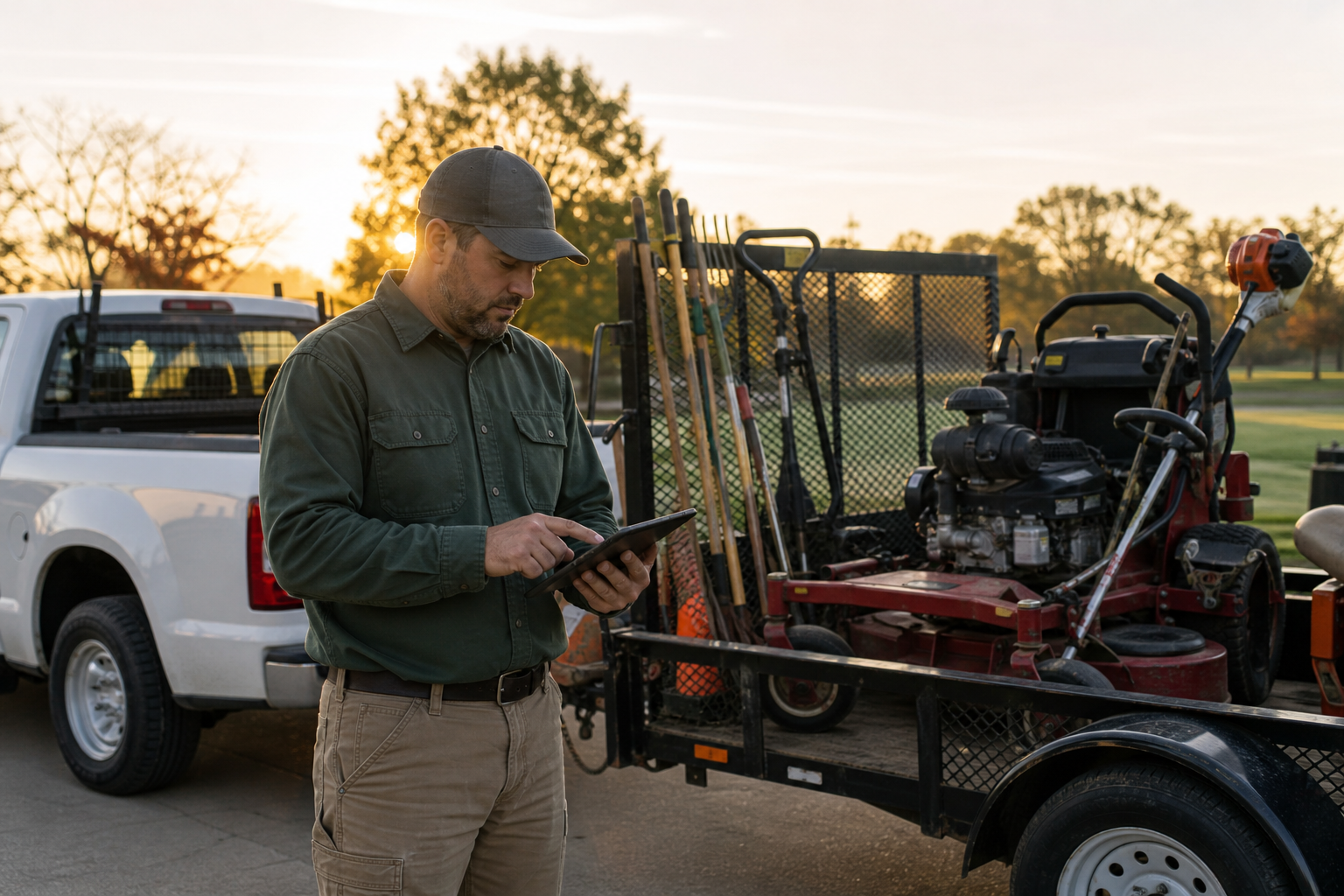
A crew leader checks the day's route before leaving the yard.
Why Crews Outgrow Spreadsheets and Group Texts
Manual tools work for one or two crews. However, they break when schedules shift daily. Rain delays, sick calls and add-on work all force changes.
As a result, crews drive extra miles, hours go unrecorded, and invoices go out late. Furthermore, owners cannot see which jobs earn a profit until long after the work is done.
Core Features of Crew Scheduling and Dispatch Tools
Drag-and-drop scheduling and routing
Look for a visual calendar where you drag jobs between crews. Recurring work should repeat on its own. Route optimization and GPS-enabled maps then cut drive time. For a deeper look, see this guide to crew dispatch software for landscaping crews.
Mobile field app
Crews need work tickets, checklists, photos, issue reporting and time tracking on one phone screen. Simple screens drive adoption.
Time tracking and job costing
Hours logged by job show real labor cost. Consequently, you can compare budget versus actual and fix underpriced work. Our landscape job management buyer guide covers this in more detail.
| Feature | What it solves |
|---|---|
| Drag-and-drop dispatch | Last-minute schedule changes |
| Route optimization | Fuel and drive time |
| Mobile work tickets | Missed tasks and lost notes |
| Time tracking | Payroll errors and unbilled hours |
| Job costing | Hidden margin loss |
How to Choose Crew Management Software: Step by Step
- Map how work moves from signed proposal to crew, field work and invoice.
- Rank must-have features before you watch any demo.
- Ask vendors to demo your real routes and a real project job.
- Confirm accounting and GPS integrations and what data syncs.
- Plan data migration and crew leader training.
- Pilot with one crew for two weeks, then roll out.

Dispatchers see every crew, route and job on one screen.
Landscape-Specific Software vs. Generic Field Service Tools
Generic tools treat every job as a one-time visit. Landscaping is different. You manage seasonal routes, material usage, site photos and project budgets together.
True Pro is one example. It is business management software built by a landscape contractor. It covers CRM, estimating, scheduling and dispatch, a field app, invoicing, job costing and a QuickBooks integration for landscape and outdoor service companies. Irrigation and lighting teams can see how it fits on the irrigation and lighting page. For a broader comparison, read the landscape business management software guide.
Common Buying Mistakes to Avoid
- Skipping crew leader input, which hurts adoption.
- Underestimating data migration time.
- Choosing on price instead of fit with your routes.
- Ignoring accounting integration until after purchase.
For background on workforce planning concepts, see workforce management on Wikipedia. Also, the U.S. Bureau of Labor Statistics profiles grounds maintenance work.
Frequently Asked Questions
What is landscape crew management software?
Landscape crew management software is a system that schedules crews, dispatches them to job sites, tracks their time and work, and feeds that data into billing and job costing. It replaces whiteboards, texts and spreadsheets.
Who needs landscape crew management software?
Companies running multiple crews, recurring routes or a mix of maintenance and project work benefit most. Once schedules change daily, manual tools start to cost time and money.
How does crew dispatch software save time?
It lets a manager drag jobs onto crew schedules, reorder routes and notify crews in one place. Crews see updates on their phones instead of waiting for calls.
What features matter most?
Prioritize scheduling and dispatch, route optimization, a mobile app with work tickets and photos, time tracking, and job costing. Accounting integration is also important.
How is crew management different from general field service software?
Landscape-specific tools handle recurring seasonal routes, material use, property details and project budgets. Generic tools often need heavy customization to do the same.
Can it track crew time and labor costs?
Yes. Crews clock in by job, and the hours flow to payroll support and job costing. Owners can then compare budgeted and actual labor.
Does it work with QuickBooks?
Many platforms do, including True Pro, which offers a QuickBooks integration. Always confirm what syncs, such as invoices, payments and customers.
How long does implementation take?
It varies by company size and data quality. A pilot with one crew followed by a phased rollout is a common approach, often over several weeks.
What are common mistakes when buying?
Buyers often skip real-job demos, ignore crew leader feedback, or underestimate data migration. Choosing on price alone is another frequent error.
How much does landscape crew management software cost?
Pricing varies by vendor, user count and modules, so request a quote based on your crew size. Compare it against hours lost to manual scheduling and billing errors.
Will crews actually use it?
Adoption improves when the mobile app is simple and training is hands-on. Involving crew leaders early helps.
How do I measure whether landscape crew management software is working?
Track drive time, on-time arrivals, labor hours versus budget, and days from job completion to invoice. Improvement across these signals a good fit.
Conclusion
Good landscape crew management software connects scheduling, dispatch, field work, time and job costing so you stop guessing about margins. Define your workflow, test vendors with real routes, and pilot with one crew before a full rollout. To see how one platform built for landscapers handles this, visit True Pro.