Outdoor service management software is a single platform that runs a field company from the first lead to the final profit report. For landscape, lawn, irrigation and similar teams, it replaces spreadsheets, paper tickets and disconnected apps with one shared record of every customer, property and job.
Quick answer: Choose outdoor service management software that covers CRM, estimating, scheduling, a crew mobile app, billing and job costing in one system. Then confirm it connects to your accounting tools and offers real onboarding help.
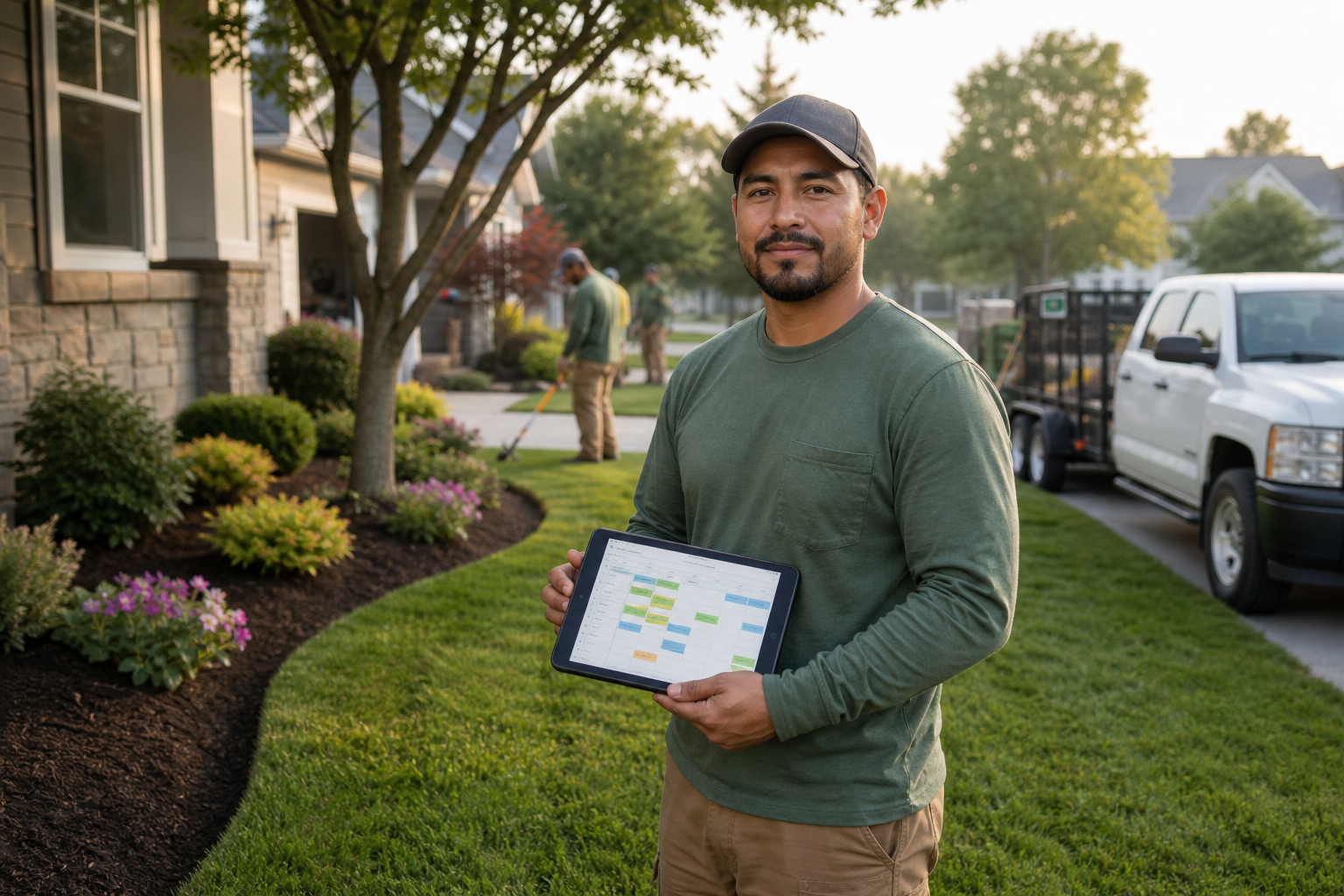
A crew leader checks the day's work tickets on a tablet before starting a property visit.
What Is Outdoor Service Management Software?
Outdoor service management software is a business system that manages leads, estimates, schedules, crew tasks, invoices and profitability for companies that work on outdoor properties. In other words, it connects the office and the field.
Most tools share a common core. However, the depth of each part varies a lot, so it helps to know what each one should do.
Core Features of Landscape and Outdoor Business Software
CRM and Property Management
A good CRM stores contacts, leads, site photos and communication history. As a result, anyone in the office can see what was promised to a client and what the property looks like.
Estimating and Proposals
Reusable templates speed up bids. Branded proposals with digital signature also shorten the time between quote and signed work.
Scheduling, Routing and Dispatch
Recurring maintenance is the backbone of many outdoor companies. Drag-and-drop dispatch and route optimization cut drive time and keep crews on a clear plan. For a deeper look, read this landscape scheduling software buyer's guide.
Field Operations Mobile App
Crews need work tickets, checklists, photos, issue reporting and time tracking in their pocket. Consequently, the office gets proof of work without phone calls.

Map-based dispatch helps an office team balance crews and routes.
Billing, Payments and Job Costing
Revenue means little without margin. Therefore, look for automated and batch invoicing, online payments and real-time budget-versus-actual reports. Job costing shows whether labor and materials matched the bid.
Our guide to choosing landscape billing software explains what to check. Likewise, online payment options can speed up collections.
How to Choose the Right Platform
- Map your workflow. Write down each step from lead to payment and note where data gets re-typed.
- List must-have features. Separate essentials such as dispatch and job costing from extras.
- Check integrations. Confirm links to accounting, GPS and messaging tools.
- Run a demo with real jobs. Use one recurring contract and one estimate.
- Plan onboarding. Ask about data migration and training, and avoid a launch in peak season.
Generic Field Service Tools vs. Industry-Built Software
| Area | Generic tool | Industry-built tool |
|---|---|---|
| Recurring work | Often needs workarounds | Built around seasonal contracts |
| Job costing | Basic or add-on | Budget vs. actual per job |
| Materials | Limited tracking | Products, vendors and usage |
Where True Pro Fits
True Pro is a software platform built by a landscape contractor for landscape contractors. It covers CRM, estimating with True Pro Signature, scheduling and dispatch, a field app, invoicing with True Pay, job costing, inventory, QuickBooks integration and guided onboarding. It serves growing teams in landscaping, lawn care, hardscaping, irrigation and lighting, pool and spa, tree care and pest control that have outgrown their current systems.
Frequently Asked Questions
What is outdoor service management software?
It is a business platform that manages leads, estimates, scheduling, crew work, invoicing and profit reporting for companies that work on outdoor properties. It replaces scattered spreadsheets and disconnected apps.
Who needs outdoor service management software?
Growing landscaping, lawn care, hardscaping, irrigation, lighting, pest control, pool and spa, and tree care companies benefit most. Teams that have outgrown spreadsheets or a basic tool are the typical fit.
How is it different from generic field service software?
Outdoor-focused tools handle recurring contracts, seasonal work, crew routes and material usage. Generic tools often need heavy customization to match how these businesses earn money.
What features matter most?
Prioritize CRM, estimating, drag-and-drop scheduling, a mobile app for crews, invoicing and job costing. Reporting and accounting integration round out a strong core.
Does it integrate with QuickBooks?
Many platforms do, including True Pro. Check whether the sync covers invoices, payments and the general ledger, not just customer names.
How does route optimization save money?
It orders stops to cut drive time, fuel and idle hours. Those savings go straight to margin because labor and vehicle costs are among the largest expenses.
What is job costing?
Job costing compares budgeted labor, materials and equipment to actual costs on each job. It shows which work is profitable and which is not.
How long does implementation take?
It varies by company size and data volume. Plan for data migration, training and a trial period, and avoid launching in your peak season.
How much does outdoor service management software cost?
Pricing differs by vendor, number of users and modules. Ask for a written quote that includes onboarding, payment processing fees and any integration charges.
Can crews use it on their phones?
Yes. A good field app lets crews open work tickets, complete checklists, upload photos, report issues and track time.
What are common mistakes when choosing a platform?
Buying on price alone, skipping a demo with real jobs, and ignoring onboarding are the usual errors. Another is overlooking whether billing and accounting connect cleanly.
Can software help with collections?
Yes. Automated invoicing, online payments and follow-up reminders shorten the time to get paid, and dashboards show what is outstanding.
Conclusion
The right outdoor service management software connects every step, from lead and estimate to schedule, crew work, invoice and profit report. Start by mapping your workflow, then test vendors with real jobs and confirm integration and onboarding support. Done well, the switch gives your team one reliable source of truth and gives you clearer margins.