
Landscape scheduling software is the tool growing outdoor service companies use to plan crew routes, assign jobs, and keep every visit on track without juggling paper calendars or spreadsheets. As crew counts grow and recurring properties pile up, manual scheduling breaks down fast, and that is exactly the gap this type of software fills. In this guide, you will learn what landscape scheduling software actually does, which features matter most, and how it connects to the rest of your business, from job costing to payroll.
What Is Landscape Scheduling Software?
Landscape scheduling software is a digital system that plans, assigns, and tracks crew jobs across properties, replacing whiteboards and paper route sheets. It typically includes a drag-and-drop calendar, recurring job templates, and mapping so dispatchers can see the entire week's workload at a glance.
Specifically, most platforms combine three layers: the customer and property database, the visual schedule itself, and a mobile app crews use in the field. Because these layers talk to each other, a change to one property's visit frequency automatically updates every future route, instead of requiring a dispatcher to manually re-enter the job each time.
Why Growing Companies Need a Crew Scheduling Tool
According to the U.S. Bureau of Labor Statistics, grounds maintenance and landscaping services employ well over a million workers nationwide, and that workforce is spread across thousands of small and mid-sized companies competing on efficiency (BLS Occupational Outlook Handbook). In a crowded market, the companies that route smarter and respond faster tend to win more repeat work.
A dedicated crew scheduling tool matters most once a company passes three or four crews, because that is typically when sticky notes and group texts stop scaling. At that point, missed jobs, double-booked crews, and confused customers start costing real revenue, not just time.
In addition, seasonal surges, such as spring cleanups or snow events, put extra strain on manual systems. Software that adjusts routes automatically helps owners avoid the scramble that comes with sudden demand spikes.
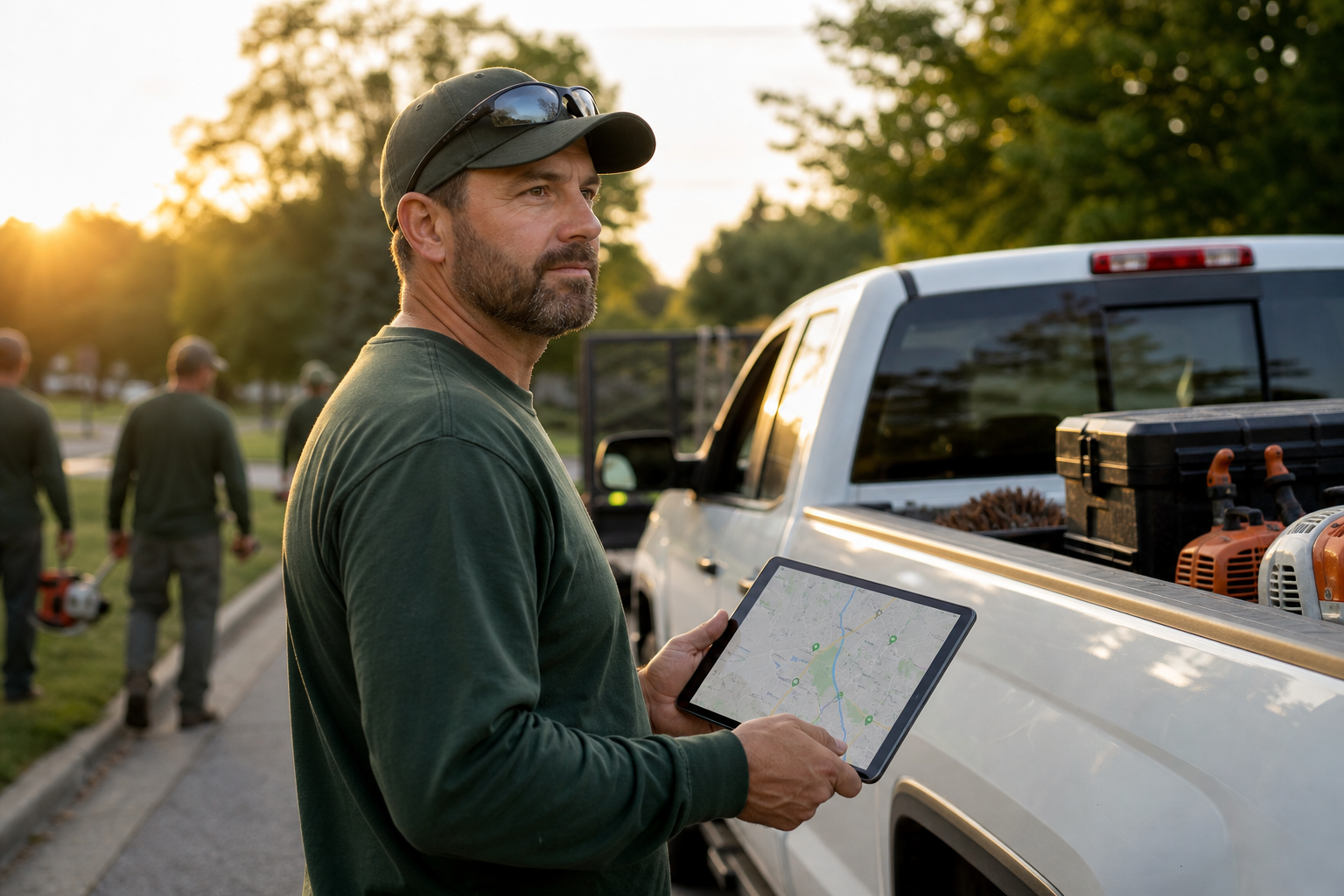
Reviewing the day's route is faster when landscape scheduling software puts every job on one map.
Key Features of Landscaping Dispatch Software
Not every scheduling tool is built the same way, so it helps to know which features actually move the needle for landscape and outdoor service teams.
- Drag-and-drop dispatch: move jobs between crews and days visually, without reopening each ticket.
- Recurring job templates: auto-schedule weekly or monthly visits instead of re-entering them.
- GPS-enabled maps: see live crew locations alongside the planned route.
- Mobile field app: crews view tickets, log photos, and track time from their phones.
- Reporting tied to job costing: connect scheduled hours to actual profitability per job.
Platforms such as True Pro build these features specifically around how landscape companies bill and operate, rather than retrofitting a generic field service tool. That distinction matters most for specialty crews, such as those found on the irrigation and lighting side of the business, where route timing and material needs differ from routine mowing.
How to Choose the Right Lawn Care Scheduling Tool
Choosing the right lawn care scheduling tool is easier when you follow a consistent evaluation process instead of comparing feature lists at random. Here is a practical sequence most growing companies follow:
- Map your current scheduling workflow to identify where delays or double-booking happen today.
- List must-have features, such as recurring routes, GPS maps, or job costing, and rank them by priority.
- Test route optimization using your own customer addresses during a live demo, not a generic sample.
- Check integration options with accounting software and GPS fleet tracking before signing a contract.
- Evaluate onboarding, training, and ongoing support, including whether data migration is included.
- Compare subscription pricing against the dispatcher hours and fuel costs you expect to save.
Connecting Scheduling to Job Costing and Profitability
Scheduling becomes far more valuable once it feeds directly into job costing, because scheduled hours and actual hours rarely match perfectly. Therefore, software that compares budgeted time against logged time on each visit gives owners a real-time view of which jobs quietly lose money.
For example, a recurring mowing route might look profitable on paper, but if crews consistently run 20 minutes over, the margin disappears. Linking the schedule to job costing and profitability reporting surfaces that gap before it becomes a pattern across dozens of properties.
Similarly, hardscaping and masonry projects often involve multi-day jobs with material costs that shift during the work. Scheduling software that tracks time against budget on projects like those listed under hardscaping and masonry services helps managers catch overruns while there is still time to adjust the crew or the bid.

A visual calendar lets dispatchers reassign jobs in seconds when a crew falls behind.
Route Optimization and GPS for Outdoor Crews
Route optimization groups nearby properties into the same crew day, which cuts windshield time and fuel spend. Consequently, crews finish more jobs per day without working longer hours, simply because they spend less time driving between stops.
GPS integration adds another layer of visibility. When scheduling software pairs with fleet tracking such as Azuga, managers can confirm a crew actually arrived at a property, verify how long they stayed, and respond quickly if a truck falls off route. This pairing also supports customer trust, since arrival times become verifiable rather than estimated.
In particular, this matters for specialty teams with tighter timing windows, such as irrigation startups in early spring or pest control visits that must happen on a strict schedule. A missed window in those categories often means a frustrated customer call, so route accuracy is not just about efficiency, it protects the relationship.
Integrating Scheduling With Accounting and Communication Tools
Scheduling software works best when it is not an island. Specifically, integration with QuickBooks keeps invoicing and the general ledger aligned with completed work, so finance teams are not re-entering data that already exists in the schedule.
Communication tools matter too. For instance, automated text reminders through a service like TrueDialog can confirm appointments with customers the day before, which reduces missed visits and last-minute cancellations. As a result, fewer wasted trips mean tighter, more profitable routes overall.
For companies exploring a full operating system rather than a standalone calendar, reviewing an overview on the True Pro home page shows how scheduling fits alongside estimating, invoicing, and reporting in one connected platform. The field service management category broadly covers this kind of connected software across industries.
Common Mistakes When Rolling Out Scheduling Software
Even good software can underperform if the rollout is rushed. Above all, skipping data cleanup is the most common misstep, since duplicate customers and outdated addresses carry old problems into the new system.
Another frequent mistake is switching every crew over on the same day. Instead, piloting with one crew for a week or two lets a company fix workflow issues before the whole team depends on the new tool. The National Association of Landscape Professionals has noted that operational transitions tend to go smoother when companies phase in new technology rather than flipping a switch all at once.
Finally, companies sometimes underestimate training time for office staff, assuming the field app is the only piece crews need to learn. In reality, dispatchers and billing staff often need just as much onboarding as the crews themselves.
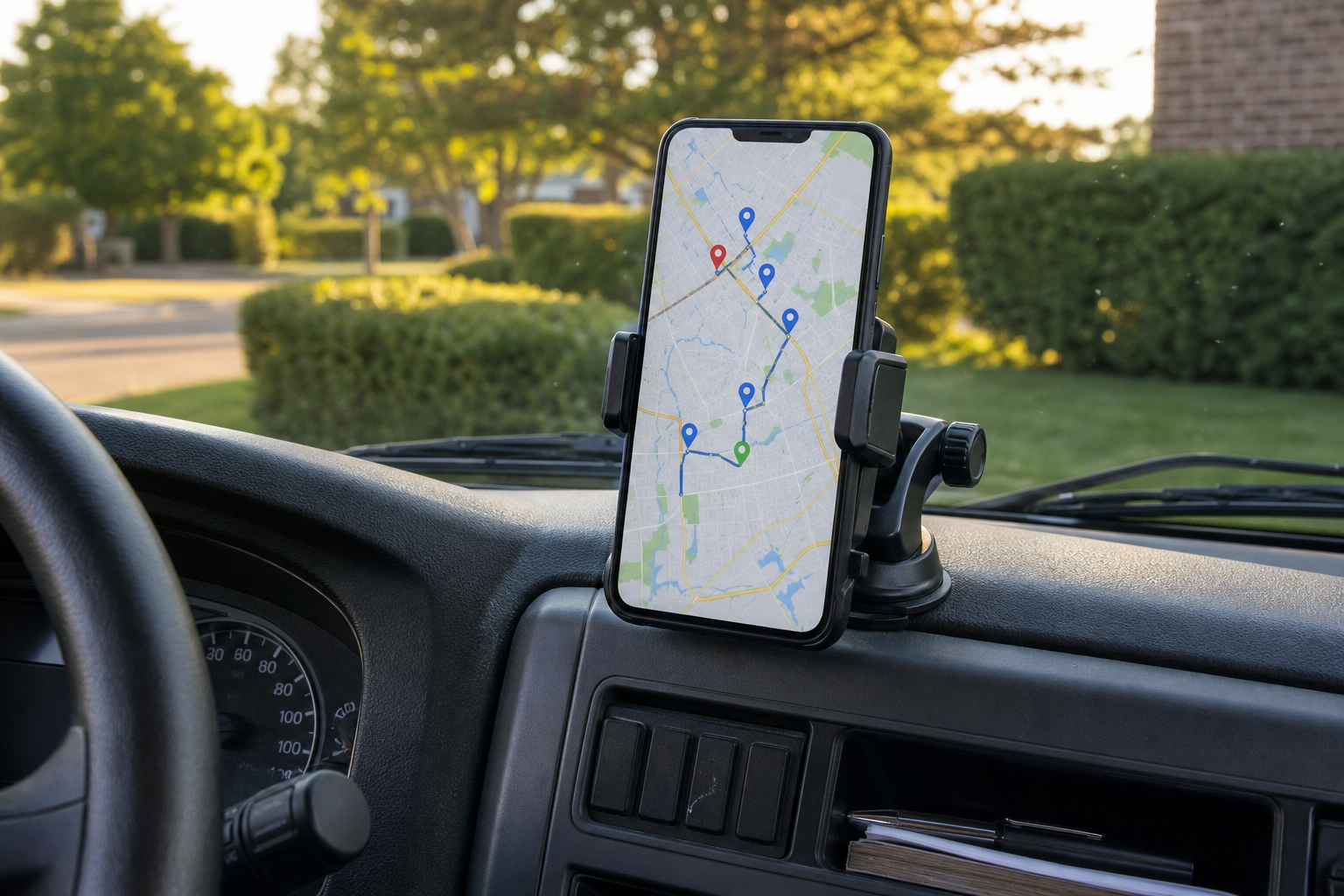
GPS-enabled maps keep crews on the most efficient path between jobs.
Frequently Asked Questions
What is landscape scheduling software?
Landscape scheduling software is a program that plans, routes, and tracks crew jobs for landscaping and outdoor service companies. It replaces paper schedules and spreadsheets with a visual, drag-and-drop calendar that updates in real time.
How does landscape scheduling software improve crew efficiency?
It groups nearby jobs, optimizes driving routes, and pushes daily tickets straight to crew phones. As a result, crews spend less time driving and guessing, and more time on billable work.
How much does landscape scheduling software cost?
Pricing typically depends on the number of users, crews, and features such as invoicing or job costing, and most providers quote monthly per-user or per-crew fees. Many vendors, including True Pro, offer a demo or custom quote tailored to company size.
How long does it take to implement scheduling software for a landscaping business?
Basic scheduling setup can often go live within one to two weeks once customers, crews, and routes are loaded. Full implementation with historical data migration and staff training usually takes four to eight weeks.
What is the difference between landscape scheduling software and a generic field service tool?
Generic field service tools are built for plumbers, electricians, or HVAC techs and often miss landscaping-specific needs like recurring mowing routes. Landscape-specific software models recurring properties, route density, and job costing the way landscape companies actually bill.
Can landscape scheduling software handle recurring maintenance routes?
Yes, most landscape scheduling platforms support recurring job templates so a weekly mowing or monthly maintenance visit auto-populates on the calendar. This saves dispatchers from re-entering the same property every cycle.
Does scheduling software integrate with GPS tracking?
Many landscape scheduling tools connect with GPS fleet tracking, such as Azuga, so managers can see truck locations alongside the day's route. This pairing helps confirm arrivals and respond quickly to delays.
What common mistakes do companies make when switching to scheduling software?
A frequent mistake is skipping data cleanup, which carries duplicate customers and outdated routes into the new system. Another is rolling out to the whole crew at once instead of piloting with one team first.
Is landscape scheduling software only for large companies?
No, growing landscape companies with just a few crews often benefit the most because manual scheduling becomes unmanageable fastest at that stage. Software scales with the business as crews and routes grow.
How does scheduling connect to job costing and profitability?
When scheduled time, labor, and materials flow into one system, managers can compare budgeted hours against actual hours per job. This connection turns a simple calendar into a tool for spotting unprofitable jobs.
Can crews use landscape scheduling software from their phones?
Yes, most modern platforms include a mobile app where crews view their route, open work tickets, add photos, and clock time directly from a phone or tablet. This removes the need for printed route sheets.
What features should I prioritize in landscape scheduling software?
Prioritize drag-and-drop dispatch, route optimization, recurring job templates, a mobile field app, and reporting that ties schedules back to job costs. Integration with accounting tools like QuickBooks also matters.
Does landscape scheduling software replace a dispatcher?
It does not replace a dispatcher but makes their job faster by automating route suggestions and reducing manual data entry. Dispatchers still make judgment calls on priority jobs and weather delays.
Final Thoughts
Landscape scheduling software turns a chaotic weekly calendar into a connected system that routes crews efficiently, feeds accurate data into job costing, and keeps customers informed. Above all, the right platform should fit how a landscape business actually operates, not force a generic field service model onto recurring routes and seasonal surges. Companies that invest in this kind of tool, such as True Pro, typically see fewer missed jobs, tighter routes, and clearer visibility into which work is genuinely profitable. For growing outdoor service teams ready to move past spreadsheets, exploring a purpose-built landscape scheduling software option is a practical next step toward running a tighter, more predictable operation.