
Landscape property inspection software is a digital tool that helps landscape companies check job sites, record problems with photos, and make sure fixes get done. If you manage more than a few crews, it turns quality control from a habit into a repeatable process. This guide explains what to look for and how to roll it out.
Quick answer: Choose software that offers reusable inspection checklists, photo capture, issue tracking and manager review, all connected to your work tickets and schedule. That way, every problem found on site becomes a task that gets closed.
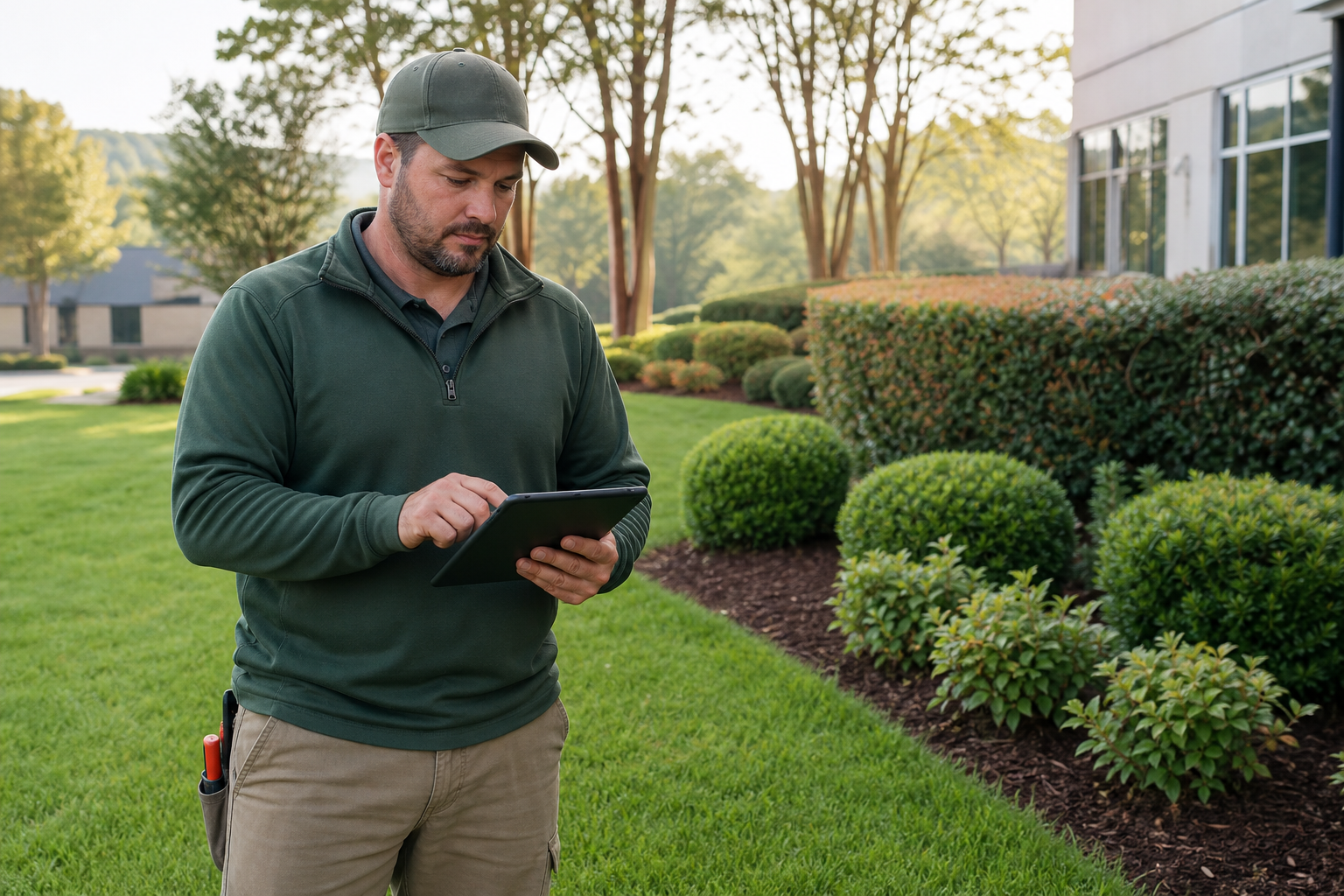
A manager walks a property with landscape property inspection software on a tablet.
What Is Landscape Property Inspection Software?
Landscape property inspection software lets inspectors score a site against set standards, attach photos, and log issues. It then routes those issues to the people who can fix them. In short, it replaces clipboards, texts and memory with one record per property.
For example, a supervisor can note a dead shrub, snap a photo, and assign the replacement in the same visit. As a result, nothing depends on someone remembering to pass along a message.
Why Site Audits Matter for Landscape Companies
Quality problems are cheap to fix early and expensive to fix late. A missed irrigation leak or neglected bed can lead to a unhappy client, a callback, or a lost contract. Therefore, regular site audits protect both revenue and reputation.
Inspections also make crew performance visible. Owners can see which properties slip, which crews need coaching, and where standards are unclear. Consistency is often what separates a growing company from one that stalls.
Key Features to Look For
Not every tool fits a landscape business. Specifically, look for these capabilities:
- Reusable checklists: Templates by property type so inspections stay consistent.
- Photo documentation: Images attached to each finding, saved to the property record.
- Issue tracking: Each problem has an owner, a status and a due date.
- Manager review: A way to approve results and spot patterns.
- Connection to work tickets: Issues convert into jobs for crews.
- Mobile ease of use: Crews adopt tools that are quick on a phone. See which landscaping software is easiest for field crews to use.
Inspection Software vs. Paper and Spreadsheets
| Factor | Paper / Spreadsheet | Inspection Software |
|---|---|---|
| Photos | Stored in phone galleries | Attached to the property |
| Follow-up | Manual, easy to miss | Tracked to completion |
| Consistency | Varies by inspector | Standard templates |
| Reporting | Hard to compare | Searchable history |

Photos taken during an inspection give crews a clear target for fixes.
How to Roll Out Property Inspections in 5 Steps
- Define what you inspect. List standards for turf, beds, irrigation, lighting and cleanup.
- Build a reusable checklist. Turn those standards into a template inspectors can finish quickly.
- Assign inspectors and frequency. Decide who visits which property and how often.
- Capture photos and issues on site. Log every finding against the property.
- Review and close the loop. Assign fixes, track them, and update the client.
Connecting Inspections to Estimating and Billing
Inspections are most useful when they feed the rest of the business. A finding such as failing sod can become an add-on estimate. For that reason, tools that link inspections to proposals help you earn more from what crews already see. Our guides on choosing estimating software and proposal software cover that next step.
Where True Pro Fits
True Pro is business management software built for landscape and outdoor service companies. Its site audits and quality control tools cover property inspections, issues and manager reviews. They sit alongside CRM, scheduling, a field mobile app, invoicing and job costing. Learn more in what True Pro landscaping software is, or visit truepro.com.
For general background on quality management ideas, the American Society for Quality and the National Association of Landscape Professionals are useful starting points.
Common Mistakes to Avoid
- Writing checklists so long that inspectors rush them.
- Failing to name an owner for each issue.
- Skipping crew training before launch.
- Inspecting without ever reviewing the results.
Frequently Asked Questions
What is landscape property inspection software?
Landscape property inspection software is a tool that lets managers and crew leads inspect job sites, record issues with photos, and track fixes. It replaces paper checklists and scattered texts.
Who needs landscape property inspection software?
Companies with multiple crews, recurring maintenance contracts or commercial clients benefit most. Owners who can no longer visit every site personally gain the biggest advantage.
How often should properties be inspected?
It depends on the contract and property type. Many companies inspect high-value or commercial sites more often and others on a regular rotation.
What should an inspection checklist include?
Include turf condition, beds and weeds, pruning, irrigation, lighting, debris and safety hazards. Add a space for photos and notes.
Does it work offline?
Offline support varies by product. Ask each vendor how the mobile app behaves in areas with weak signal.
Can inspections be tied to work tickets?
Good systems let you turn a found issue into a work ticket for a crew. That keeps follow-up inside one workflow.
How is it different from a generic field service app?
Landscape-specific tools use property, crew and contract concepts that match how landscape companies work. Generic apps often need heavy customization.
Does inspection data help with profitability?
Yes, indirectly. Catching problems early reduces callbacks and rework, and linking issues to jobs shows where time is lost.
What are common mistakes when adopting it?
Common mistakes include overly long checklists, no clear owner for follow-up, and skipping crew training. Start simple and refine.
How long does setup take?
A basic checklist can be built in an afternoon. Importing properties and training the team usually takes longer, so ask about onboarding help.
Can clients see inspection results?
Some companies share photos and summaries with clients to show proof of quality. Check what sharing options each tool offers.
Does True Pro include property inspections?
Yes. True Pro includes site audits and quality control with property inspections, issues and manager reviews as part of its landscape management platform.
Conclusion
Landscape property inspection software gives you consistent checklists, photo proof, and a clear path from problem to fix. Choose a tool that connects inspections to work tickets, schedules and billing, then start with a short checklist and refine it. Done well, regular inspections protect client relationships and keep your crews accountable.