
A landscape job tracking app is software that records the status, crew time, materials, photos and costs of every job in one place. Owners use it to see what is happening on each property without calling crews. Moreover, it shows which jobs actually make money.
Quick answer: The best landscape job tracking app gives crews simple mobile work tickets and gives owners live budget-versus-actual numbers. Choose one built around how landscape companies bill and earn.
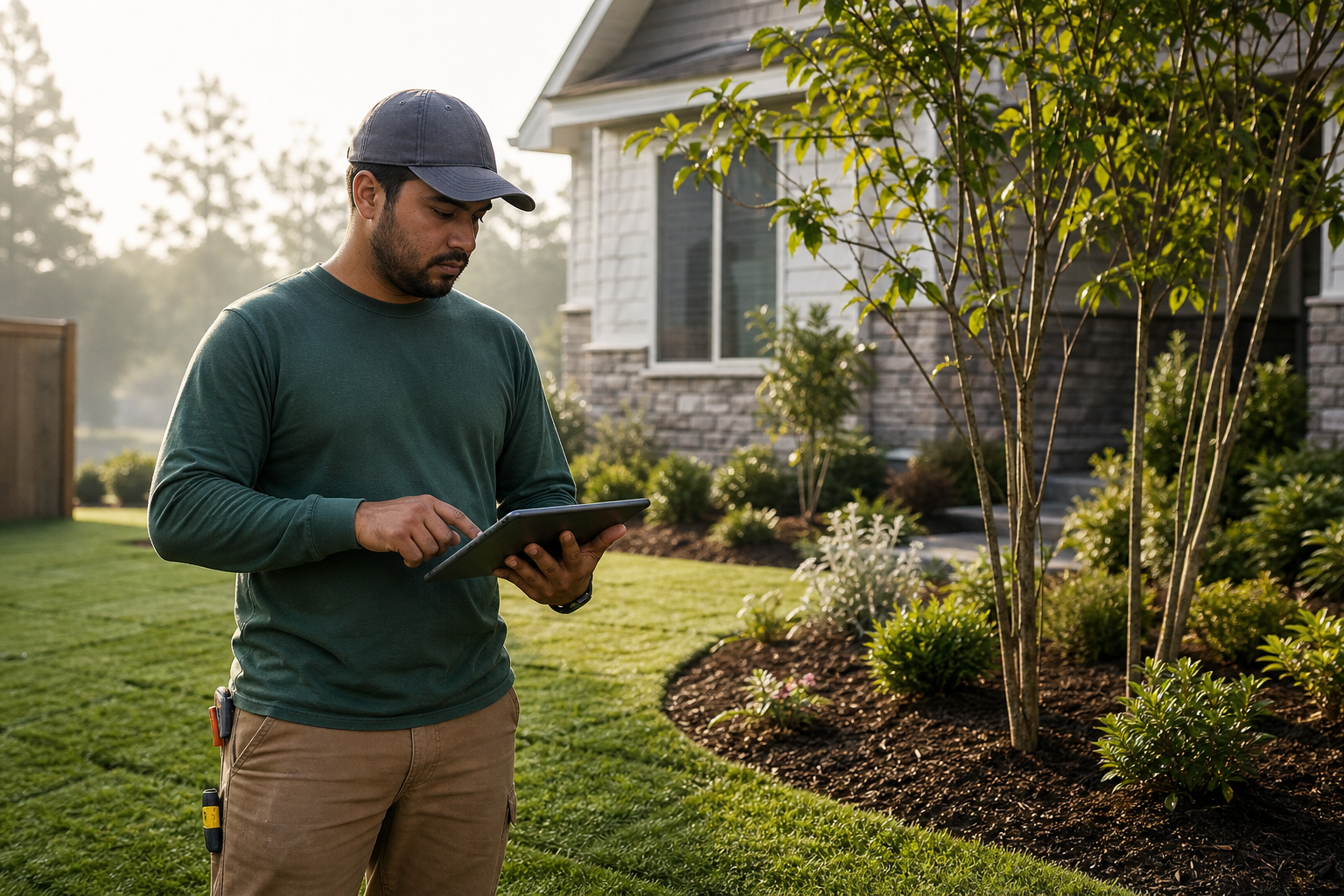
A crew lead reviews work details on a landscape job tracking app before starting the day.
What Is a Landscape Job Tracking App?
It is a mobile and web tool that follows each job from scheduled to complete. Each job holds its scope, assigned crew, hours, materials, site photos and notes. As a result, office staff and owners share one version of the truth.
It differs from a plain calendar. A calendar says where a crew should be. Job tracking shows what happened there and what it cost.
Why Landscape Companies Need Job Tracking
Landscape work moves fast. Crews hop between properties, weather shifts plans, and change orders appear mid-job. Therefore, paper tickets and text threads often lose details.
Untracked jobs cause three common problems:
- Labor overruns that no one notices until the invoice is sent.
- Materials used but never billed.
- Disputes with clients because there is no photo or note on file.
Tracking time well also ties into payroll. For more detail, see this guide on tracking time and payroll for landscaping crews.
Key Features of a Good Job Tracking App
Work tickets and checklists
Crews need clear instructions on their phones. Checklists keep quality consistent, and issue reporting flags problems such as damaged irrigation heads right away.
Time tracking by job
Hours should attach to the job, not just the employee. Consequently, labor cost feeds straight into profitability. Our overview of landscape time tracking software covers what to check.
Job costing and profit reports
Real-time budget-versus-actual reports show margin while a job is still open. That timing lets you correct course instead of regretting it later.
Scheduling, invoicing and accounting links
Tracking is strongest when it connects to scheduling, invoicing and accounting. A QuickBooks integration prevents double entry.

Owners use live job reports to compare estimated and actual costs.
How to Set Up Job Tracking Step by Step
- Define what to track, such as labor hours, materials, equipment and photos.
- Build job templates for your common services with standard tasks and budgeted hours.
- Schedule each job and send work tickets to crew leads' phones.
- Have crews clock in, log materials and add photos before leaving each site.
- Review budget versus actual weekly, then adjust crews, pricing or scope.
Choosing the Right Tool for Your Crews
Generic field service tools often bend to fit landscaping. In contrast, software built for the trade follows recurring maintenance routes, seasonal work and per-job margins.
True Pro is business management software for landscape and outdoor service companies. It covers the lead, estimate, proposal, schedule, crew work, invoice, payment and profit report in one system, and was built by a landscape contractor. You can see how it fits in the True Pro platform overview.
Field ease matters just as much. Read about the best mobile app for field operations, and compare broader options in this landscape business management software guide. For accounting basics, the U.S. Small Business Administration offers general financial management guidance.
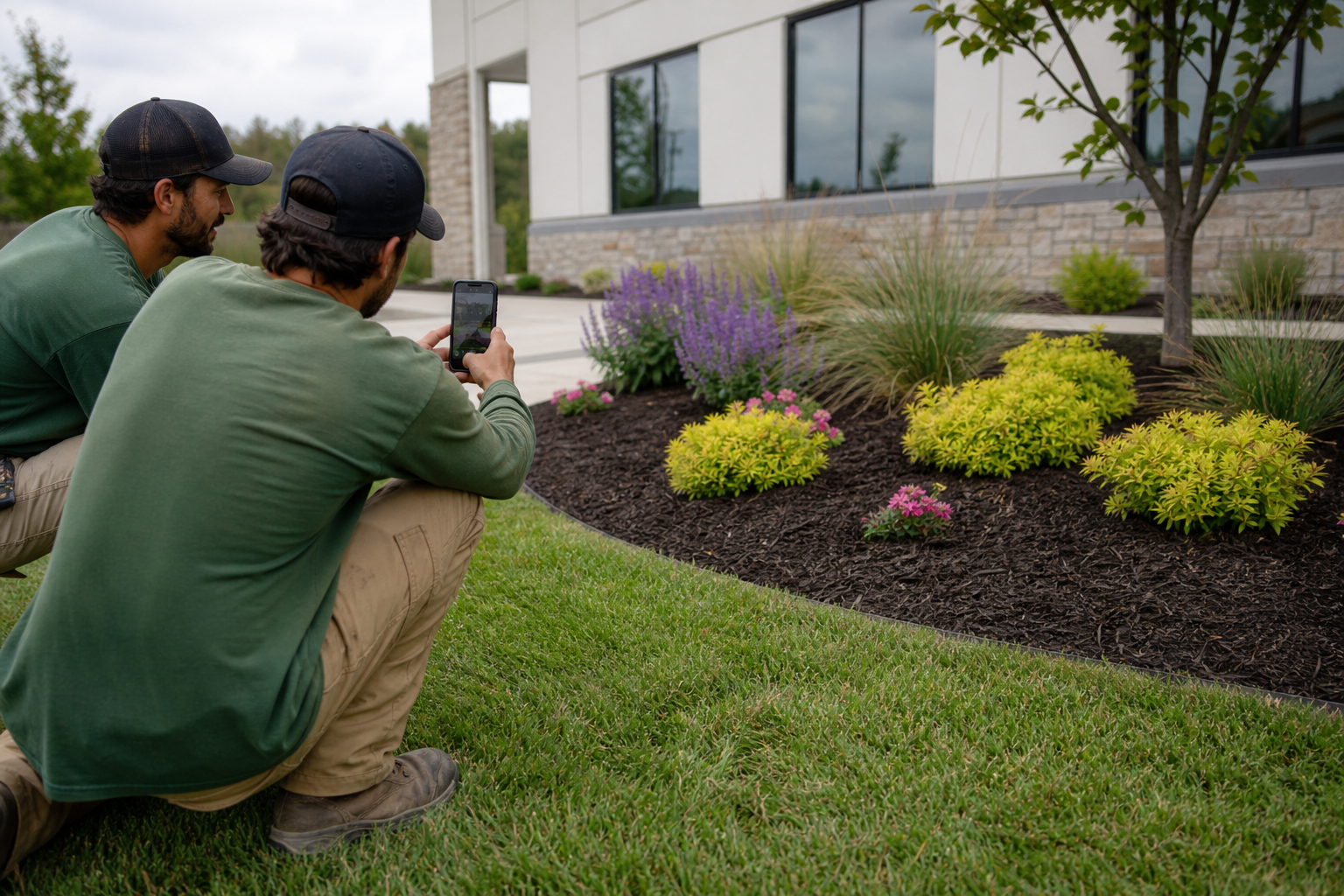
Site photos taken in the field become part of the job record.
Frequently Asked Questions
What is a landscape job tracking app?
A landscape job tracking app records the status, crew time, materials, photos and costs of each job in one place. Owners and crews can see progress from any device.
Why do landscape companies need job tracking?
Without tracking, labor and material costs go unrecorded, so owners cannot tell which jobs make money. Tracking also reduces missed work and billing delays.
What features matter most in a landscape job tracking app?
Look for work tickets, crew time tracking, photo capture, scheduling, job costing and invoicing. Offline-friendly mobile use and accounting integration also matter.
How does job tracking improve profitability?
It compares budgeted hours and materials against actual use as work happens. You can then fix overruns and reprice future bids.
Can crews use a job tracking app on their phones?
Yes, most modern tools include a mobile app for work tickets, checklists, photos and clocking in. Crews update jobs from the field.
How is job tracking different from scheduling software?
Scheduling decides who goes where and when. Job tracking records what actually happened, including time, materials and results.
Does a job tracking app connect to QuickBooks?
Many do. True Pro, for example, integrates with QuickBooks so invoices and financial data stay aligned.
How long does it take to roll out a job tracking app?
Timing depends on company size and data volume. Guided onboarding and data migration support can shorten it.
What are common mistakes when choosing a job tracking app?
Common mistakes include picking a generic tool, skipping crew input, and not testing the mobile app. Another is failing to define which numbers you want to track.
Is a spreadsheet enough for tracking landscape jobs?
Spreadsheets work for a few jobs but break down as crews grow. They lack live updates, photos and automatic costing.
Who should use a landscape job tracking app?
Growing landscape, lawn care, irrigation, tree care and similar outdoor companies that have outgrown paper or spreadsheets benefit most.
Conclusion
A landscape job tracking app turns scattered tickets, texts and timesheets into one clear record of every job. Look for simple crew tools, job-level time and materials, live profit reports and accounting links. With those in place, you can spot overruns early, bill accurately and price future work with confidence.