
Landscape dashboard software is a tool that gathers sales, scheduling, crew, billing and job cost data into one screen so an owner can see how the business is performing. Instead of piecing together spreadsheets, you see what is making money and what is not. This guide explains what to track, how to set it up, and what to look for.
Quick answer: A good dashboard shows win rate, backlog, labor versus budget, job margin and overdue invoices, updated from live work data. Keep it to a handful of metrics and review it every week.
What Is Landscape Dashboard Software?
It is business software that turns everyday records into visual summaries. Estimates, work tickets, time entries and invoices feed charts and totals. As a result, you see current numbers rather than last month's guesses.
A dashboard differs from a report. A dashboard is a fast snapshot. A report digs into one topic in detail.

An owner checks landscape dashboard software to review sales, crews and cash in one place.
Which Metrics Belong on a Landscaping Business Dashboard?
Too many numbers hide the ones that matter. Group metrics by how money moves through the company.
| Area | Metric | Question it answers |
|---|---|---|
| Sales | Win rate, open proposals | Are we closing enough work? |
| Operations | Labor hours vs. budget | Are crews on pace? |
| Profit | Gross margin per job | Which jobs make money? |
| Cash | Overdue invoices | Who owes us, and for how long? |
| Quality | Open site issues | Are properties meeting standards? |
Why Real-Time Job Profitability Matters
Landscape margins depend on labor, materials and drive time. Therefore, a job that runs over budget in week one should be flagged in week one, not at invoicing. Budget-versus-actual views make that possible.
Reliable numbers need clean inputs. For example, crews must log time and materials on each ticket. A simple field app that crews find easy to use improves the data behind every chart.
How Dashboards Connect Sales, Crews and Cash
Sales and proposals
Track how many proposals go out and how many close. Faster, polished bids usually win more work, so see our guide to landscape proposal software.
Scheduling and routes
Drive time is unpaid time. Route and dispatch data shows where hours leak, as covered in cutting drive time costs with routing software.
Quality and client communication
Open issues and inspection results belong on the same screen. Learn more in this overview of landscape site audit software. Likewise, a landscape CRM keeps client follow-ups visible.
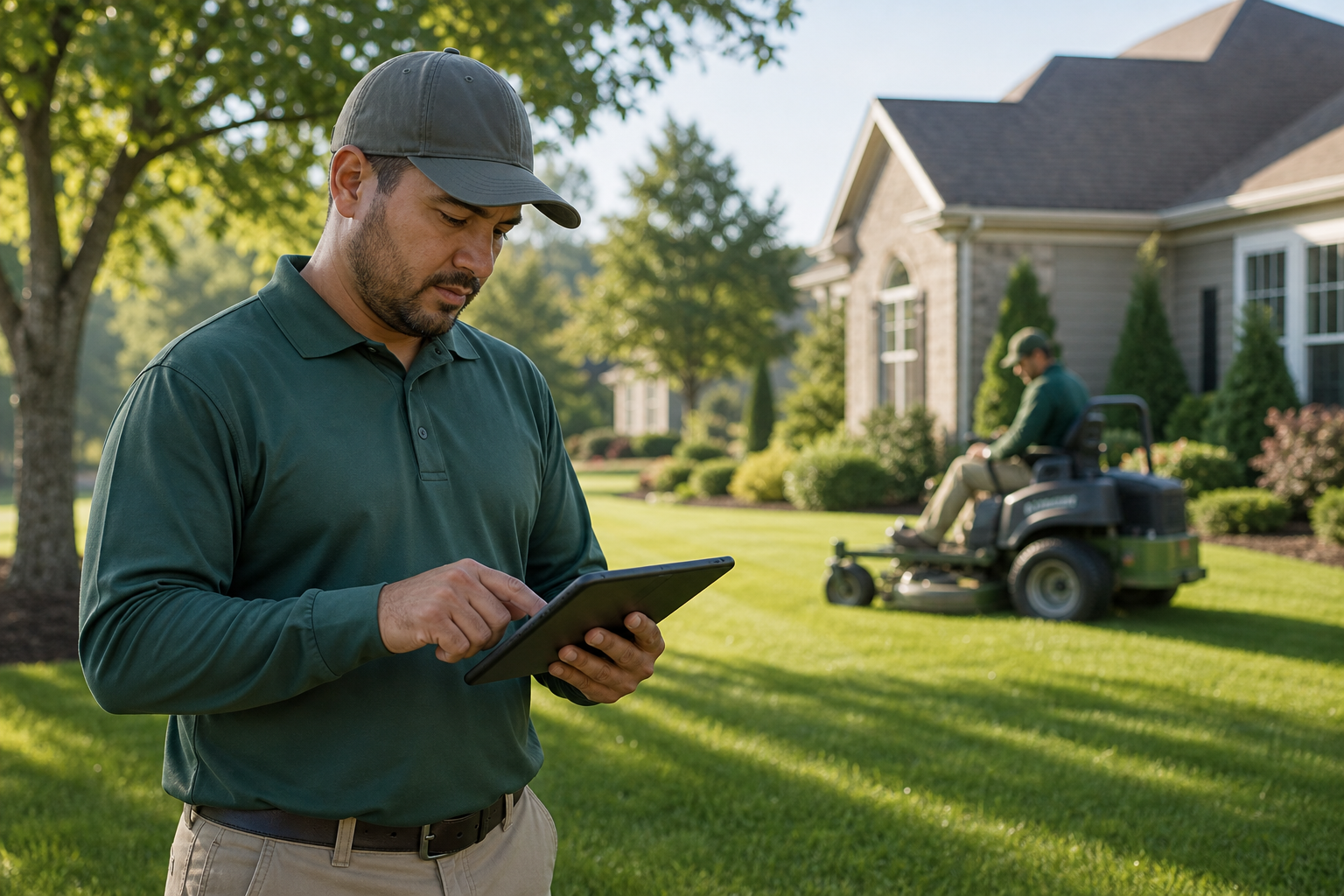
Accurate field data from crews is what makes dashboard numbers trustworthy.
How to Set Up a Dashboard Your Team Will Use
- Pick five to eight metrics tied to sales, crew time, collections and job profit.
- Clean your source data so estimates, tickets, time entries and invoices are recorded consistently.
- Set a target for each metric, such as a margin goal by service line.
- Assign one owner per metric who acts when it moves.
- Review weekly for trends and monthly for margin and pricing decisions.
What to Look for in Landscape Management Reporting Tools
- Live data from every workflow, not manual uploads.
- Budget-versus-actual job costing.
- Role-based views for owners, managers and office staff.
- Accounting integration, such as QuickBooks.
- Onboarding help and data migration.
True Pro is business management software built for landscape and outdoor service companies. It covers CRM, estimating, scheduling, field operations, invoicing, job costing and owner-ready dashboards for sales, operations, collections and job profitability. It was created by a landscape contractor, so its reports follow how landscape companies earn money. For background on the concept, see this overview of business dashboards.
Common Dashboard Mistakes to Avoid
First, do not track everything. A crowded screen gets ignored. Second, do not trust numbers built on inconsistent data. Finally, do not skip the review habit; a dashboard nobody reads changes nothing.
Frequently Asked Questions
What is landscape dashboard software?
Landscape dashboard software displays your key business numbers, such as sales, crew hours, collections and job profit, on one screen. It pulls the data from your estimates, schedules, time entries and invoices.
Who needs a dashboard in a landscaping business?
Owners, operations managers, account managers and office staff all benefit. Each role can focus on the numbers they control.
Which metrics matter most for a landscape company?
Start with win rate, backlog, labor hours versus budget, gross margin per job, and overdue receivables. These cover sales, production and cash.
How is a dashboard different from a report?
A dashboard gives a quick, current snapshot. A report goes deeper into one topic, usually for a set period.
Can I just use spreadsheets instead?
You can, but spreadsheets need manual updates and are often out of date. Software that records work as it happens keeps numbers current.
What does real-time job costing show?
It compares budgeted labor, materials and equipment against actual costs as work progresses. That lets you correct a losing job before it ends.
How often should I check my dashboard?
Glance at it daily for cash and schedule issues. Review trends weekly and do a deeper margin review monthly.
Does landscape dashboard software work with QuickBooks?
Many platforms do. True Pro integrates with QuickBooks so accounting data and operational data line up.
What are common dashboard mistakes?
The biggest mistakes are tracking too many metrics, relying on inconsistent data, and never assigning an owner to act on the numbers.
How long does setup take?
Timing depends on how clean your data is and how much needs migrating. Guided onboarding and data migration help shorten it.
Can dashboards help improve collections?
Yes. An aging view shows which invoices are overdue so you can follow up early. Online payments and automated reminders also help.
What should I look for when choosing a platform?
Look for live data from every workflow, role-based views, budget-versus-actual job costing, and an easy mobile app for crews. Industry fit matters more than a long feature list.
Conclusion
Landscape dashboard software gives owners a clear, current view of sales, crews, cash and job profit. Choose a few metrics, keep the data clean, assign owners and review on a steady schedule. With tools built for landscape work, such as True Pro, those numbers turn into better pricing, tighter crews and healthier margins.