
Landscape routing software is the tool growing landscaping and lawn care companies use to replace hand-drawn routes and guesswork with optimized, GPS-based crew paths. Instead of a dispatcher squinting at a paper map every morning, the software calculates the tightest possible sequence of stops across an entire fleet. As a result, crews spend more time working on properties and less time sitting in traffic.
Quick answer: Landscape routing software automatically sequences crew stops by location, job duration, and schedule to cut drive time, fuel spend, and overtime for landscaping, lawn care, and irrigation teams.
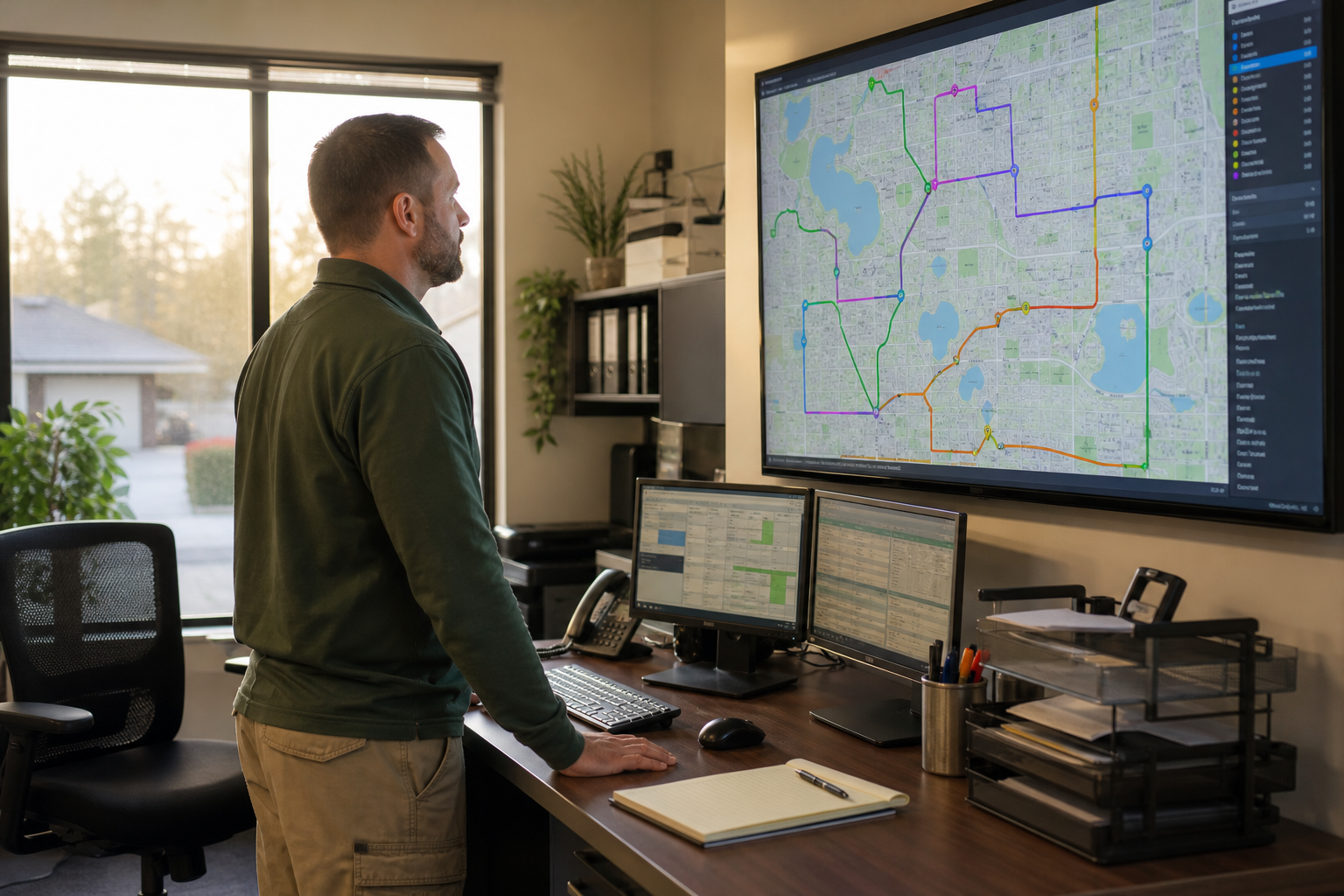
Good landscape routing software turns a messy morning dispatch board into a clear, optimized plan.
What Is Landscape Routing Software?
Landscape routing software is a digital platform that plans the order and sequence of property visits for landscaping, lawn care, and outdoor service crews. It combines mapping, job scheduling, and GPS data to build routes that minimize backtracking and idle drive time.
Unlike a basic navigation app, this software understands job duration, crew skill, and recurring service frequency. Consequently, it can rebuild an entire week of routes in seconds whenever a job gets added, cancelled, or rescheduled. Many platforms also push the finished route straight to a crew's phone through a field app, so drivers never need a printed sheet.
Why Route Optimization Matters for Landscape Crews
Drive time is one of the least visible costs in a landscaping business, yet it eats directly into margin. For example, a crew that loses 45 minutes a day to poor sequencing effectively works almost four fewer hours every week.
According to the vehicle routing problem research summarized by Wikipedia, optimized sequencing of stops can meaningfully reduce total travel distance compared with routes built by intuition alone. In addition, the U.S. Department of Energy's fuel economy data shows that stop-and-go driving and excess mileage directly raise fuel costs per vehicle. Therefore, tighter routes are not just a convenience; they are a measurable cost lever for fleets running multiple trucks every day.
Beyond fuel, route optimization software also protects crew capacity. Specifically, every extra job a crew can finish in a day without added overtime improves revenue per truck, which matters most during the busy spring and fall seasons.
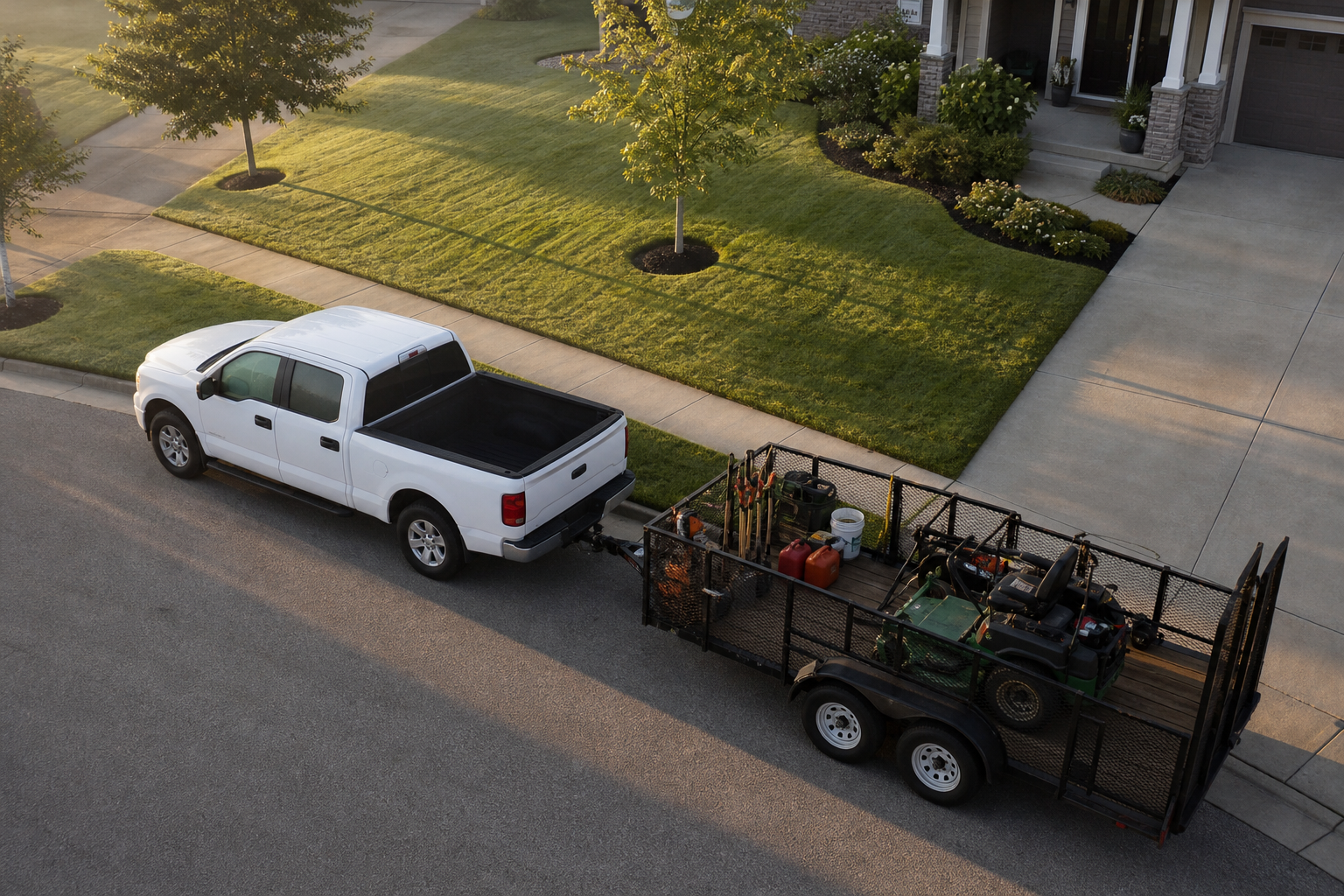
Shorter, smarter routes mean crews arrive ready to work instead of running late.
Key Features to Look For in Route Planning Tools
Not every scheduling tool qualifies as true route planning software. Specifically, look for these capabilities before committing to a platform:
- Drag-and-drop dispatch so managers can adjust a route visually in seconds.
- GPS-enabled maps that show live crew location against the planned route.
- Recurring route support for weekly or biweekly maintenance accounts.
- Mobile field app with work tickets, checklists, and time tracking built in.
- Reporting that ties routes back to job profitability, not just miles driven.
Platforms such as True Pro build these features around how landscaping companies actually operate, combining CRM data, scheduling, and routing in a single system rather than bolting routing onto a generic field service tool.
How Landscape Routing Software Improves Job Costing and Profitability
Routing data becomes far more valuable once it connects to financial reporting. For instance, when a platform tracks actual drive time against budgeted time per route, owners can see exactly which routes quietly lose money.
True Pro's job costing tools pull routing and labor data together into real-time profit and loss reports by job. As a result, managers can spot a route that looks full on paper but actually runs at a loss once fuel and overtime are factored in. Similarly, linking routing to the CRM and property records keeps site notes, access instructions, and photos attached to every stop on the route.
Step-by-Step: Rolling Out Routing Software
Switching from manual routes to software works best as a staged process rather than an overnight flip. The steps below outline a practical rollout sequence.
- Audit current routes and drive-time data to establish a baseline for comparison.
- Import customer and property data into the CRM so every stop has accurate location details.
- Build routing rules by crew zone, job duration, and priority before generating optimized sequences.
- Train crews and dispatchers on the mobile app so field adoption matches the new plan.
- Monitor GPS data weekly and refine routes as real driving patterns reveal better options.
Landscape Routing Software vs Manual Scheduling
Manual routing still works for very small operations, but it quickly breaks down as crew count and property volume grow. The comparison below highlights the practical differences.
| Factor | Manual Scheduling | Routing Software |
|---|---|---|
| Route planning time | 30-60 minutes daily per crew | Seconds, auto-generated |
| Recurring job handling | Rebuilt from memory each week | Repeats automatically with adjustments |
| Visibility into drive time | Estimated, rarely tracked | Logged and tied to job costing |
Choosing the Right Crew Dispatch Software for Growing Teams
The best fit depends on fleet size, service mix, and how tightly routing needs to connect to billing. Companies running irrigation and lighting crews alongside mowing teams, for example, often need routing that accounts for longer job durations and specialty equipment; True Pro's irrigation and lighting tools handle that scheduling nuance directly.
Furthermore, growing companies should confirm the platform integrates with accounting and GPS tracking tools they already use, such as QuickBooks or Azuga, so routing data does not sit in a silo. Visiting the True Pro homepage or exploring the full platform overview is a reasonable next step for teams comparing options.
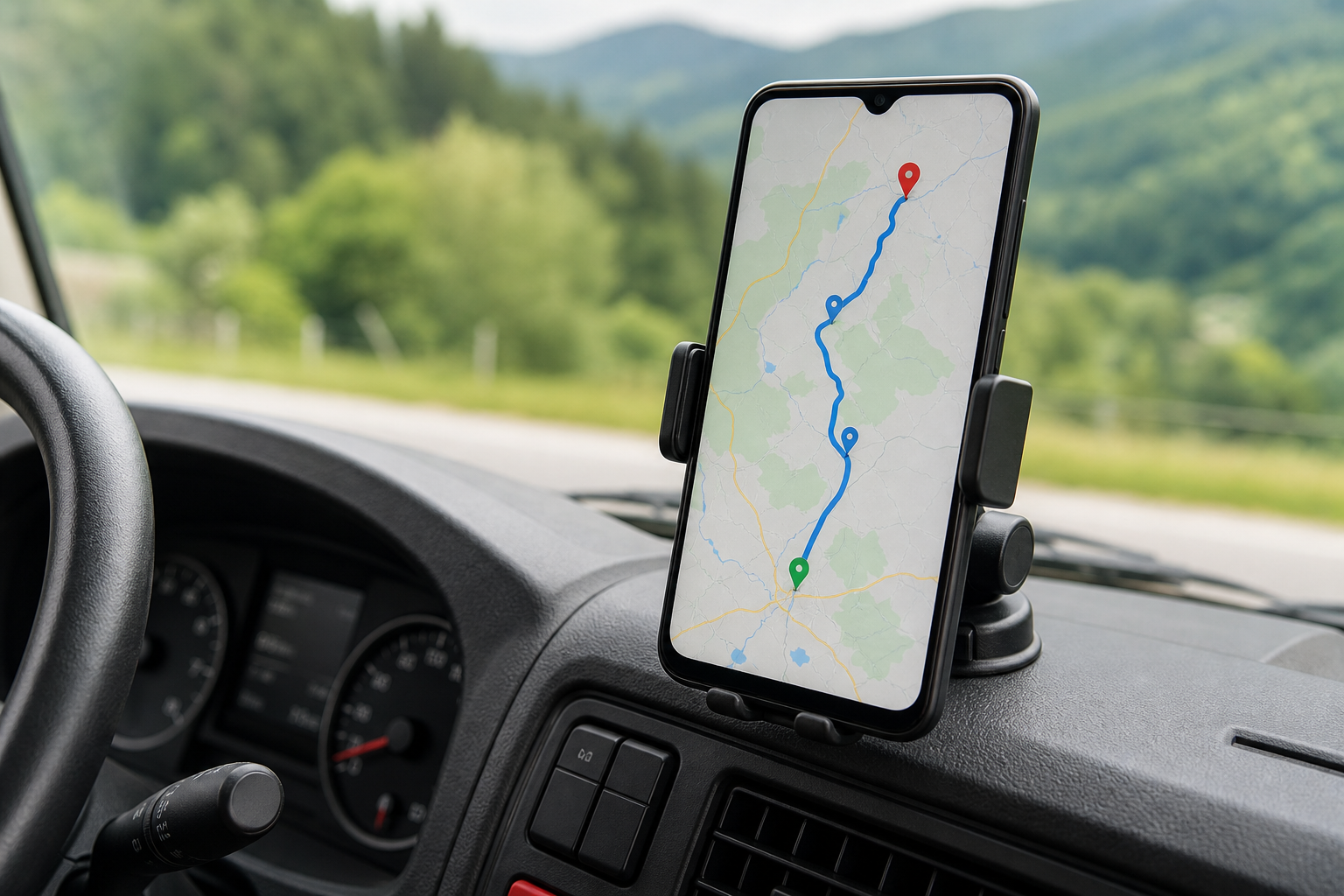
Field crews follow the optimized route directly from a mobile device mounted in the truck.
Frequently Asked Questions
What is landscape routing software?
Landscape routing software is a digital tool that plans and optimizes the daily driving routes and job order for landscaping crews. It uses property addresses, job duration, and crew availability to build the most efficient route automatically.
How does landscape routing software work?
It pulls job and property data from the CRM, calculates drive times between stops, and sequences them to minimize windshield time. Dispatchers can then drag and drop jobs on a map-based schedule and push the finished route to crew devices.
Why do landscaping companies need route optimization software?
Manual routing wastes fuel, overtime hours, and crew capacity on poorly sequenced stops. Route optimization software reduces those losses by automatically building tighter, geography-based routes for recurring and one-time jobs.
How much does landscape routing software cost?
Pricing varies by provider and typically scales with the number of users, crews, or trucks on the platform. Most landscape-specific platforms, including True Pro, price per seat or per crew rather than charging a flat enterprise fee.
How long does it take to implement routing software for a landscaping crew?
A small to mid-size landscaping company can typically go live in two to four weeks when data migration and training are planned ahead. Larger operations with multiple branches may need six to eight weeks for a full rollout.
What is the difference between landscape routing software and basic GPS navigation apps?
Consumer GPS apps only find the fastest path between two points, one trip at a time. Landscape routing software sequences dozens of stops across an entire day and syncs the route with scheduling, invoicing, and job costing.
What features should landscape routing software include?
Look for drag-and-drop dispatch, GPS-enabled maps, support for recurring work, a crew mobile app, and reporting that connects routes to job profitability. Integration with CRM and invoicing data matters just as much as the routing engine itself.
Can landscape routing software handle recurring maintenance routes?
Yes, recurring route management is one of the core use cases for this category of software. It automatically repeats optimized routes on a weekly or biweekly cadence while still allowing manual adjustments for weather or crew changes.
What common mistakes do landscaping companies make when adopting routing software?
The most common mistake is importing messy or incomplete property data, which produces inaccurate routes from day one. Skipping crew training on the mobile app is the second most frequent issue, since field adoption determines whether routes actually get followed.
How does route optimization affect job costing and profitability?
Tighter routes reduce drive time, fuel spend, and overtime, which directly lowers the cost side of each job's profit and loss. When routing data feeds into job costing reports, owners can see exactly how much drive-time savings add to margin.
Does landscape routing software integrate with QuickBooks and other tools?
Many landscape-specific platforms sync routing and job data directly with QuickBooks for accounting and with GPS providers such as Azuga for live vehicle tracking. This keeps financial records and route history aligned without double entry.
Is landscape routing software only for large landscaping companies?
No, growing companies with just a few crews see meaningful time savings as soon as they stop building routes by hand. The software scales with the business, adding routes and users as crew count increases.
How does landscape routing software improve customer communication?
Optimized routes make arrival windows more predictable, so dispatchers can send accurate automated notifications to customers. That predictability reduces missed-appointment complaints and the phone calls asking where a crew is.
Final Thoughts on Landscape Routing Software
In the end, landscape routing software earns its place in a growing company's toolkit by turning a daily guessing game into a repeatable, data-backed process. It shortens drive time, protects crew hours, and, when connected to job costing, shows owners exactly where routes are making or losing money. Companies that pair routing with CRM, scheduling, and billing in one system, as True Pro does, avoid the gaps that come from stitching together separate tools. For landscaping, lawn care, and irrigation teams that have outgrown spreadsheets and paper maps, adopting landscape routing software is less a luxury and more a practical step toward predictable growth.