
GPS landscaping software is business management software that uses location data to map properties, plan routes, dispatch crews and confirm where work happened. For a growing landscape company, it turns drive time and crew whereabouts from guesswork into numbers you can manage. This guide explains what it does, which features matter and how to roll it out.
What Is GPS Landscaping Software?
It is a platform that links the Global Positioning System (GPS) to everyday landscape operations. Instead of only showing a truck on a map, it connects that location to the job, the crew and the cost.
In practice, this means maps of every property, planned routes, live crew positions and time stamps tied to work tickets. As a result, owners see what was planned and what actually happened.
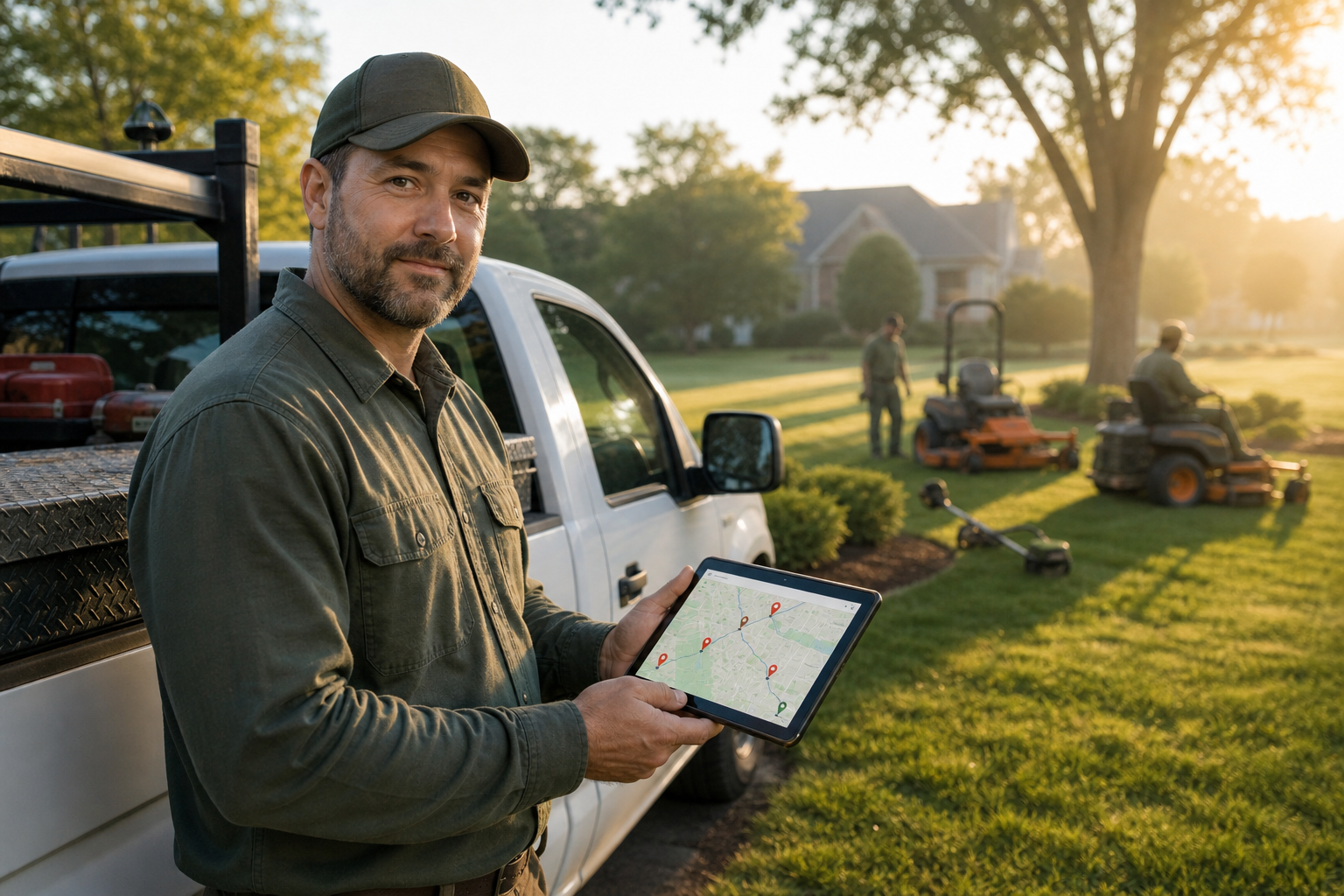
A crew lead checks the day's route before leaving the yard.
Why GPS Matters for Landscape Companies
Landscaping is a route-based business. Therefore, small inefficiencies add up quickly across crews, trucks and weekly visits.
- Less windshield time means more billable hours per day.
- Verified arrival and departure times support accurate payroll.
- Location-stamped photos help settle customer disputes.
- Real labor data improves future estimates.
For a deeper look at the savings side, see this guide to landscape routing software and drive-time costs.
Key Features of GPS-Enabled Landscape Software
Route Optimization
Route optimization orders stops to reduce distance and time. It is a practical form of the vehicle routing problem. Good tools also respect recurring schedules and crew capacity.
Drag-and-Drop Crew Dispatch
Dispatchers move jobs between crews on a map-based board. Consequently, rain delays and emergency calls take minutes to fix, not hours.
Field App With Time Tracking
Crews open work tickets, follow checklists, add photos and log time from a phone. If you are weighing usability, read which landscaping software is easiest for field crews and this look at the best mobile app for field operations.
Job Costing and Accounting Sync
GPS time data matters most when it reaches the books. Look for job costing, budget-versus-actual reports and a QuickBooks integration.
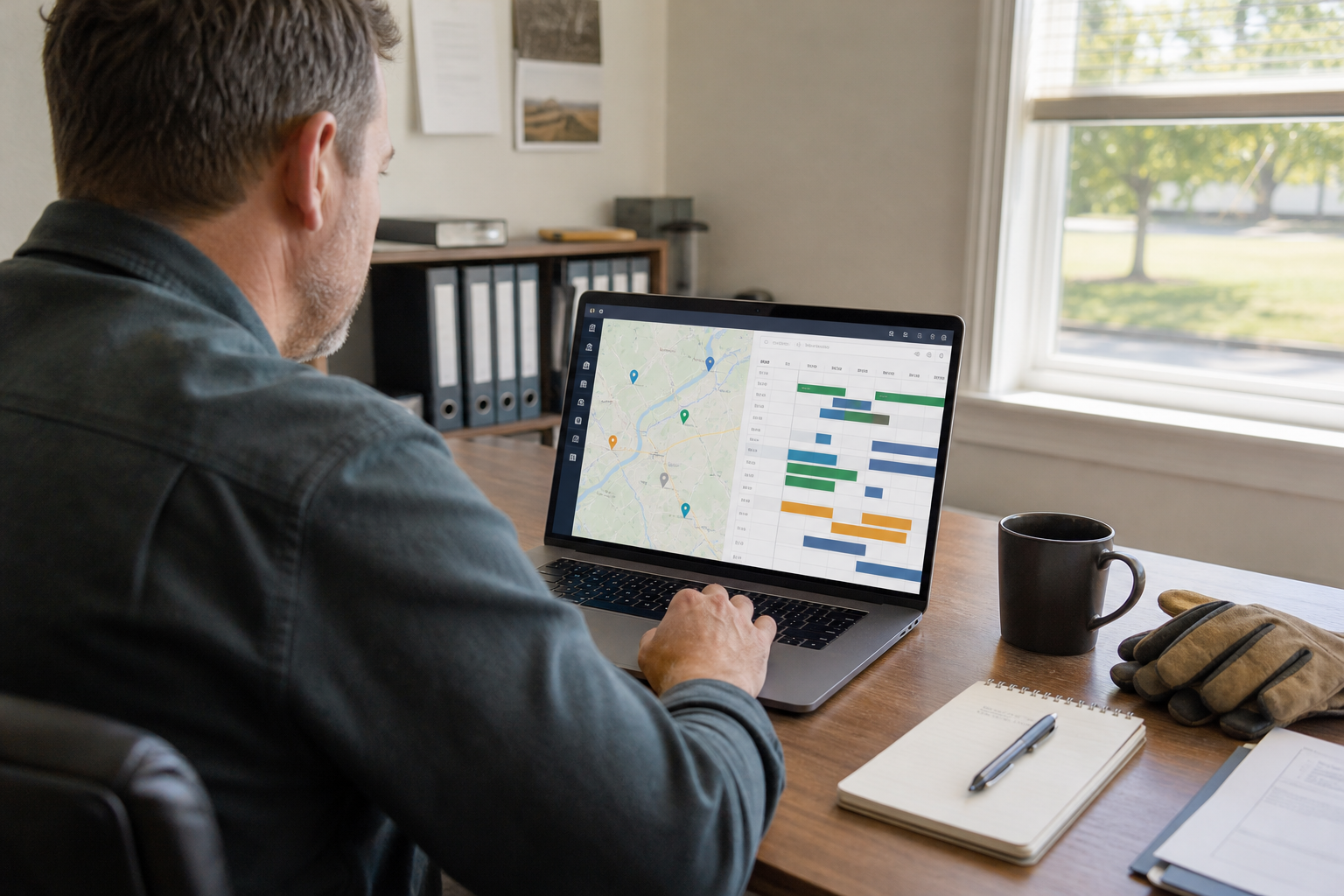
Dispatch boards put crew locations and schedules in one view.
How to Roll Out GPS Landscaping Software
A phased rollout prevents confusion. Follow these steps.
- Clean up property data: verify addresses, gate notes and service frequency.
- Set up crews and recurring services so routes reflect real capacity.
- Run route optimization, then adjust for access windows and equipment needs.
- Train crew leads on the mobile app with a short live walkthrough.
- Review GPS data weekly and adjust routes, pricing and crew sizes.
Choosing Crew Tracking Software: A Short Checklist
| Question | Why it matters |
|---|---|
| Does GPS connect to work tickets? | Location data becomes job-level labor data. |
| Is it built for landscaping? | Recurring work and seasonal crews need specific tools. |
| Does it sync with accounting? | It avoids double entry and keeps reports accurate. |
| Is onboarding included? | Training and data migration decide adoption success. |
For wider context on features and pricing, the landscaping software guide covers features, costs and tips.
Where True Pro Fits
True Pro is software for landscape and outdoor service companies, built by a landscape contractor. It includes scheduling, route optimization, drag-and-drop crew dispatch with GPS-enabled maps, a field operations app, invoicing, job costing and a QuickBooks integration. It also integrates with Azuga GPS, and onboarding includes training and data migration. True Pro is a software platform, not a field service provider.
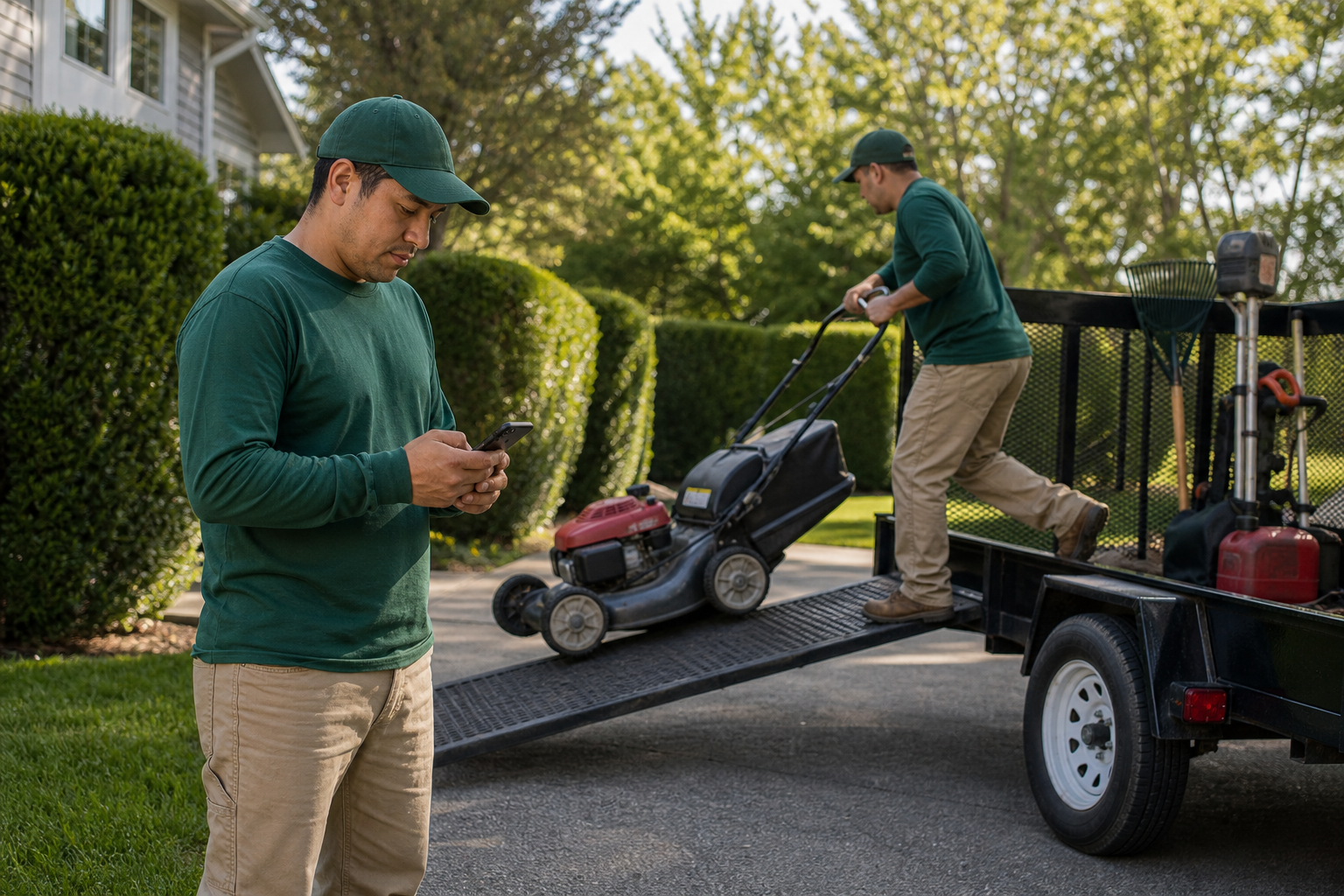
Crews use a phone app to move to the next stop and log their time.
Frequently Asked Questions
What is GPS landscaping software?
GPS landscaping software is business management software that uses location data to map properties, plan routes, dispatch crews and verify where work happened. It usually sits inside a larger system for scheduling, invoicing and job costing.
How does GPS landscaping software reduce drive time?
It groups nearby stops and orders them into efficient routes. Less backtracking means fewer miles, less fuel and more billable hours per day.
Does GPS tracking work without a vehicle tracker?
Yes, many field apps use the phone's location for check-ins and time stamps. Vehicle trackers add data such as speed, stops and idle time.
Is GPS crew tracking legal?
Rules vary by state and country, especially for tracking employees on personal phones. Review local law, tell crews in writing and track only during work hours.
What features should I look for?
Look for route optimization, drag-and-drop dispatch, a mobile app with time tracking and photos, job costing, and accounting integration. Property maps and recurring-work support also matter.
How is it different from a standalone fleet tracker?
A fleet tracker shows where vehicles are. Landscaping software ties that location to jobs, tickets, labor cost and invoices.
Can GPS data help with job costing?
Yes. Verified arrival and departure times show actual labor on each property, which you can compare against estimated hours and budget.
How much does GPS landscaping software cost?
Pricing varies by vendor, user count and modules. Ask for a written quote that lists setup, training, per-user fees and any GPS hardware costs.
How long does implementation take?
It depends on data size and team readiness. Guided onboarding and data migration help shorten the process.
What are common mistakes when adopting it?
Common mistakes include skipping crew training, importing messy property addresses and tracking data without acting on it. Another is choosing a tool that does not connect to accounting.
Can small crews benefit from GPS landscaping software?
Yes, particularly once a company runs several crews or recurring routes. Even two crews can lose hours to poor routing.
Does it integrate with QuickBooks?
Many platforms do, including True Pro. Integration keeps invoices, payments and financial reports in sync.
Conclusion
GPS landscaping software helps companies cut wasted drive time, verify crew hours and tie location data to real job costs. Choose a system where routing, dispatch, the field app and accounting work together, then roll it out in clear steps and review the data weekly. To see how this works in a platform built for landscape companies, visit True Pro.