Digital signature software for outdoor services is a tool that lets landscaping, lawn care, and similar companies send proposals and contracts that customers sign on any device. Instead of printing, driving back, and chasing paper, you send a link and get a signed agreement back. This guide explains how it works, what to look for, and how it fits into the rest of your workflow.
Quick answer: Choose e-signature software that sits inside your proposal and job system. That way, a signed proposal becomes a scheduled, billable job without retyping anything.
What Is Digital Signature Software for Outdoor Services?
It is software that captures a customer's agreement to an estimate or contract electronically. The customer opens a secure link, reviews the scope and price, and signs on screen. The system then stamps the document with the time, date, and signer details.
In the United States, the Federal Trade Commission and other agencies recognize that electronic records and signatures are broadly valid under the federal ESIGN Act. You can read more about the concept on Wikipedia's electronic signature page.

A contractor walks a homeowner through a proposal that can be signed on the spot.
Why E-Signatures Matter for Landscape and Lawn Teams
Paper slows a seasonal business down. Estimates get lost in trucks, and customers forget to mail them back. As a result, crews sit idle while you wait for approval.
Electronic signing removes those delays. In addition, it gives you a clean record of what the customer agreed to, which protects both sides if scope questions come up later.
- Faster approvals, since customers can sign from anywhere.
- Fewer lost documents and no manual filing.
- A time-stamped record attached to the customer and property.
- A more professional first impression than a handwritten quote.
How to Get a Proposal Signed Electronically
The process is simple once your templates are set up. Here is the typical flow:
- Build the estimate from a reusable template with scope, materials, labor, and pricing.
- Brand the proposal with your logo, photos, terms, and payment schedule.
- Send a secure signing link by email or text.
- The customer reviews and signs on screen, and the system records the details.
- Convert the approved proposal into a scheduled job and invoice plan.
For more detail, see this walkthrough on how digital signatures work in landscaping proposals. You can also learn how to create branded, professional proposals before you send them.
Features to Look for in E-Signature Tools
Not every signing tool suits field businesses. Therefore, compare options on the points below.
| Feature | Why it matters |
|---|---|
| Mobile signing | Customers sign without installing an app. |
| Audit trail | Records who signed, when, and from which device. |
| Reminders | Follow up on unsigned proposals automatically. |
| CRM and job link | Signed work moves into scheduling and billing. |
| Payment options | Request deposits when the customer approves. |
Connecting Signatures to Scheduling and Payments
A signature alone does not grow a business. What matters is what happens next. [True Pro](https://truepro.com) is a software platform for landscape and outdoor service companies, and its True Pro Signature feature is built into the same system as estimates, scheduling, crew dispatch, and invoicing.
Because everything lives in one place, an approved proposal can flow directly into a job. Online payments are available through True Pay. For a broader look, read about landscape proposal software that wins more jobs faster and what to know about digital signature landscaping software.
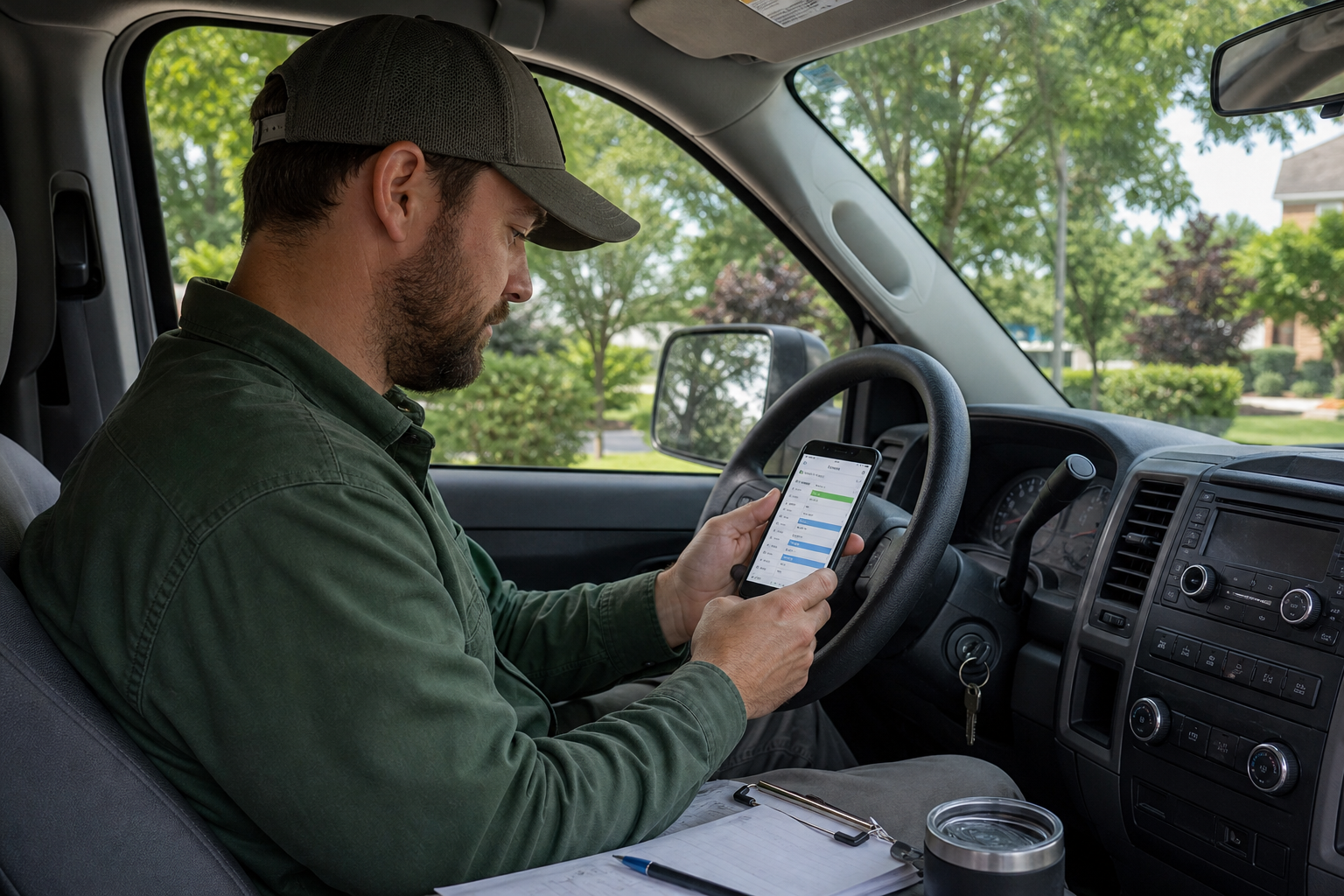
Once a proposal is signed, the job can move straight onto the crew schedule.
Common Mistakes to Avoid
- Writing vague scope language that invites disputes.
- Leaving out terms, payment schedules, or change-order rules.
- Skipping follow-up on proposals that sit unsigned.
- Using a separate signing app that forces double data entry.
For legal questions about specific contracts, consult an attorney. The U.S. Small Business Administration also offers general guidance on business contracts.
Frequently Asked Questions
What is digital signature software for outdoor services?
It is software that lets landscaping, lawn care, and similar companies send proposals and contracts for customers to sign on any device. It records who signed and when.
Are electronic signatures legally binding?
In the United States, the federal ESIGN Act and state UETA laws generally give electronic signatures the same weight as handwritten ones for most contracts. Check with an attorney for special cases.
What is the difference between an electronic and a digital signature?
An electronic signature is any electronic mark showing intent to sign. A digital signature uses cryptography to verify the signer and detect changes to the document. Most proposal tools use electronic signatures with an audit trail.
Why should landscape companies use e-signatures?
They shorten approval time, reduce lost paperwork, and let customers sign right away. Faster approvals also help you fill your schedule sooner.
Can customers sign on a phone?
Yes. A good tool opens the proposal in a mobile browser, so customers can sign without downloading an app or creating an account.
What features should I look for?
Look for branded proposals, mobile signing, audit trails, automatic reminders, and a link to scheduling and invoicing. Integration with your CRM matters most.
How is True Pro Signature different from a stand-alone signing app?
True Pro Signature is built into the same platform as estimates, scheduling, and invoicing. A signed proposal moves straight into the job workflow instead of being re-entered.
How long does it take a customer to sign?
Signing itself usually takes a few minutes. Actual approval time depends on how fast the customer reviews the pricing and scope.
Can I collect a deposit when the proposal is signed?
If your software supports online payments, you can request a deposit alongside the signature. True Pay is the online payment option within True Pro.
What does an audit trail include?
It typically logs the signer's name, the date and time, and the IP address or device information. This record helps if a customer later disputes an agreement.
What are common mistakes when using e-signatures?
Common errors include vague scope language, missing terms, and not following up on unsigned proposals. Clear wording and automated reminders solve most of these.
Can I use e-signatures for recurring service agreements?
Yes. Recurring maintenance contracts are well suited to e-signatures, since the signed terms can be stored with the customer's property record.
Conclusion
Digital signature software for outdoor services replaces slow, paper-based approvals with a fast, trackable process. The best choice is one that connects signing to estimates, scheduling, invoicing, and payments, so approved work moves forward without extra data entry. Start with clear proposals, add reminders, and pick a system that keeps the whole job in one place. You can explore that approach at True Pro.