
Online payment software for landscapers is a tool that lets your company send invoices and collect card or bank payments digitally. It replaces slow checks and cash handling with fast, trackable payments. For most landscape owners, that means fewer unpaid invoices and steadier cash flow.
Quick answer: The best online payment software for landscapers connects to your invoices and accounting, accepts cards and ACH bank transfers, and works on a phone. Choose it on total fees, deposit speed, and how well it fits your billing style.
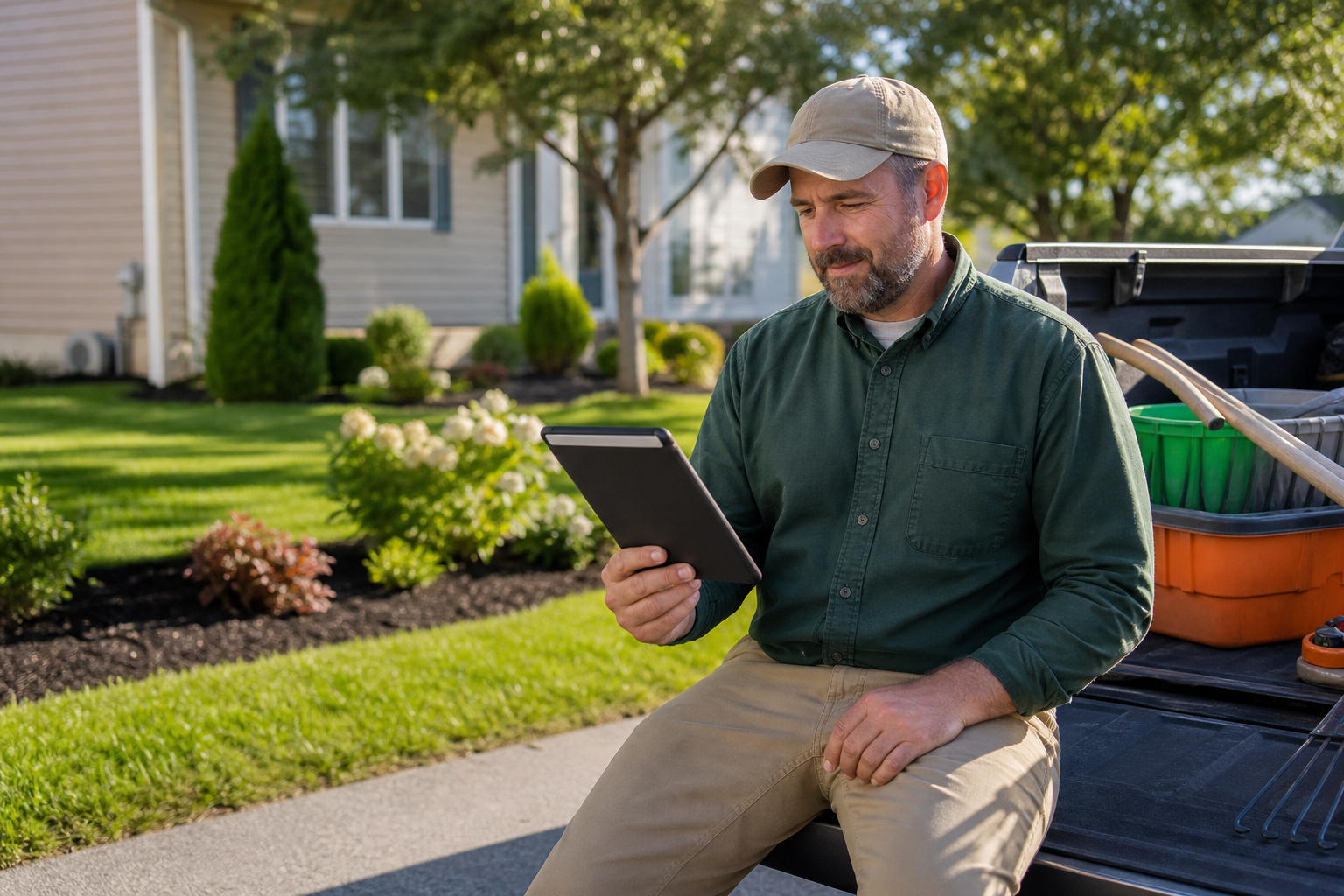
A landscape owner confirms a customer payment from the field.
What Is Online Payment Software for Landscapers?
It is software that turns an invoice into a payment link. Customers click, pay by card or bank transfer, and the money is recorded against the job. The best versions sit inside your business management system, so you do not retype anything.
In contrast, a basic card reader only captures the payment. It does not tell your office which invoice was paid. That gap creates extra work at month end.
Why Landscape Companies Get Paid Slowly
Landscape billing is uneven. You may have recurring maintenance, one-time installs, and seasonal add-ons all at once. As a result, invoices often go out late and sit in a mailbox.
Paper checks add more delay. Someone must receive them, log them, and deposit them. Meanwhile, crews and suppliers still need to be paid on time.
Key Features to Look For
Not every tool fits a landscape business. Look for these features first:
- Card and ACH support: Customers choose what suits them, and you can steer large invoices toward lower-fee bank transfers.
- Payment links: Send them by email or text so customers pay from a phone.
- Saved payment methods: These make recurring maintenance billing nearly hands-off.
- Automatic reminders: Follow-ups go out without anyone making calls.
- Accounting sync: Payments should post to QuickBooks or your ledger automatically.
- Job-level reporting: You should see what is paid, open, and overdue by job.
Card vs. ACH: Which Payment Method Fits?
| Factor | Credit/Debit Card | ACH Bank Transfer |
|---|---|---|
| Typical fee | Percentage of payment | Usually lower, often flat or capped |
| Speed | Often fastest | May take a few days |
| Best for | Small, quick invoices | Large installs and contracts |
Fees differ by provider, so confirm yours in writing. The ACH network is the system behind most U.S. bank-to-bank transfers.
How to Set Up Online Payments Step by Step
- List your billing needs, including per-job, per-visit, and monthly billing.
- Choose a platform that connects payments to invoices and accounting.
- Complete merchant setup and confirm fees and deposit timing.
- Add payment links to invoice emails and texts.
- Turn on reminders and train office staff and crew leads.

Reviewing paid and open invoices in one place keeps collections on track.
Why Integration Matters More Than the Rate
A low processing rate looks good, but manual work costs real money. If staff must match deposits to invoices by hand, errors creep in. Therefore, integration often saves more than a slightly cheaper fee.
For example, True Pro is a business management platform built for landscape companies. It runs the job from lead through estimate, schedule, invoice, and payment. Its True Pay option collects online payments inside that same workflow. That keeps payments tied to job costing and profit reports.
Pairing Payments With Automated Invoicing
Payments work best when invoices go out on time. Automated and batch invoicing handle recurring maintenance without manual effort. Read more in this guide on automated invoicing for landscaping companies.
You can also compare tools using this walkthrough on picking landscape billing software. If you are growing, see software for a growing landscaping company.
Security and Compliance Basics
Card data must be protected. Providers should follow the PCI Security Standards Council requirements. In practice, this means encryption and tokenization, so you never store full card numbers yourself.
Frequently Asked Questions
What is online payment software for landscapers?
It is software that lets a landscape company send invoices and collect card or bank payments online. Good tools connect to your jobs, invoices, and accounting so payments post automatically.
How does online payment software for landscapers help cash flow?
Customers can pay the moment they get an invoice, from a phone or computer. This removes mailing delays and reduces chasing checks.
Is ACH cheaper than credit card payments?
ACH bank transfers usually cost less per transaction than cards, though exact fees vary by provider. Cards are often faster and more convenient for customers.
Can customers pay from their phones?
Yes. Most platforms send a secure payment link by email or text that works on any phone.
Can I take payments in the field?
Many systems support this through a mobile app or a payment link sent from the job site. Check that your crew leads can access it.
How do I handle recurring maintenance contracts?
Use automated recurring invoicing with saved payment methods on file. The customer approves once, and each visit or month bills on schedule.
Should payment software connect to QuickBooks?
Yes, in most cases. A sync avoids double entry and keeps your books matched to deposits.
How long does it take to receive money?
Card payments often deposit in one to three business days, and ACH may take a few days longer. Timing depends on your processor and bank.
Is online payment software secure?
Reputable providers follow PCI DSS standards and use encryption and tokenization. You should never store raw card numbers yourself.
How much does online payment software cost?
Most providers charge per-transaction processing fees, and some add a software subscription. Ask for a full fee schedule before you sign.
What mistakes should landscapers avoid?
Common mistakes include choosing on rate alone, skipping accounting integration, and not training the office team. Hidden fees and weak reporting also cause problems.
Is a standalone processor or an all-in-one platform better?
An all-in-one platform keeps estimates, invoices, and payments in one record, which reduces manual work. A standalone processor can work for very small teams with simple billing.
Conclusion
The right online payment software for landscapers helps you invoice faster, collect sooner, and keep clean books. Focus on card and ACH options, mobile payment links, recurring billing, and accounting sync. Above all, choose a tool that fits how your crews and office already work, then train your team so customers can pay with ease.