
Lawn care business software is the single system growing lawn and landscape companies use to manage leads, estimates, scheduling, invoicing, and job profit without juggling spreadsheets, sticky notes, and three disconnected apps. As a crew list grows past five or six trucks, the cracks in manual processes show up fast: double-booked routes, lost proposals, and invoices that go out weeks late. The right software closes those gaps and gives an owner one clear view of the business.
This guide breaks down what lawn care management software actually does, which features matter most, and how to compare options without getting distracted by flashy extras. In addition, it covers realistic costs, common mistakes, and a step-by-step process for making the switch with minimal disruption to the current season.
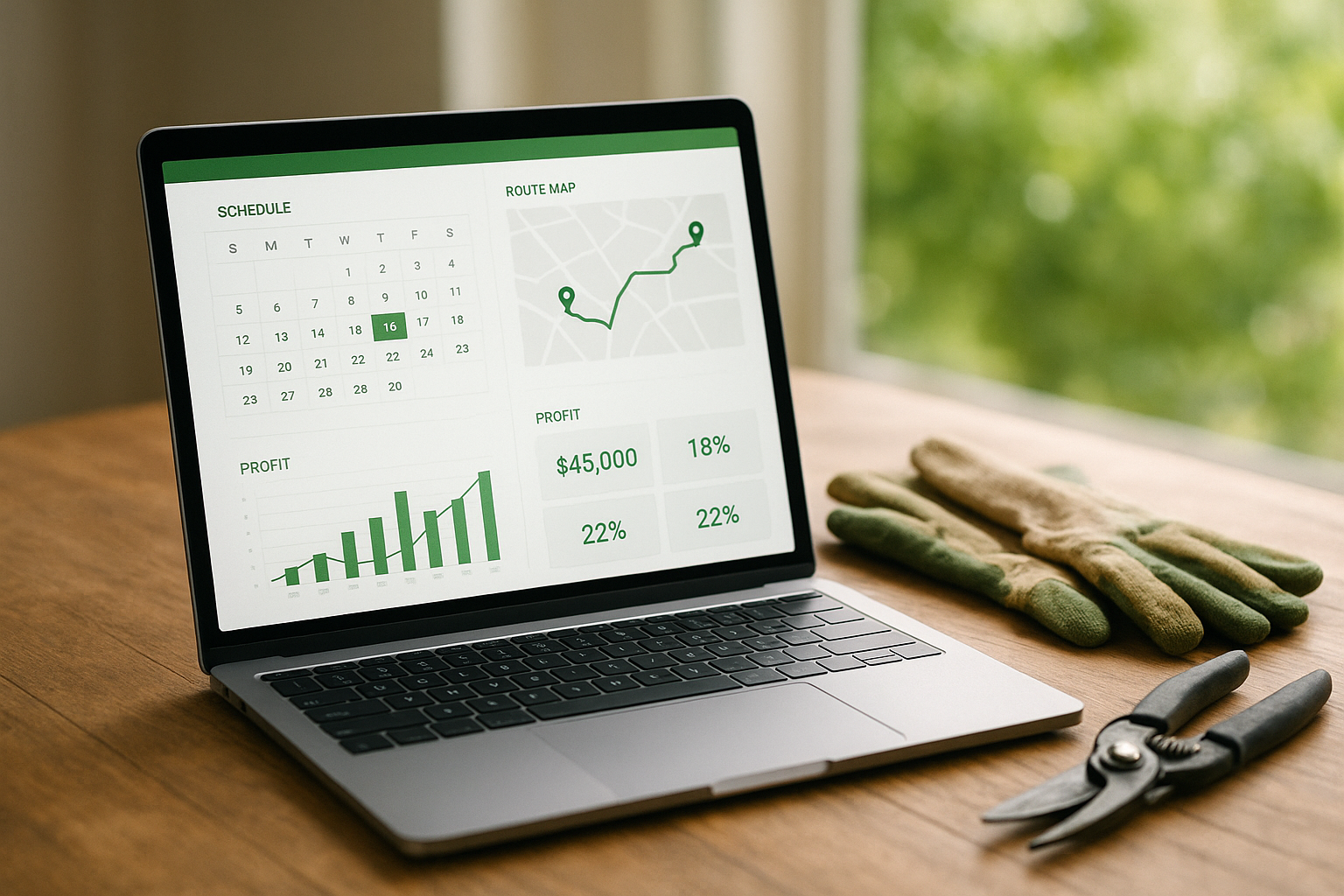
A dashboard view shows how lawn care business software connects scheduling, invoicing, and profit data in one place.
What Is Lawn Care Business Software?
Lawn care business software is a cloud-based platform that handles the full job lifecycle for a landscaping or lawn care company, from the first lead to the final payment. Specifically, it combines customer records, estimates, scheduling, field work, billing, and reporting into one connected system instead of several separate tools.
Most platforms run on both a desktop dashboard for office staff and a mobile app for crews in the field. As a result, information entered on a job site, such as a photo or a completed checklist, updates the office record instantly rather than at the end of the day.
Why Growing Lawn Care Companies Outgrow Spreadsheets
Spreadsheets work fine for a handful of recurring customers. However, once a company manages dozens of routes and multiple crews, manual systems start causing real problems: missed renewals, duplicate scheduling, and invoices that slip through the cracks.
According to the U.S. Bureau of Labor Statistics, landscaping and groundskeeping services are projected to keep adding jobs faster than the average occupation through the next decade, which means staffing and scheduling complexity will only increase for growing companies. For that reason, many owners move to dedicated lawn care management software once they pass roughly five crews or a few hundred recurring accounts.
The National Association of Landscape Professionals has also highlighted technology adoption as a key factor separating stagnant companies from scaling ones, since better scheduling and reporting directly affect how many jobs a crew can complete per week. (See the National Association of Landscape Professionals for broader industry benchmarks.)
Core Features of Lawn Care Business Software
Not every platform marketed to the green industry covers the same ground. Therefore, it helps to break down lawn care business software by the stage of the job it supports, from the first lead to the final profit report.
CRM and Customer Management
A customer relationship management (CRM) module tracks leads, contact history, site photos, and communications for every property. True Pro's CRM and property management tools keep every past job and photo attached to the customer record, so any team member can see property history before a visit.
Estimating and Proposals
Reusable templates and branded proposals speed up quoting, and a built-in digital signature lets customers approve work from their phone. This single step often cuts the time between a site visit and a signed contract from days down to hours.
Scheduling, Routing, and Dispatch
A drag-and-drop calendar with GPS-enabled maps lets dispatchers slot in recurring routes and one-off jobs efficiently. Consequently, route optimization can meaningfully reduce drive time between stops during a busy mowing season.
Invoicing, Payments, and Job Costing
Automated and batch invoicing, paired with online payments, shortens the gap between finishing a job and getting paid. Meanwhile, real-time job costing and profitability reporting shows budget versus actual spend on labor, materials, and equipment for every job, not just at season's end.
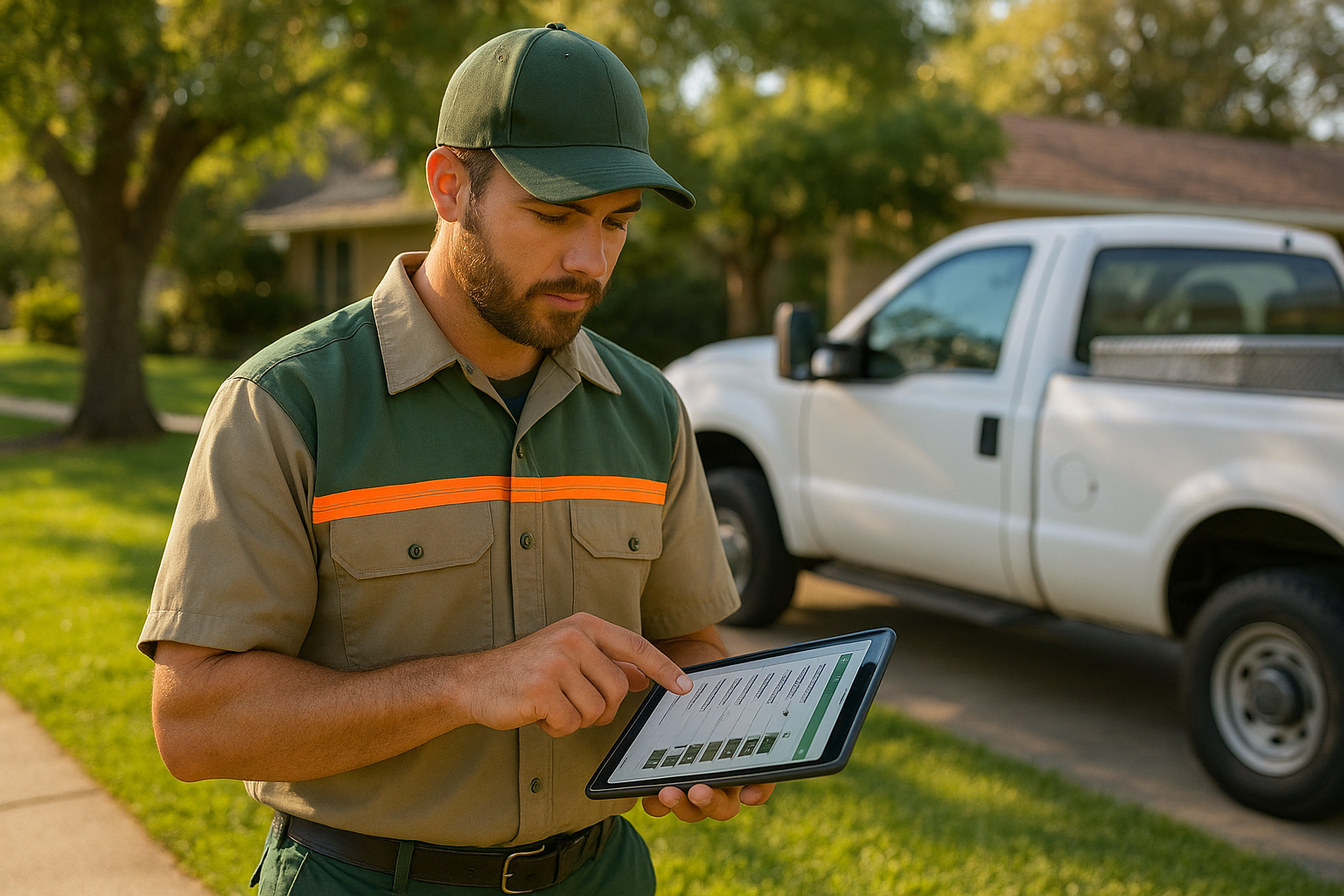
Field crews use the mobile app to log checklists, photos, and time directly from the job site.
How to Choose the Right Lawn Care Business Software
Comparing platforms gets easier with a structured process rather than relying on a sales pitch alone. Below is a five-step approach that keeps the evaluation grounded in actual day-to-day operations.
- Map your current workflow gaps. Write down every step from lead intake to final payment and mark where information gets lost or re-entered between tools.
- List must-have features. Decide which features are non-negotiable, such as CRM, digital proposals, scheduling, mobile field tickets, and job costing reports.
- Request live demos and test the mobile app. Have an actual crew member try the field app before signing any contract, since adoption depends on ease of use outdoors.
- Check integration and migration support. Confirm the software connects with your accounting system and ask exactly how existing customer data will move over.
- Compare pricing against time saved. Weigh the monthly cost against administrative hours and missed invoices the software is expected to eliminate.
Companies with specialty divisions should also confirm the software handles their particular services. For example, True Pro's irrigation and lighting tools let a diversified outdoor service company manage every division from the same system instead of patching together separate apps.
Lawn Care Software vs. Generic Field Service Platforms
Generic field service tools are built broadly for plumbers, HVAC technicians, and other trades. As a result, they often miss landscape-specific needs like dense recurring routes, seasonal service plans, and crop-cycle-driven material usage.
In contrast, software built specifically for the green industry follows how landscape and lawn care companies actually price and route work. True Pro, for instance, was built by a landscape contractor rather than adapted from a generic template, which shows up in details like route-based scheduling and job costing tied to how landscaping crews are actually paid.
Quick Answer
Lawn care business software is a connected platform that manages leads, estimates, scheduling, field work, invoicing, and job profit for lawn and landscape companies in one system, replacing spreadsheets and disconnected point tools.
What Does Lawn Care Business Software Cost?
Pricing typically scales with the number of users, crews, or properties managed. Small companies often pay somewhere between $50 and $150 per month for basic plans, while mid-size operations with scheduling, routing, and job costing features commonly land between $150 and $400 per month.
Enterprise companies with multiple locations or deep integration needs usually get custom pricing. Either way, the real cost comparison should include administrative hours saved, fewer missed invoices, and better collections, not just the subscription line item.

Owner-ready reports turn raw job data into clear profit-per-job decisions.
Frequently Asked Questions
What is lawn care business software?
Lawn care business software is a digital system that manages the full job lifecycle for lawn and landscape companies, from leads and estimates to scheduling, invoicing, and profit reporting. It replaces spreadsheets and paper tickets with one connected platform.
How does lawn care business software help with scheduling?
It gives dispatchers a drag-and-drop calendar to assign recurring and one-time jobs to crews based on location and availability. Many platforms also include GPS-enabled route optimization to cut drive time between stops.
Why do lawn care companies need dedicated software instead of spreadsheets?
Spreadsheets break down once a company has multiple crews, recurring routes, and dozens of active jobs, because updates do not sync in real time. Dedicated software keeps sales, scheduling, and accounting data in one place automatically.
How much does lawn care business software cost?
Pricing typically depends on the number of users or crews and ranges from roughly $50 to $400 or more per month for small to mid-size companies. Enterprise plans with advanced reporting and integrations usually cost more and are quoted directly.
How long does it take to implement new lawn care software?
Basic setup can take as little as one to two weeks, while a full migration with historical data and crew training often takes four to eight weeks. Timelines depend on data complexity and how many integrations are involved.
What features should I look for in lawn care business software?
Look for CRM and property history, estimating with digital signatures, drag-and-drop scheduling, a mobile field app, invoicing with online payments, and real-time job costing. These core features cover sales through profit in one workflow.
Is lawn care business software different from generic field service software?
Yes, generic field service tools are built broadly for plumbers, HVAC, and other trades and often lack landscape-specific features like recurring route density or seasonal service plans. Software built specifically for landscaping follows how green industry companies actually price and route work.
Can lawn care business software integrate with QuickBooks?
Many platforms sync invoices, payments, and the chart of accounts directly with QuickBooks to avoid duplicate data entry. This keeps the general ledger and financial reports accurate without manual exports.
What mistakes do companies make when choosing lawn care software?
A common mistake is choosing software based on price alone without testing the mobile app crews will use daily. Another is skipping a data migration plan, which causes lost customer history during the switch.
How does job costing work in lawn care business software?
Job costing tracks labor, materials, and equipment time against the estimated budget for each job in real time. This shows owners exactly which jobs, crews, or services are actually profitable rather than guessing at the end of the season.
Does lawn care business software work for specialty services like irrigation and lighting?
Platforms built for the broader green industry typically support irrigation, lighting, pest control, and hardscaping alongside standard mowing routes. This lets a diversified outdoor service company run every division from one system.
What is a best practice for onboarding a crew onto new software?
Start with one crew or route as a pilot before rolling the system out company-wide. This surfaces training gaps early and gives field staff time to get comfortable with the mobile app.
Can lawn care business software track crew time and payroll?
Yes, most platforms include time tracking tied to specific jobs, which feeds directly into payroll and job costing reports. This removes the need for separate timesheets and manual hour calculations.
How does lawn care business software improve cash flow?
Automated and batch invoicing with online payment options shortens the time between finishing a job and getting paid. Faster collections, combined with fewer billing errors, directly improve cash flow for seasonal businesses.
Final Thoughts
Choosing lawn care business software ultimately comes down to matching features to how a company actually runs jobs, not chasing every add-on a vendor offers. In short, the best platforms connect CRM, estimating, scheduling, field work, invoicing, and job costing into one system so owners always know where leads, jobs, and profit stand.
Growing companies that test the mobile app, confirm QuickBooks integration, and plan a clean data migration tend to see the smoothest transitions. For a closer look at how a landscape-built platform handles this entire workflow, visit True Pro's homepage or explore truepro.com directly to see the system in action.