Landscape job costing software helps lawn care, hardscape, irrigation, and other outdoor service companies track exactly what each job costs to deliver, compared with what it actually brings in. For many growing landscape companies, guessing at profitability eventually catches up with the business. In this guide, we will explain what landscape job costing software does, why it matters for growing outdoor service companies, and how to choose a system that fits how landscaping businesses really operate.
Quick Answer
Landscape job costing software tracks labor, material, equipment, and subcontractor costs for each job and compares them against the budget and revenue, so owners can see real-time profitability instead of waiting for tax season to find out what a job actually cost.
What Is Landscape Job Costing Software?
Landscape job costing software is a type of business management platform that tracks labor, material, equipment, and subcontractor costs for each landscaping job, then compares those costs against the job's budget and the revenue it generates. In short, it shows whether a specific mowing route, hardscape install, or irrigation project actually made money. Rather than waiting until the books close, crews and managers can see job profitability while work is still underway, which makes it possible to correct a losing job before it finishes.
Job costing itself is an accounting method that has been used across construction and manufacturing for decades, as explained on Wikipedia's overview of job costing. What landscape job costing software does is apply that same method to green industry work, connecting it directly to estimates, crew time, and invoicing so nothing has to be re-entered by hand.
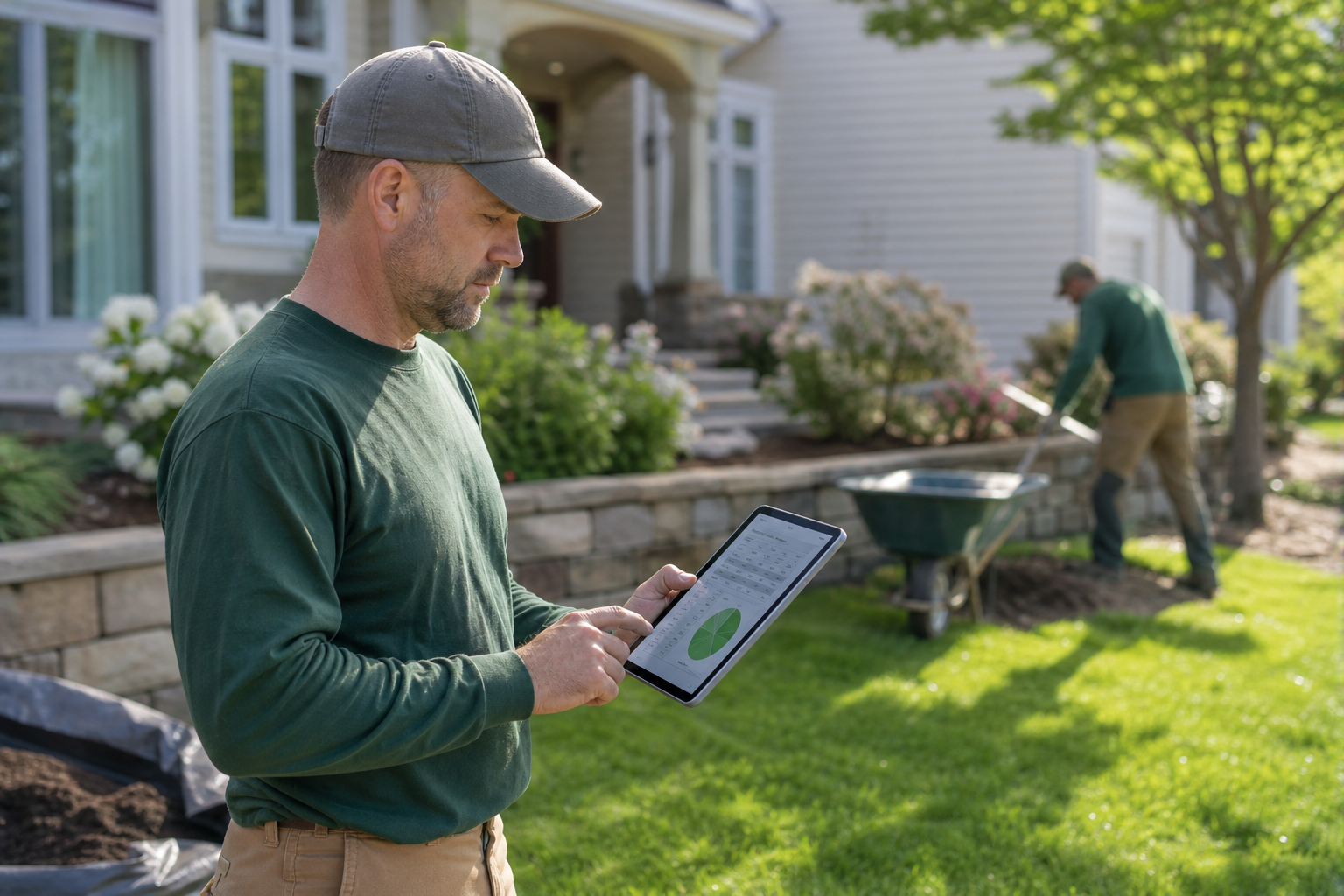
Field crews can log hours and materials in real time, feeding directly into landscape job costing software.
Why Job Cost Tracking Matters for Growing Landscaping Companies
Landscaping is a thin-margin, labor-heavy industry. According to the U.S. Bureau of Labor Statistics, hundreds of thousands of workers are employed in landscaping and groundskeeping services nationwide, and for most companies, labor is the single largest cost on any job. Specifically, when a crew runs late, materials get wasted, inefficient routing burns extra fuel, or a change order goes untracked, margins disappear fast.
As a result, owners who rely only on spreadsheets often discover a loss weeks after the job is finished, when it is too late to fix pricing or staffing. In contrast, companies using real-time job cost tracking can spot a problem mid-job, reassign labor, or flag a scope change for an invoice adjustment before the crew leaves the property.
Key Features to Look for in Landscape Job Costing Software
Not every system labeled "job costing" is built for landscaping. Therefore, it helps to compare features against how outdoor service work actually flows, from estimate to final invoice.
- Real-time profit and loss by job — see revenue versus cost while the job is still open, not after it closes.
- Budget versus actual reporting — compare the estimated cost to what crews actually spent in labor and materials.
- Field time tracking — crew hours logged from a mobile device flow directly into job costs and payroll.
- Material and inventory tracking — purchases and usage tied back to the specific job that consumed them.
- Estimating integration — proposal templates built from historical job cost data instead of guesswork.
- Owner-ready dashboards — sales, operations, collections, and job profitability summarized in one view.
Platforms built specifically for the green industry, such as the job costing tools inside True Pro, connect these features directly to estimating and scheduling, rather than bolting job costing on as an afterthought.
How to Set Up Job Cost Tracking for Your Landscape Business
Setting up job cost tracking does not have to be complicated. In particular, most landscape companies can follow the same basic sequence:
- Build standard cost codes for labor, materials, equipment, and subcontractors so every job is tracked the same way across all crews.
- Attach a cost budget to every estimate and proposal before work begins, giving each job a clear target to measure against.
- Capture actual costs from the field using a mobile app so hours, materials, and equipment time are logged as the work happens.
- Compare budget versus actual costs on a regular schedule, ideally weekly, so overruns are caught while there is still time to react.
- Feed completed job results back into future estimates and proposal templates so pricing reflects real costs instead of assumptions.

Back-office staff can review budget versus actual data pulled straight from the field.
Landscaping Job Cost Software vs. Spreadsheets
Many landscape companies start with spreadsheets, and that is understandable early on. However, spreadsheets break down as crew count and job volume grow, mainly because they depend on someone remembering to enter data correctly after the fact.
| Factor | Spreadsheets | Job Costing Software |
|---|---|---|
| Data timing | Entered after the job, often days later | Captured from the field in real time |
| Error rate | Higher, due to manual entry | Lower, with automated capture |
| QuickBooks sync | Manual export and import | Direct integration available |
| Scalability | Breaks down past a few crews | Built for growing crew counts |
Choosing the Right Job Costing Software for Your Landscape Team
Above all, the right system should match how a landscape business actually earns money, rather than forcing a generic field service tool to fit. True Pro was built this way from the start by a former landscape contractor, which is why its estimating, scheduling, invoicing, and job costing and profitability reporting all live in one connected system.
For example, a company running both hardscape and masonry crews and irrigation and lighting teams can track cost patterns separately for each service line, since material and labor ratios differ significantly between trades. Similarly, QuickBooks integration keeps field job costs and office accounting aligned without double data entry, which the U.S. Small Business Administration notes is one of the most common financial management gaps in growing small businesses.
Consequently, before choosing a platform, it helps to visit the True Pro homepage or the main truepro.com site to review onboarding, training, and data migration support, since switching systems works best with guided setup rather than a blank account.
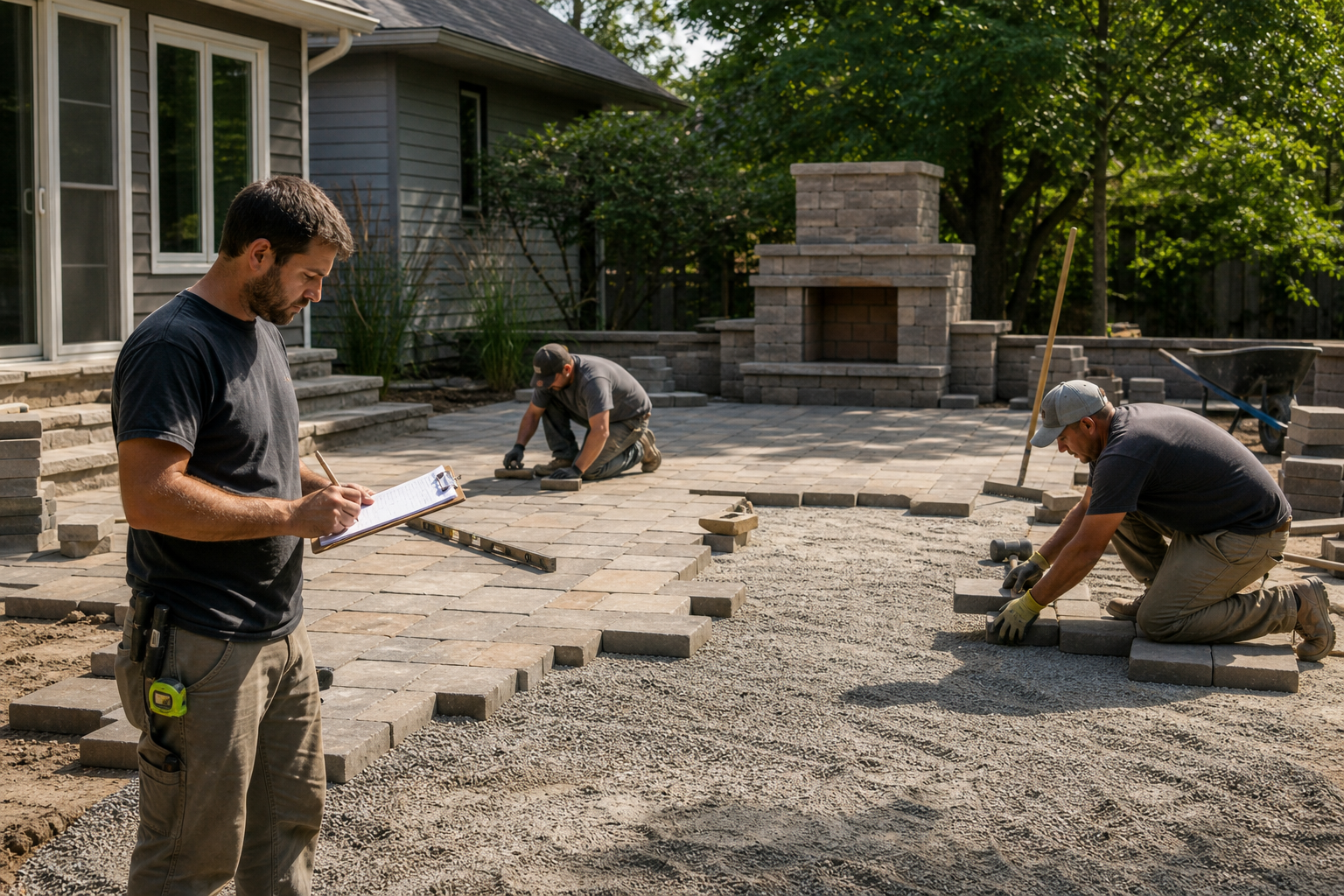
Material tracking on hardscape jobs feeds directly into job cost reports.
Frequently Asked Questions About Landscape Job Costing Software
What is landscape job costing software?
Landscape job costing software is a business management tool that tracks the labor, materials, equipment, and subcontractor costs for each landscaping job and compares them to the budget and revenue. This lets owners and managers see real job profitability instead of relying on guesswork.
How is job costing different from standard bookkeeping?
Standard bookkeeping tracks overall company income and expenses, while job costing breaks those numbers down by individual job or property. As a result, job costing shows which specific crews, services, or clients are profitable rather than only showing a company-wide total.
Why do landscaping companies need job costing software?
Landscaping companies operate on thin margins with heavy labor and material costs, so small overruns can quickly erase profit. Job costing software flags cost overruns early, often while a job is still in progress, so managers can correct course before it is too late.
How much does landscape job costing software typically cost?
Pricing varies by vendor, company size, and the number of users, with most platforms charging a monthly subscription per user or per crew. Many providers, including True Pro, offer tiered plans so growing companies can scale their investment as their team grows.
How long does it take to implement job costing software?
Most landscape companies can get a job costing system running within a few weeks, including setting up cost codes, importing customer data, and training crews. However, full adoption across estimating, scheduling, and invoicing can take one to two full billing cycles.
Can landscape job costing software integrate with QuickBooks?
Yes, many landscape job costing platforms, including True Pro, sync with QuickBooks to share chart of accounts, invoices, and financial reports. This integration keeps field job costs and office accounting consistent without double entry.
What costs should be tracked on a landscaping job?
A complete job costing system should track labor hours, materials and inventory used, equipment time, subcontractor invoices, and any permits or disposal fees. Together, these categories make up the true cost of delivering a job.
What are common mistakes companies make with job costing?
The most common mistake is estimating a job once and never comparing it to actual results, which means pricing errors repeat on every future bid. Another frequent issue is tracking labor hours but ignoring material waste or equipment costs.
How does job costing improve estimating and proposals?
Accurate job cost history gives estimators real numbers instead of rough guesses, so new proposals reflect what jobs actually cost to deliver. Over time, this reduces underbidding and helps companies win work at sustainable margins.
Does job costing work for hardscaping, irrigation, and lighting crews?
Yes, job costing applies to any crew type, including hardscape installation, irrigation and lighting, pest control, and pool or spa maintenance. Each trade has different material and labor patterns, so tracking costs by job type helps managers price each service line correctly.
What reports should landscape job costing software provide?
Look for real-time profit and loss by job, budget versus actual comparisons, labor cost reports, and owner-level dashboards covering sales, operations, and collections. These reports turn raw job data into decisions managers can act on quickly.
Is job costing software only useful for large landscaping companies?
No, job costing is often most valuable for growing companies that have outgrown spreadsheets but are not yet a large enterprise. Catching cost problems early at this stage can prevent much larger losses as the company scales.
How does job costing help with crew scheduling and payroll?
When time tracking is tied to job costing, crew hours flow directly into both payroll and job profitability reports. This reduces manual data entry and gives managers an accurate picture of labor cost per job in real time.
The Bottom Line on Landscape Job Costing Software
In the end, landscape job costing software gives growing outdoor service companies a clear, real-time view of which jobs actually make money, rather than an answer that only arrives weeks later. Therefore, companies that connect estimating, field time tracking, and invoicing into one system tend to catch cost problems earlier and price future work more accurately. Whether a business runs mowing routes, hardscape crews, or irrigation and lighting installs, the same core principle applies: track the cost of every job as it happens, compare it to the budget, and use that data to make the next bid better. For teams ready to move past spreadsheets, exploring a purpose-built platform like True Pro is a practical next step toward tighter margins and clearer profit reporting.