
General ledger software for landscape companies is the accounting backbone that records every sale, cost, payment and payroll entry in one place, then ties it to the jobs that produced it. Without it, owners guess at profit. With it, they see which crews, services and properties actually make money.
Quick answer
Look for a ledger that links estimates, work tickets, time and materials to your chart of accounts automatically. It should also sync with QuickBooks and show job-level profit in real time.
What Is General Ledger Software for Landscape Companies?
A general ledger is the master record of a company's financial accounts. In a landscape business, that record must reflect how money really moves: seasonal revenue, recurring maintenance contracts, material purchases and crew labor.
Landscape-specific software goes further than a basic bookkeeping tool. It connects field activity to the books, so a completed work ticket can post labor and material costs without anyone retyping them.

An owner reviews job profitability inside general ledger software for landscape companies.
Why Landscape Businesses Need a Dedicated Ledger
Landscaping does not behave like a simple retail business. Revenue arrives in bursts. Costs vary by property. Meanwhile, one company may run maintenance, installation and irrigation work at the same time.
As a result, a single "sales" account hides the truth. A dedicated ledger separates service lines, so you can tell whether installs are subsidizing a weak maintenance route. For more on how accounting fits into the bigger picture, see what landscaping software includes for job costing and accounting.
Key Features to Look For
A Flexible Chart of Accounts
A chart of accounts is the list of categories that sorts every transaction. Yours should separate revenue by service line and split costs into labor, materials, equipment and overhead.
Job Costing Built In
Job costing compares what a job was estimated to cost with what it actually cost. When the ledger feeds this report, you see budget versus actual while the work is still underway.
Invoicing, Payments and QuickBooks Sync
Billing should flow into the books automatically. Online payments should post as cash received. In addition, a QuickBooks connection helps if your accountant already works in that system.
| Feature | Why it matters |
|---|---|
| Chart of accounts | Separates revenue and costs by service line |
| Job costing | Shows profit per job, not just per month |
| Time and payroll data | Posts labor cost without double entry |
| Inventory and purchasing | Tracks material usage against jobs |
| QuickBooks integration | Keeps your accountant's workflow intact |
How to Set Up Your Landscape Accounting Ledger
Follow these steps to build a ledger that reflects your real operations.
- Map your service lines. List maintenance, installation, enhancements and any other lines you sell.
- Build the chart of accounts. Create revenue, labor, materials, equipment and overhead accounts.
- Connect jobs to accounts. Link estimates, work tickets and time entries so costs post automatically.
- Automate invoicing and payments. Let billed revenue and collected cash flow into the ledger.
- Review reports monthly. Check profit and loss, budget versus actual, and fix coding errors before closing.
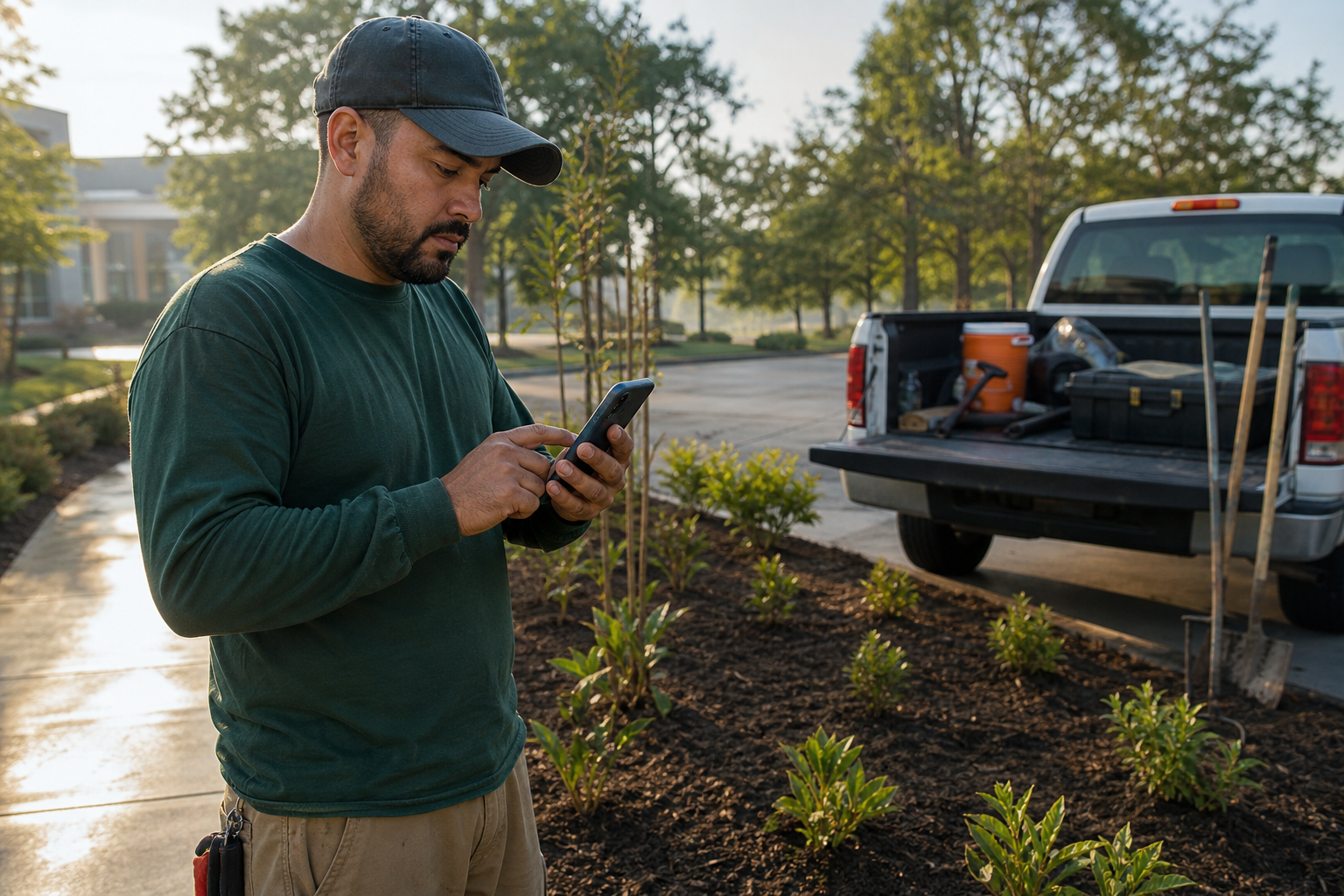
Field data entered on site becomes cost data in the ledger.
Common Landscape Accounting Mistakes
Several errors show up again and again. First, owners lump all revenue into one account. Second, they skip job-level coding, so profit stays invisible. Third, they reconcile late, which lets small mistakes pile up.
Fixing these early is far cheaper than cleaning them up at tax time. The IRS small business resources explain recordkeeping basics worth reviewing with your accountant.
Where True Pro Fits
True Pro is business management software for landscape and outdoor service companies. It was built by a landscape contractor and runs the job from lead to profit report. Its accounting workflows include a chart of accounts, a general ledger and financial reports, plus a QuickBooks integration.
Because the ledger sits beside estimating, scheduling, field tickets, invoicing and job costing, data does not need to be re-entered. Teams that handle lighting and water work can see how this applies in practice on the irrigation and lighting software page. Meanwhile, leads and property records live in the landscape CRM. For a broader comparison, read the landscape business management software guide.
Frequently Asked Questions
What is general ledger software for landscape companies?
General ledger software for landscape companies records every financial transaction in one system and organizes it by account. It also ties costs and revenue to jobs, crews and service lines.
What is a general ledger?
A general ledger is the master record of a company's accounts. Every sale, expense, payment and payroll entry posts to it.
Why can't a landscaper just use a spreadsheet?
Spreadsheets break down as job counts grow. They make errors easy, lack audit trails and cannot post job costs automatically.
What is a chart of accounts?
A chart of accounts is the list of categories used to sort transactions, such as revenue, materials and fuel. A good one mirrors your service lines.
How does a general ledger connect to job costing?
Labor, materials and equipment costs tagged to a job post to ledger accounts. This lets you compare actual costs with the estimate.
Does landscape software work with QuickBooks?
Some platforms do. True Pro lists a QuickBooks integration and also supports accounting workflows such as a chart of accounts and general ledger.
How long does setup take?
Setup time depends on your data and number of service lines. Plan on a few hours for the chart of accounts, plus time for data migration and training.
What reports should I expect?
Expect profit and loss, balance sheet, budget versus actual and job profitability reports. Collections and aging reports are also useful.
What are common general ledger mistakes in landscaping?
Common mistakes include lumping all revenue into one account and skipping job-level cost coding. Late reconciliation is another frequent problem.
How is it different from generic accounting software?
Generic tools record transactions but do not know about estimates, crews or routes. Landscape-specific software links operations data to the ledger automatically.
Do I still need an accountant?
Yes, most owners still benefit from an accountant for taxes, year-end close and advice. Good software simply gives them cleaner data.
How often should I review my ledger?
Review key reports monthly at a minimum. Many owners also check cash and collections weekly.
Conclusion
The right general ledger software for landscape companies does more than store numbers. It connects estimates, crew work, invoices and payments to a clean set of accounts, so profit is visible by job and service line. Start with a chart of accounts that matches how you earn money, automate the data flow, and review reports every month. That discipline turns the books into a tool for better decisions.