Crew dispatch software with drag and drop is a scheduling tool that lets you assign jobs to crews by moving them on a visual board. For landscape companies, that means a rained-out Tuesday can be fixed in minutes, not an hour of phone calls. This guide explains how it works, what to look for, and how to set it up.
Quick answer: Drag and drop dispatch shows crews, days, and jobs on one board. You move a job to a new crew or date, and the change reaches the field app. It works best when connected to routing, work tickets, and invoicing.
What Is Crew Dispatch Software With Drag and Drop?
Crew dispatch software with drag and drop is a visual scheduling board. Crews appear as lanes, days as columns, and jobs as cards you can move with a mouse or finger. The software then updates the schedule and notifies the people affected.
Dispatch differs from general scheduling. Scheduling decides what work happens and when. Dispatch puts the right crew on the right job and adapts as the day changes. For a deeper look at the category, see this overview of crew dispatch software for landscaping crews.
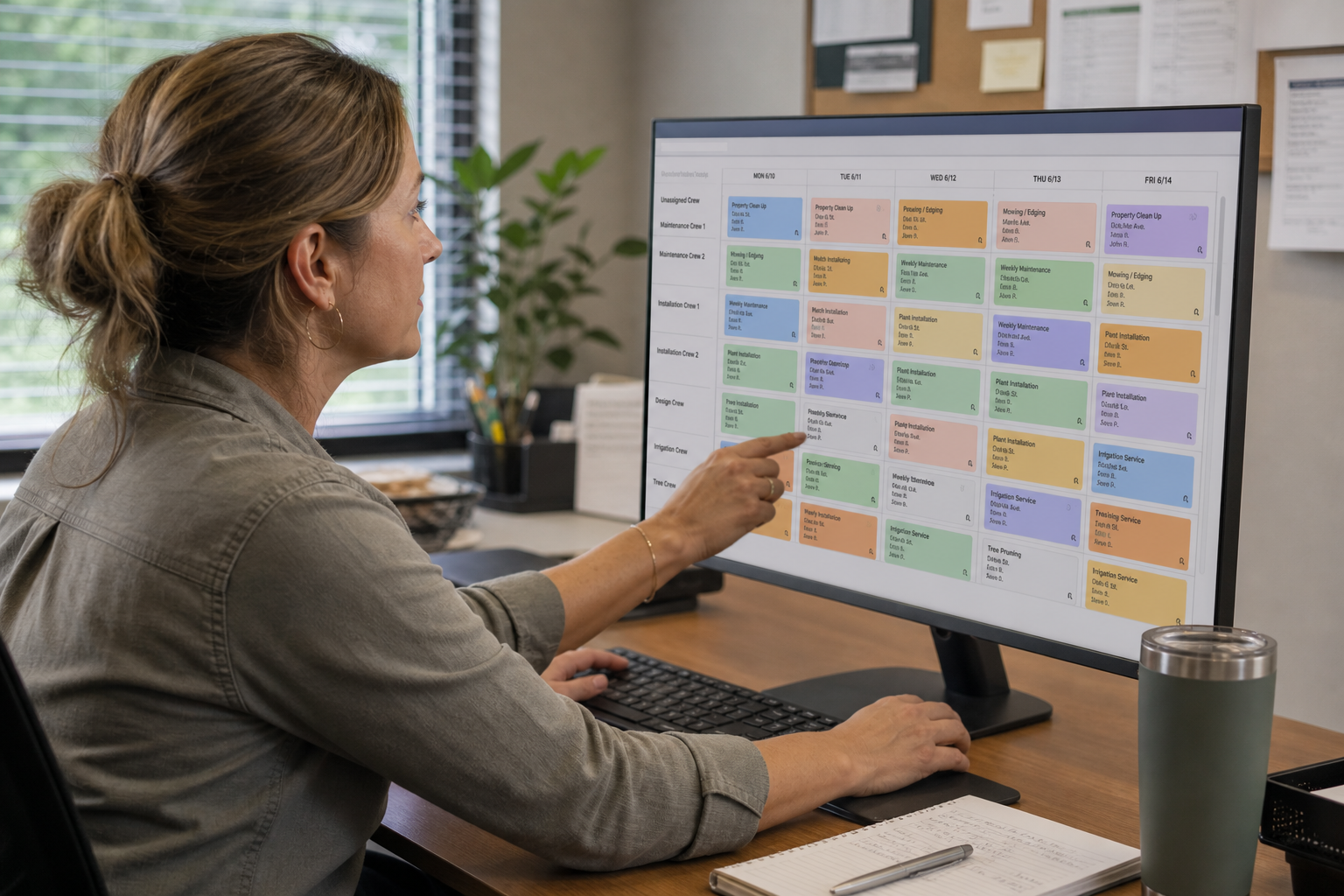
An office manager rearranges crew assignments on a visual dispatch board.
Why Drag and Drop Scheduling Helps Landscape Teams
Outdoor work changes constantly. Weather, equipment trouble, and sick days all disrupt the plan. As a result, the speed of rescheduling matters more than the original schedule.
A visual board also shows overload at a glance. Therefore, you can spot a crew with ten stops while another has four. Moving one card fixes it.
- Fewer missed changes, because the board is the single source of truth.
- Faster weather response, since whole days can be shifted together.
- Less phone tag between the office and the field.
- Clearer capacity planning for new work.
Key Features to Look For
Recurring Work Support
Maintenance routes repeat weekly or biweekly. Look for recurring schedules that let you move one visit without breaking the series.
Route Optimization and GPS Maps
Route optimization suggests an efficient stop order. GPS-enabled maps show where jobs sit, so you can drag the closest crew to an urgent request. However, a dispatcher should still make the final call.
A Connected Field App
Crews need work tickets, checklists, photos, and time tracking on their phones. In addition, issues reported in the field should flow back to the office. Related reading: how to automate scheduling for outdoor service teams.
Links to Billing and Job Costing
Dispatch is more valuable when completed tickets and tracked hours feed invoicing and profit reports. Otherwise, someone retypes the same data. Features like time tracking and payroll support close that loop.
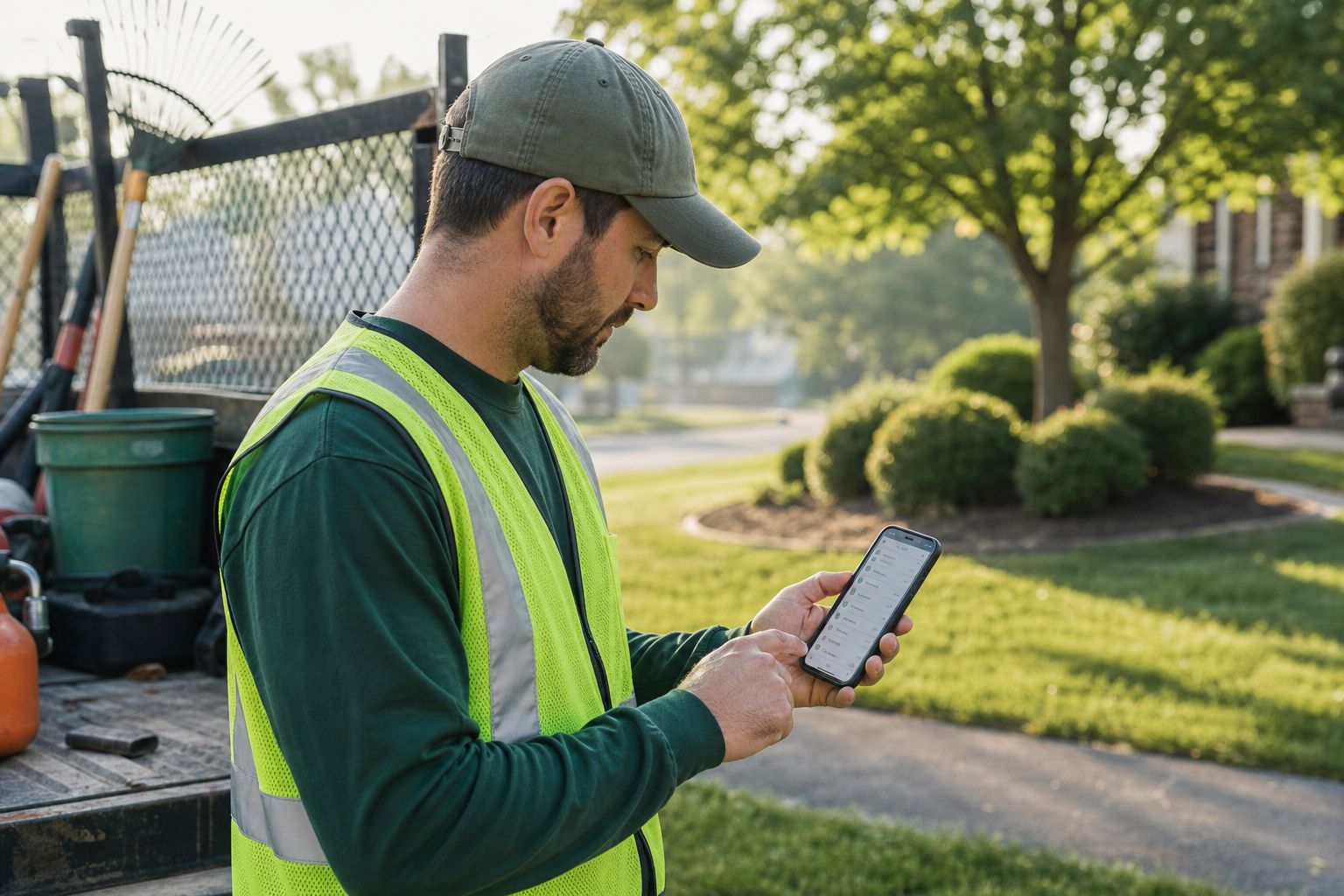
Crews receive schedule changes on their phones as soon as the office moves a job.
How to Set Up Drag and Drop Dispatch in 5 Steps
- List crews and equipment. Add each crew, its members, and its trucks so the board reflects real capacity.
- Import properties and jobs. Bring in addresses, service types, and recurring work.
- Build the weekly board. Drag unscheduled jobs into crew lanes and check drive time on the map.
- Publish to crew phones. Send tickets, checklists, and notes to the field app.
- Adjust and review daily. Move jobs when conditions change, then review completed tickets and time.
Common Mistakes to Avoid
First, teams skip crew training and expect the app to explain itself. Second, they import messy customer data, which creates duplicate properties. Finally, they forget to build job templates, so every visit is entered from scratch.
Quality checks matter too. Pairing dispatch with digital site audits and quality control helps confirm that rescheduled work still meets your standard.
Where True Pro Fits
True Pro is business management software built for landscape and outdoor service companies. Its scheduling and dispatch includes drag-and-drop crew dispatch, recurring work, route optimization, and GPS-enabled maps. The same platform handles estimates, work tickets, invoicing, payments, job costing, and a QuickBooks integration. Onboarding, training, and data migration help are available. Clear communication with customers also helps, as covered in this guide to landscape CRM communication.
For background on the concept, the general dispatch overview on Wikipedia explains the term, and the National Association of Landscape Professionals offers industry resources.
Frequently Asked Questions
What is crew dispatch software with drag and drop?
It is a scheduling tool where you move jobs onto crews and days by dragging them on a visual board. The system updates the schedule, and crews see the change on their devices.
Why does drag and drop matter for landscape companies?
Rain, breakdowns, and call-outs force constant changes. Dragging a job to a new slot is faster than editing forms, so fewer changes get missed.
How is dispatch different from scheduling?
Scheduling decides what work happens and when. Dispatch assigns that work to specific crews and sends them out, often adjusting during the day.
Can drag and drop handle recurring maintenance routes?
Good tools support recurring work, so a weekly mowing visit repeats automatically. You can still drag a single visit to another day without breaking the series.
Does route optimization replace manual dispatching?
No. Route optimization suggests efficient stop orders, while a dispatcher still makes judgment calls about skills, equipment, and customer priorities.
What should a crew see on their phones?
Crews should see work tickets, addresses, checklists, notes, and photos. They should also be able to log time and report issues from the same app.
How long does it take to set up dispatch software?
It depends on how much data you bring over and how many crews you run. Guided onboarding and data migration can shorten the process.
What are common mistakes when adopting dispatch software?
Common mistakes include skipping crew training, importing messy customer data, and not defining job templates first. Each one slows adoption.
How does dispatch connect to invoicing and job costing?
When dispatch lives in the same system as invoicing, completed work tickets and tracked time feed billing and profit reports. That removes double entry.
Is drag and drop dispatch useful for small crews?
Yes, especially once you run two or more crews. A visual board prevents double booking and keeps changes visible to everyone.
Can GPS be part of crew dispatch software with drag and drop?
Yes. GPS-enabled maps show where crews and jobs are, so dispatchers can drag the nearest crew to an urgent request.
What should I compare when choosing a tool?
Compare ease of rescheduling, recurring work support, mobile app quality, route tools, and links to invoicing and accounting. Industry fit matters too.
Conclusion
Crew dispatch software with drag and drop turns schedule changes from a daily scramble into a quick adjustment. Look for recurring work, route and GPS tools, a solid field app, and a connection to billing and job costing. Set up crews and jobs carefully, train your team, and review the board every day. With those pieces in place, your crews spend less time waiting for instructions and more time on the work.