
Landscape invoicing software is the billing engine that growing lawn care, hardscaping and outdoor service companies use to turn finished work into paid invoices without drowning in spreadsheets. Instead of office staff retyping crew hours and materials into a separate billing tool, the right system pulls that information straight from the job and pushes out an accurate invoice. As a result, owners get paid faster and spend fewer hours chasing numbers at month-end.
This guide walks through what landscape invoicing software actually does, which features matter most, and how it fits into the rest of a landscape company's operations. Along the way, we will look at how a platform like True Pro connects billing to job costing and customer records inside a single system.
Quick answer
Landscape invoicing software automates billing for outdoor service companies by converting completed work orders, time entries and materials into client-ready invoices, often with built-in online payment collection and job profitability tracking.
What Is Landscape Invoicing Software?
Landscape invoicing software is a specialized type of billing tool designed around how landscape, lawn care, irrigation and hardscaping companies actually price and complete work. In contrast to general-purpose invoicing apps, it understands recurring maintenance routes, crew time, equipment use and material costs tied to a specific property.
Specifically, this means an invoice is not built from scratch. Instead, it is assembled from data already captured in the field, such as a completed work ticket or a signed estimate. Because of that connection, billing errors drop and the time between job completion and payment shrinks considerably.
Why Landscape Companies Outgrow Generic Billing Tools
Many landscape and outdoor service companies start out invoicing through basic accounting software or spreadsheets. However, as crew counts and property lists grow, that approach breaks down fast. Office staff end up manually re-entering hours, chasing down which materials were used, and guessing at pricing for one-off jobs.
According to the U.S. Small Business Administration, cash flow problems, often tied to slow or inconsistent invoicing, remain one of the most commonly cited challenges among small business owners. For a landscape company running dozens of recurring routes, a delay of even a few days per invoice cycle adds up to a real cash flow gap.
Furthermore, generic billing software rarely connects to scheduling or customer and property records, which means site history, contact notes and job photos live somewhere else entirely. That disconnect makes disputes harder to resolve and slows down every invoice that needs a second look.

Reviewing landscape invoicing software from the office helps catch billing errors before they reach a client.
Key Features to Look for in Landscape Invoicing Software
Not every billing platform marketed to service businesses is actually built for landscaping. Therefore, it helps to compare core features side by side before committing to a system.
| Feature | Why It Matters |
|---|---|
| Automated and batch invoicing | Generates invoices for recurring maintenance routes without manual entry for each property |
| Online payments | Lets clients pay directly from the invoice, shortening collection time |
| Job costing link | Ties each invoice back to labor, material and equipment cost for true profitability |
| Mobile field app | Captures crew time and photos that feed directly into the invoice |
| Accounting integration | Keeps financial records accurate without duplicate data entry |
How Lawn Care Billing Software Connects to Job Costing and CRM
A standalone invoice only shows what a client owes. On the other hand, lawn care billing software that is linked to job costing shows whether that job was actually profitable once labor, fuel, materials and equipment time are accounted for.
For example, True Pro's job costing module compares budgeted hours and materials against what crews actually logged in the field, then rolls that into a real-time profit and loss view per job. Similarly, because customer and property records live in the same system, billing disputes can be resolved by pulling up site photos or communication history instead of searching through email threads.
This matters even more for specialty work. Companies offering irrigation and lighting services or hardscaping and masonry projects often bill a mix of one-time installs and recurring maintenance. A connected system keeps both billing types organized under the same property record instead of forcing office staff to track them separately.
How to Set Up Landscape Invoicing Software: Step-by-Step
Switching billing systems can feel disruptive, but a clear rollout plan keeps the transition manageable. Below is the general sequence most landscape companies follow.
- Map your current billing process. Document how invoices are created today, including who approves pricing and how long collection takes.
- Clean and migrate customer and property data. Remove duplicate contacts and organize service items before importing records.
- Build reusable estimate and invoice templates. Standardize branded templates for common services such as mowing or irrigation startups.
- Connect scheduling, time tracking and payments. Link crew schedules to billing so completed tickets populate invoice line items automatically.
- Train crews and office staff, then monitor reports. Review profitability and collections reports weekly during the first month.

Field data captured on a tablet flows directly into the office billing queue.
Landscape Invoicing Software vs. Generic Accounting Tools
General accounting platforms, including well-known tools like QuickBooks, are excellent for the general ledger and financial statements. However, they were not built to track crew routes, equipment usage, or property-specific service history.
As a result, many landscape companies run both systems together rather than replacing one with the other. Landscape invoicing software handles the field-to-billing workflow, while the accounting platform manages the chart of accounts and tax reporting. True Pro's QuickBooks integration, for instance, syncs invoices and payments automatically, so neither system becomes a bottleneck.
For a deeper look at how an invoice is structured and what it legally represents, the Wikipedia overview of invoicing offers useful background for anyone standardizing their billing documents.
Choosing the Right Landscape Billing Software for Your Company
Above all, the right choice depends on company size, service mix and how much manual work your office team is already doing. A small lawn care operation with a handful of recurring routes may only need batch invoicing and online payments. In contrast, a multi-division company offering mowing, irrigation and hardscaping likely needs job costing, CRM and a mobile app working together.
True Pro was built by a landscape contractor specifically for landscape and outdoor service companies that have outgrown spreadsheets or a generic field service tool. Consequently, its billing module follows how landscape businesses actually price work, rather than forcing a one-size-fits-all format onto the industry.
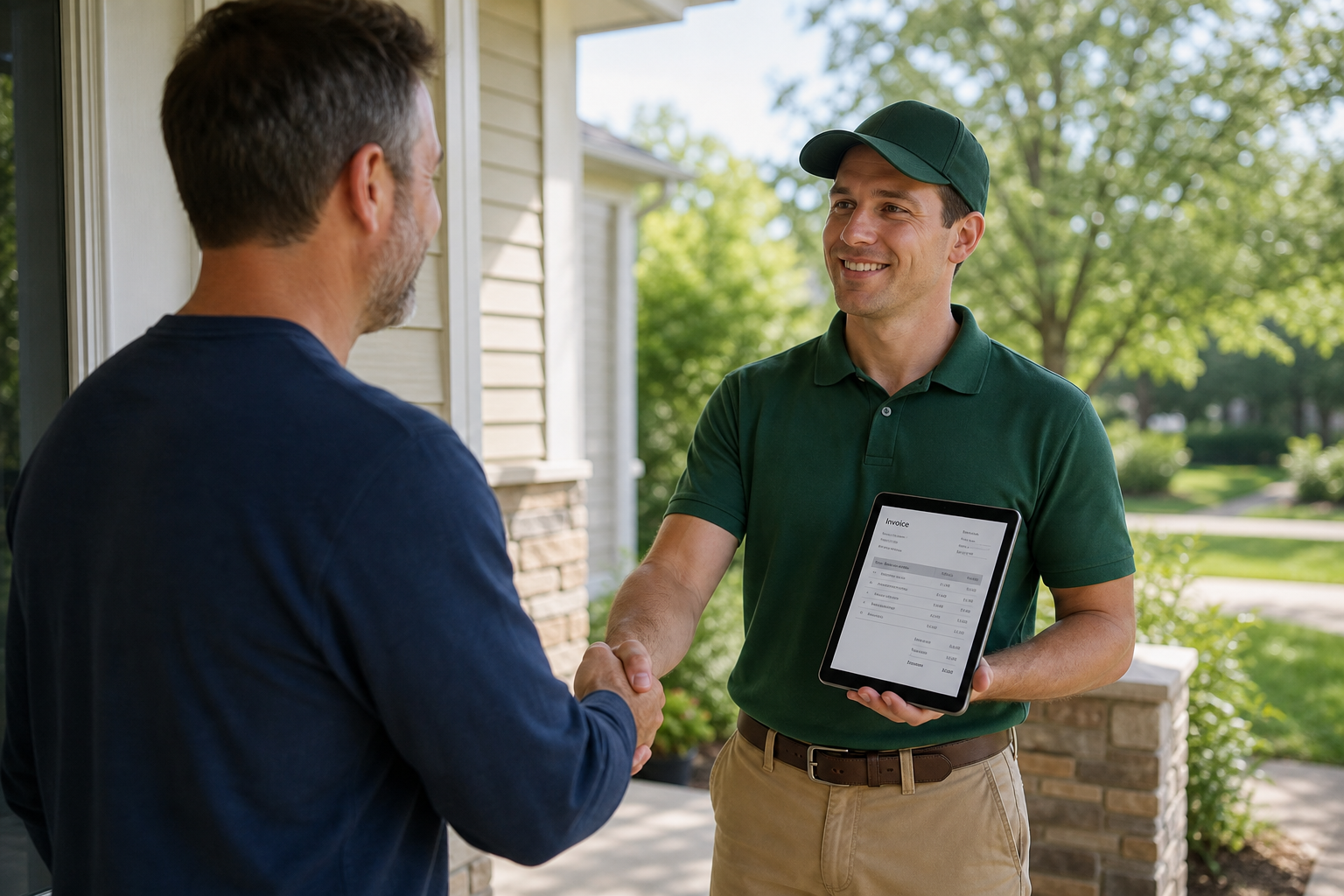
Clear, accurate billing builds client trust and speeds up on-site payment.
Frequently Asked Questions About Landscape Invoicing Software
What is landscape invoicing software?
Landscape invoicing software is a billing tool built for lawn care, hardscaping, irrigation and other outdoor service companies that turns completed work into invoices automatically. It typically links to scheduling, job costing and payment processing so crews, office staff and clients all see the same job data.
How does landscape invoicing software differ from generic accounting software?
Generic accounting software handles bookkeeping but rarely understands recurring routes, crew time, or materials used on a property. Landscape invoicing software connects field work directly to the invoice, so pricing reflects actual labor, equipment and material costs.
Can landscape invoicing software handle recurring maintenance billing?
Yes, most landscape invoicing platforms support recurring and batch invoicing for maintenance contracts. This lets office staff generate invoices for dozens or hundreds of properties on a set schedule instead of building each one by hand.
Does landscape invoicing software support online payments?
Leading landscape invoicing software includes built-in online payment processing so clients can pay by card or bank transfer from the invoice itself. This typically shortens the time between job completion and cash in the bank.
How much does landscape invoicing software cost?
Pricing varies by company size and feature set, with most platforms charging a monthly subscription per user or per seat. Many vendors offer tiered plans, so it is worth requesting a demo to see which tier matches your crew count and billing volume.
How long does it take to set up landscape invoicing software?
A basic setup with customer records, service items and templates can often be running within one to two weeks. Full implementation, including data migration and crew training, commonly takes four to eight weeks for mid-size companies.
What common mistakes do landscape companies make when switching invoicing software?
A frequent mistake is migrating customer data without cleaning up duplicate or outdated property records first. Another is skipping crew training on the mobile app, which leads to missed time entries and inaccurate invoices.
Does landscape invoicing software integrate with QuickBooks?
Many landscape invoicing platforms, including True Pro, sync invoices, payments and the chart of accounts with QuickBooks. This keeps the office team working in one system while financial statements stay accurate for accountants.
Can landscape invoicing software track job profitability, not just billing?
Yes, platforms built for landscaping typically pair invoicing with job costing, comparing budgeted labor and materials against actual costs per job. This gives owners a real-time profit and loss view instead of waiting for month-end reports.
Is landscape invoicing software suitable for small lawn care businesses?
Small lawn care businesses can benefit from landscape invoicing software once manual invoicing starts eating into office hours or causing billing errors. Many vendors offer scaled plans so a small crew is not paying for enterprise-level features it does not need.
What features should I prioritize in landscape invoicing software?
Prioritize automated and batch invoicing, built-in online payments, job costing, CRM-linked customer records and mobile access for crews. These core features cover billing accuracy, cash flow and field-to-office communication.
How does landscape invoicing software improve cash flow?
It improves cash flow by shortening the gap between job completion and payment through automated invoice delivery and online payment links. Faster, more accurate invoicing also reduces disputed charges that delay payment.
Final Takeaways
In summary, landscape invoicing software works best when it is not treated as a standalone billing app but as part of a connected system covering CRM, scheduling, field work and job costing. That connection is what turns a finished mowing route, irrigation install or hardscape project into an accurate invoice without extra data entry.
Ultimately, the goal of landscape invoicing software is simple: get bills out faster, get paid sooner, and know whether each job actually made money. Companies ready to see this approach in practice can explore how True Pro handles billing, job costing and the rest of the operating workflow in one place.